Share and view diagrams for free
You can share diagrams easily, open and edit them, no matter whether those diagrams are in various file formats, by using draw.io's free, online diagram viewer at app.diagrams.net.
Individual desktop (or cloud) licenses for some of the more common diagramming tools can be quite expensive, and companies tend not to want to afford licenses for all of their employees. Diagrams are useful everywhere, in all departments, which is why we aim to make diagramming available to everyone. Because draw.io can import diagrams in different formats, you can use it as an online diagram viewer and share your diagrams without worrying if the recipient has the diagramming software installed.
Supported diagram formats
draw.io supports many different formats.
- .drawio and the draw.io .xml format
- .vsdx
- .vdx
- .gliffy
- .lucid
Diagram data is not saved by draw.io
Your diagram data is secure. When you share draw.io diagrams or use our free diagram editor, your diagram data is not stored on our servers. As soon as the conversion from a VSDX, Gliffy or Lucidchart file has completed and it has been delivered to the browser, all diagram data is immediately deleted - your diagram data is never saved or stored on our servers.
See how draw.io protects your diagram data
Create a shareable link to a diagram
To create a shareable link to your diagram file, follow the steps below.
- Make sure your diagram is available on the internet, and copy its address (URL). If your diagram is stored in Google Drive, copy its shareable link.
- Go to: https://jgraph.github.io/drawio-tools/tools/viewer.html
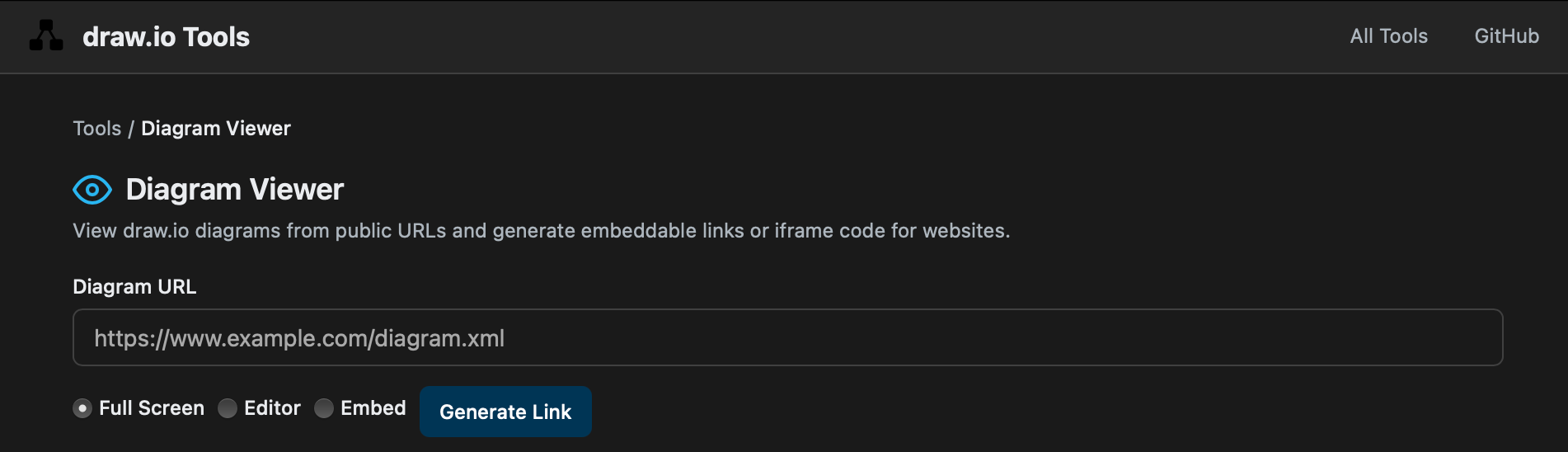
- Paste the URL of the diagram file in the Diagram URL text field.
- Choose how you'd like the diagram to appear:
- Full Screen (default) generates a link that when clicked on, opens the diagram in the lightbox. From here, you can print the diagram, export it as a PNG image, or create a copy to edit in the diagram editor.
- Editor generates a link that when clicked on, immediately converts the diagram at that address and opens it in the draw.io diagram editor.
- Embed generates HTML code for an iFrame that you can paste into your website. Set a Height for the iFrame - the default is 400px.
- Click Generate Link. Copy the link and share it, or copy the iFrame code and add it to a web page.
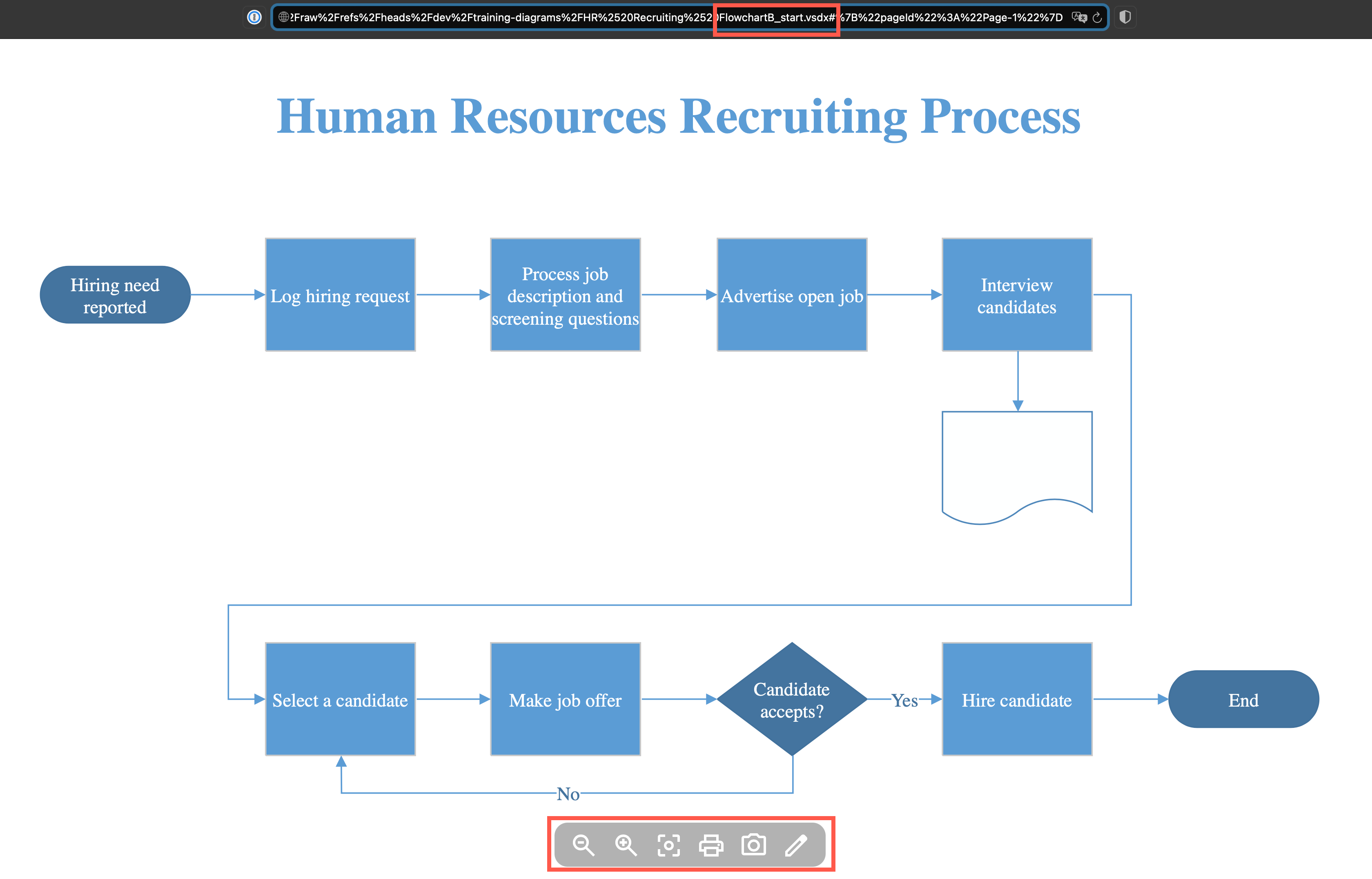
For example, to open a .vsdx file for free using the online diagram viewer in full screen mode, we saved it to our drawio-diagrams repository and generated a link using the tool above. Click on the pencil in the viewer toolbar to open the diagram in the draw.io editor.
Related
Publish your draw.io diagram in a URL: You can import and convert diagrams of the formats above, then publish the converted diagram as a link, where the diagram data is encoded directly in that link.