Ctrl+Shift+arrow key to increase/decrease shape size
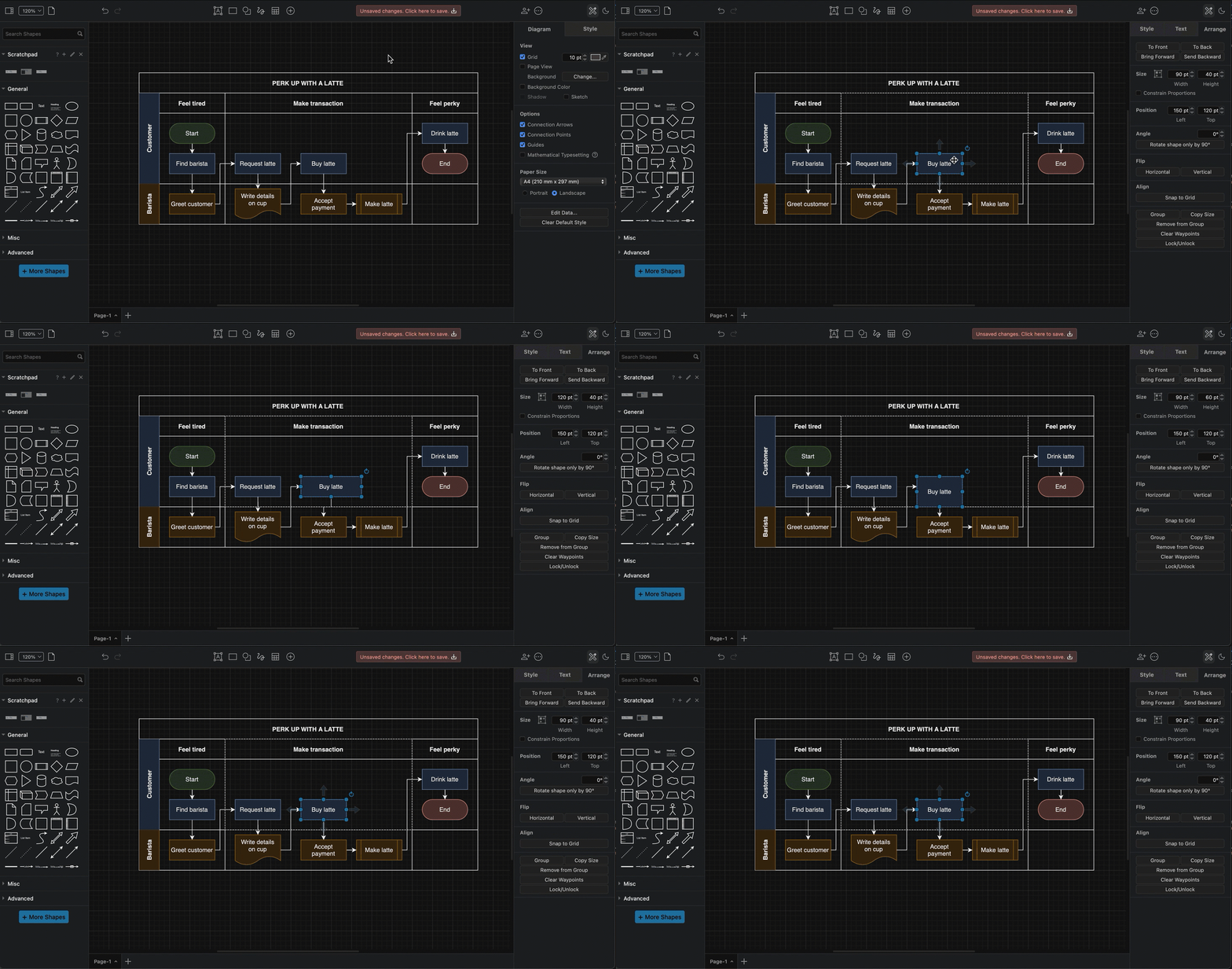
Select a shape, and press Ctrl+Shift+arrow key to increase or decrease the right or lower edge of the shape. This increases or decreases the Height or Width of the shape (in the Arrange tab of the format panel).
Related
- Resize shapes and maintain their proportions, resize shapes but keep the center of the group, and resize only the group's outer boundary with modifier shortcuts using keyboard + mouse.
- Learn more about resizing shapes using the Arrange tab in the format panel.
- Disable resize children to resize grouped shapes individually