Ctrl+Shift +/- (NumPad) to increase/decrease text size
Select a shape or connector or label, and press Ctrl+Shift +/- (NumPad) to increase or decrease the text size.
This only works with the + and - keys on the number pad.
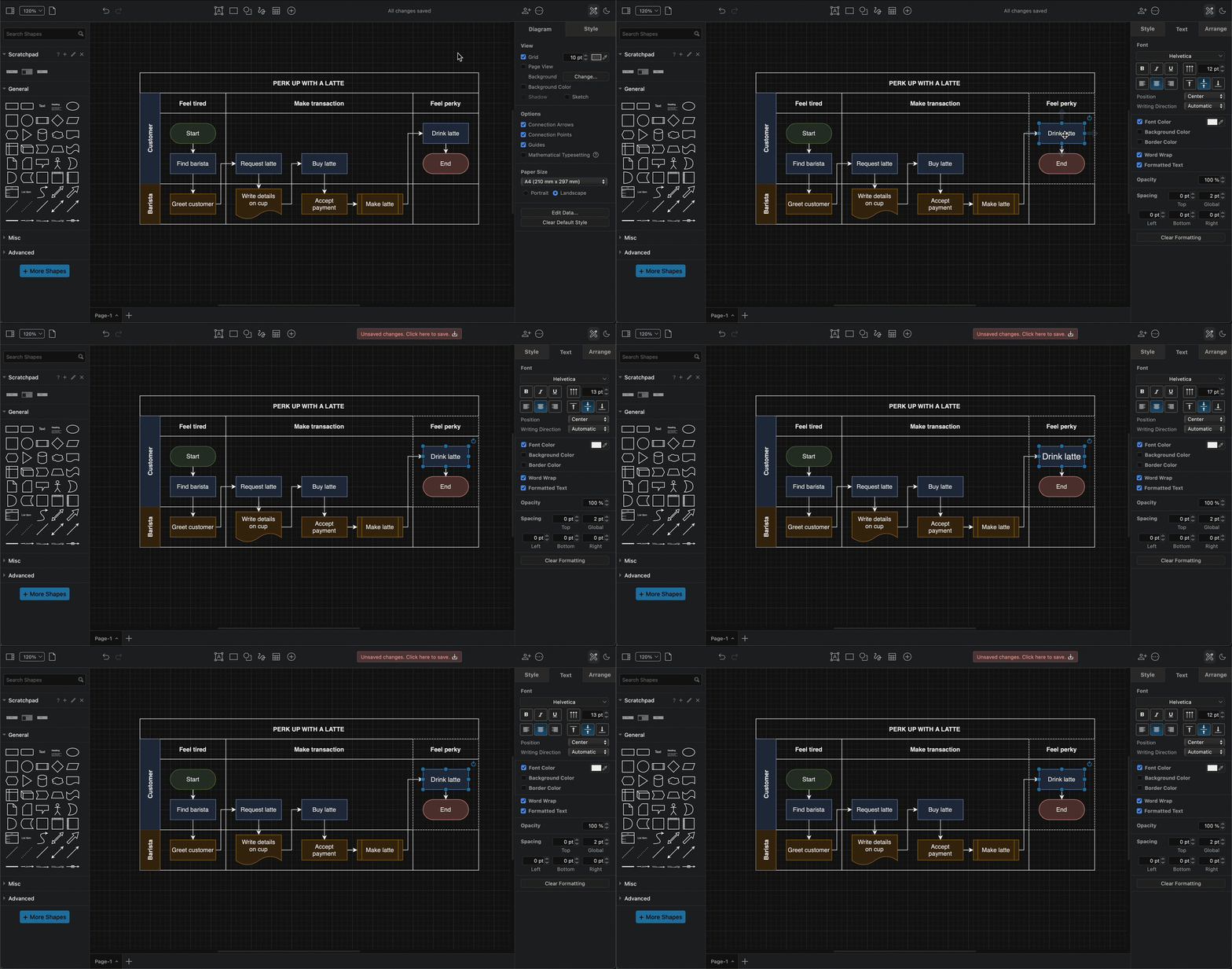
Alternatively, change the font size in the Text tab of the format panel.
Note: This keyboard shortcut will always change the text size of the entire label, even if you have selected only some text inside a label.
Related
- Learn more about text styles.
- See how to add labels to any type of diagram both inside and outside shapes.