Shift+Alt+drag to move remote selected shapes
Without this modifier, you must click and drag on one of the selected shapes you want to move or you will lose the selection. With this modifier, you can move the selected elements, even if they are not currently under the cursor when you drag it.
First, select the shape you want to move, then hold Shift+Alt+drag and drag the cursor to reposition them. You can move a shape, a connector, or multiple selected shapes and connectors this way.
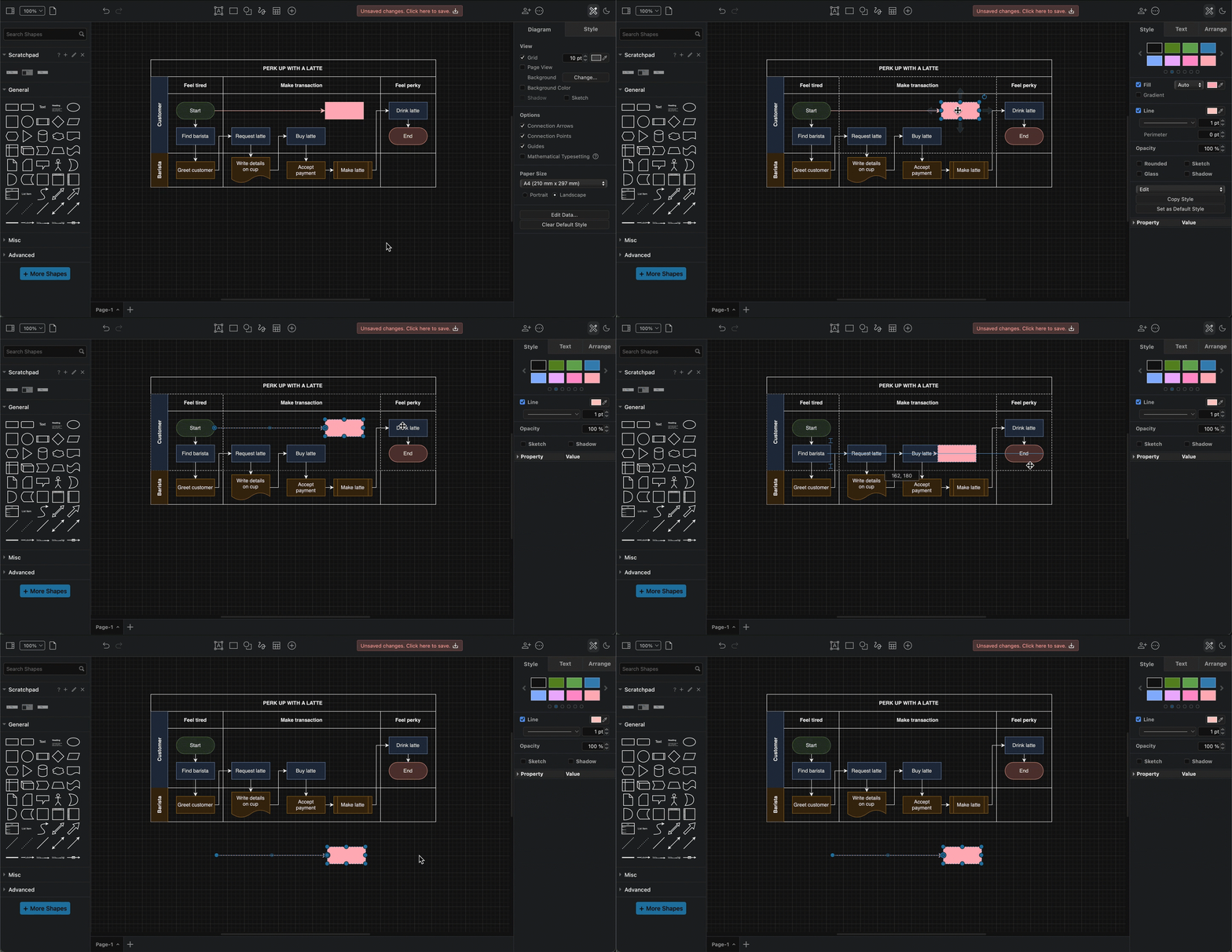
Note: When you move a connector this way, it will de-attach itself from the source and target shapes, unless they are moved with the connector.
See more about working with shapes.