Scramble text with the anonymize plugin in draw.io
This plugin should be used as-is, as an unsupported example for developers.
If you need to remove confidential, sensitive or identifying information before sharing your diagrams, use the anonymize plugin. This plugin will scramble all of the text and metadata in your diagram.
Load the anonymize plugin
To create a new diagram with the plugin already loaded in the online draw.io editor, go to https://app.diagrams.net/?splash=0&p=anon
Anonymise your diagram content
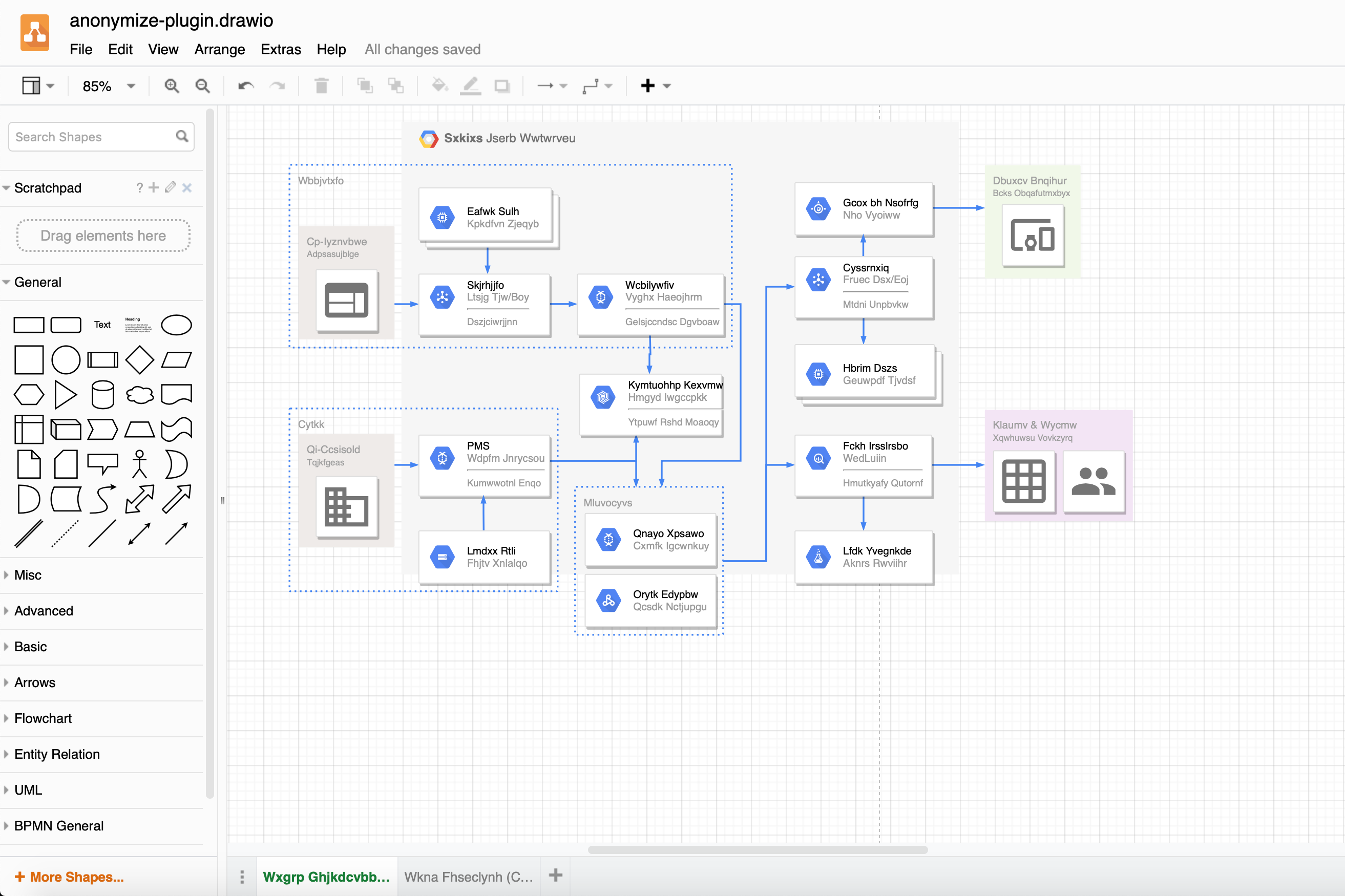
Once you have loaded the anonymize plugin, the Anonymize Current Page menu entry will let you scramble the text and metadata in your diagram. This includes all labels and shape metadata on that page, and the page's name.
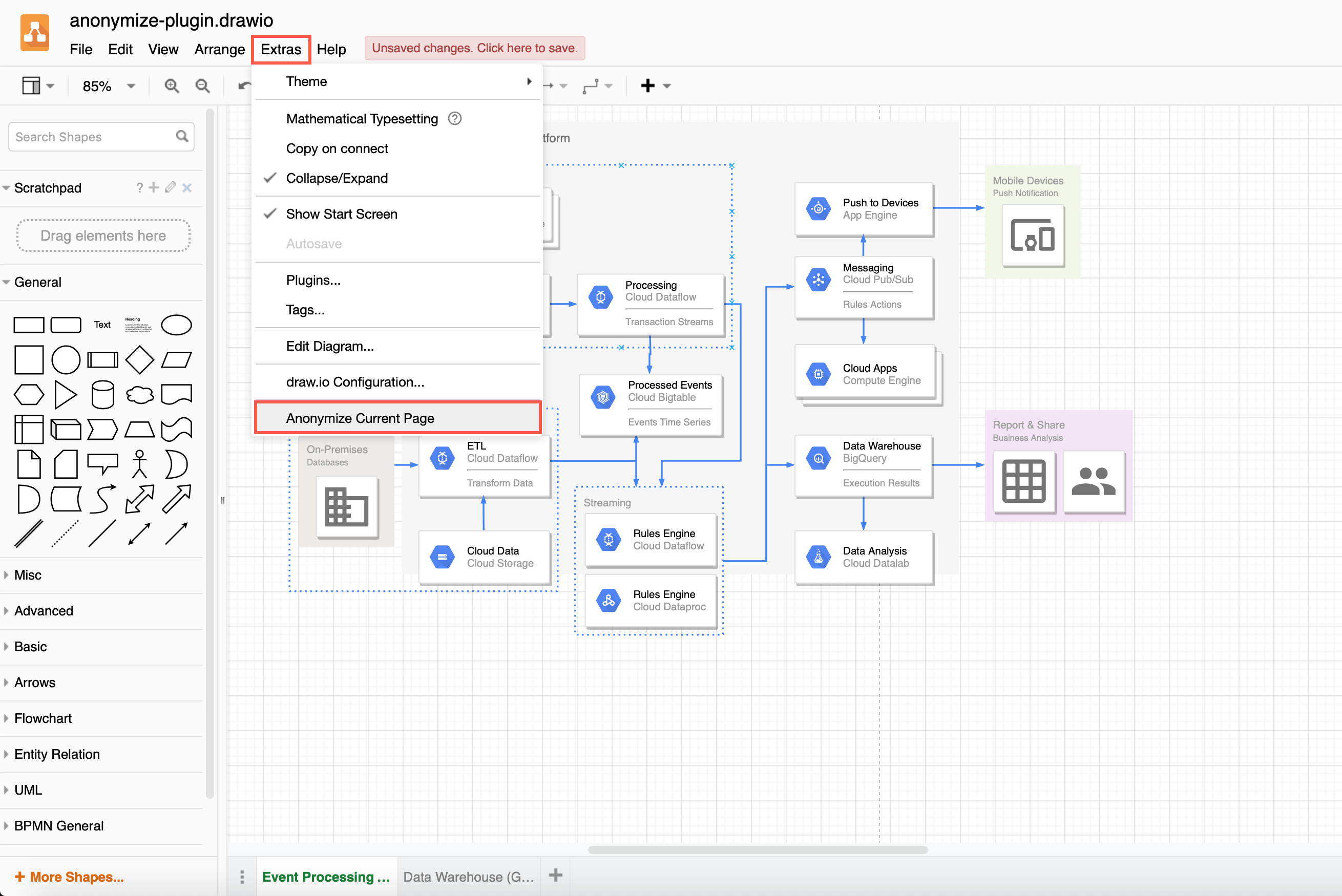
- On each page in your diagram, click Extras > Anonymize Current Page.
Before anonymising your diagram
After anonymising your diagram
Permanently load the plugin
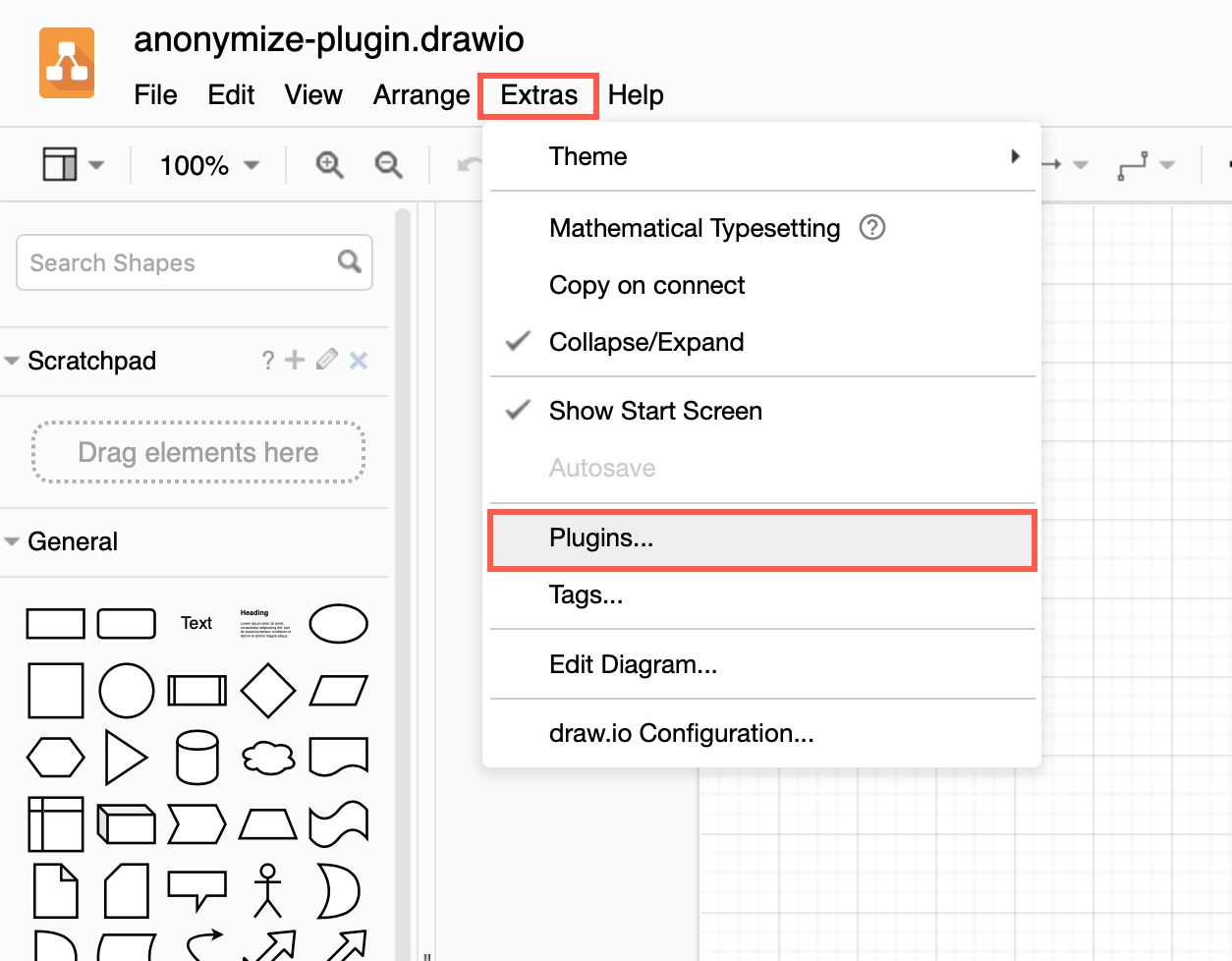
You can add the plugin to the plugins list via Extras > Plugins in Classic or Atlas editor themes, or Settings > Plugins in other editor themes, to load it each time you create or edit a diagram. Reload the browser tab after you have added or deleted a plugin.
Plugins not supported in draw.io Desktop or integrations
Plugins work with the web version of draw.io (app.diagrams.net) or our Docker image if you want to run your own server. They do not work with draw.io for Confluence/Jira or with draw.io Desktop.