Uninstall a plugin from draw.io
Plugins should be used as-is, as unsupported examples for developers.
You can easily uninstall a plugin if you no longer need it.
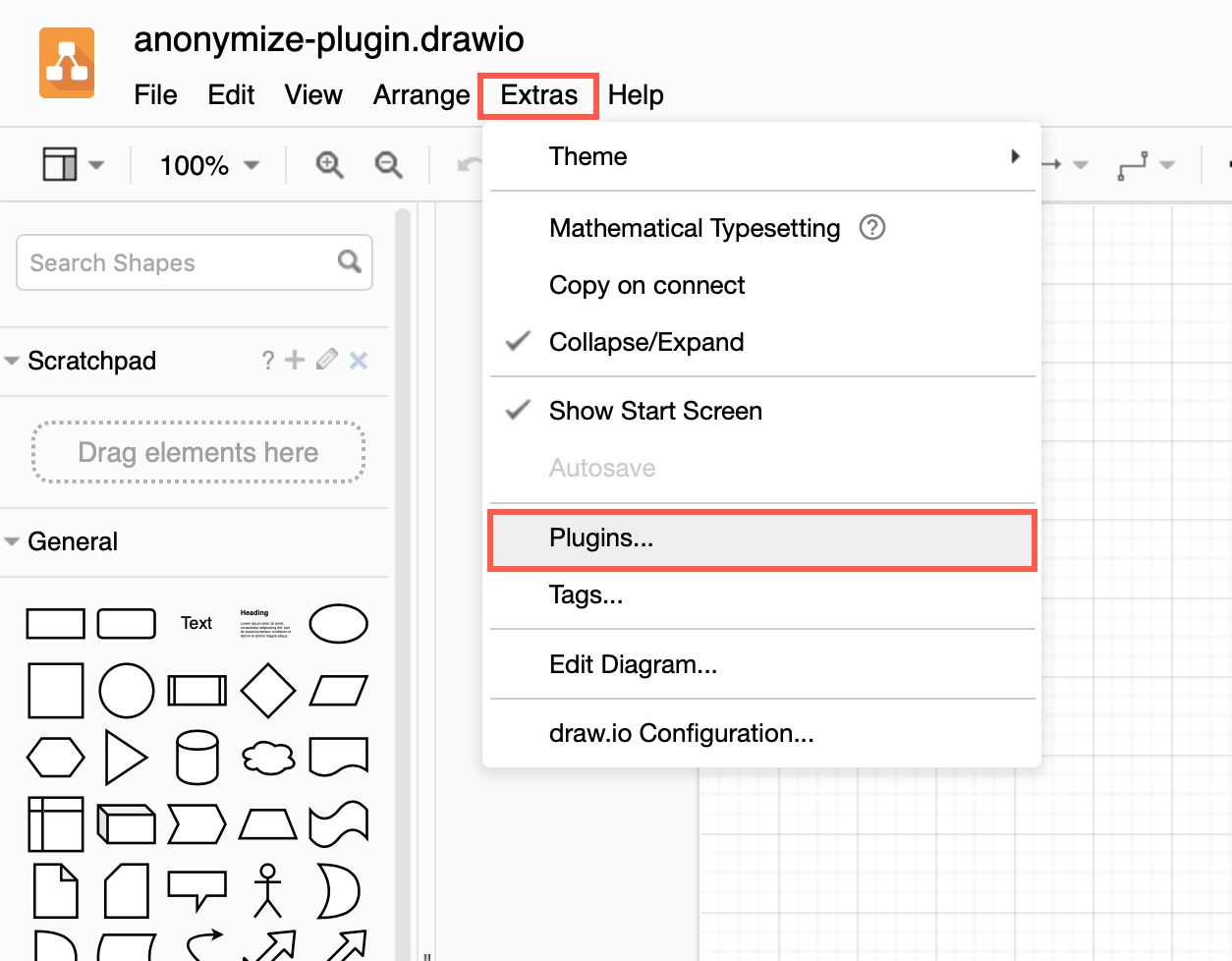
- Click Extras > Plugins to see the list of plugins you have currently loaded.
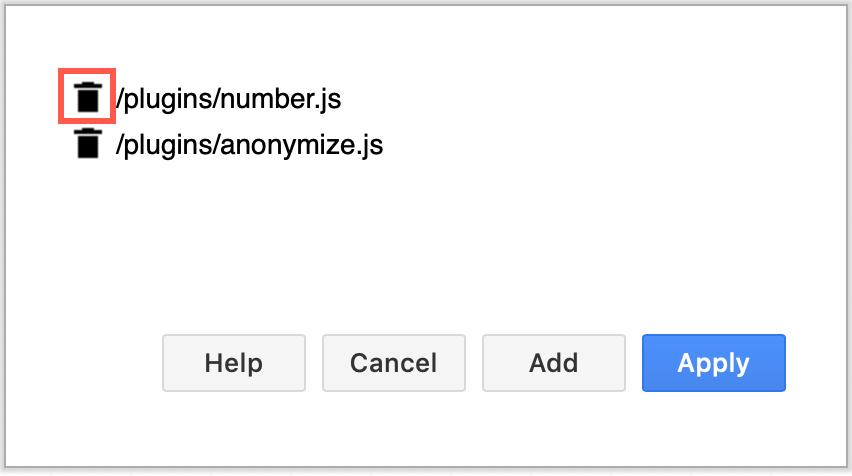
- Click on the trash can icon next to the plugin name you want to uninstall.
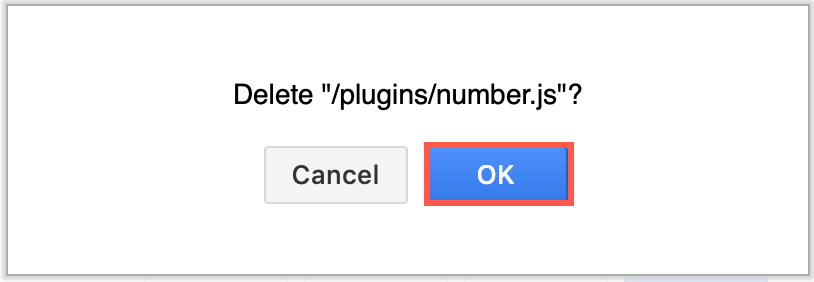
- In the confirmation dialog that pops up, click OK.
- Click Apply to save your new plugin list.
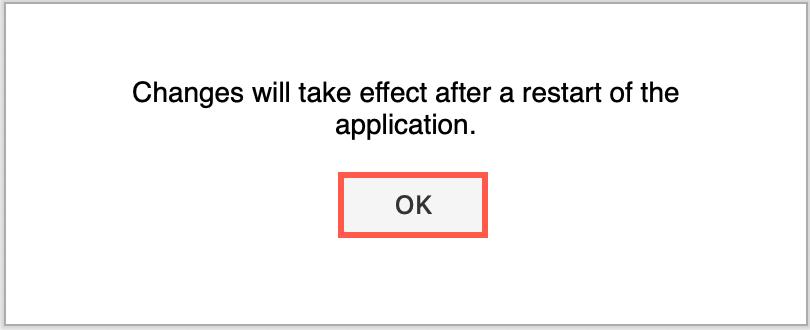
- The confirmation message reminds you that you will need to reload the diagram editor to load only those plugins in your list. Click OK, then refresh your browser tab (Ctrl+R or Cmd+R).
Plugins not supported in draw.io Desktop or integrations
Plugins work with the web version of draw.io (app.diagrams.net) or our Docker image if you want to run your own server. They do not work with draw.io for Confluence/Jira or with draw.io Desktop.