Use the SQL plugin to create an entity relationship diagram
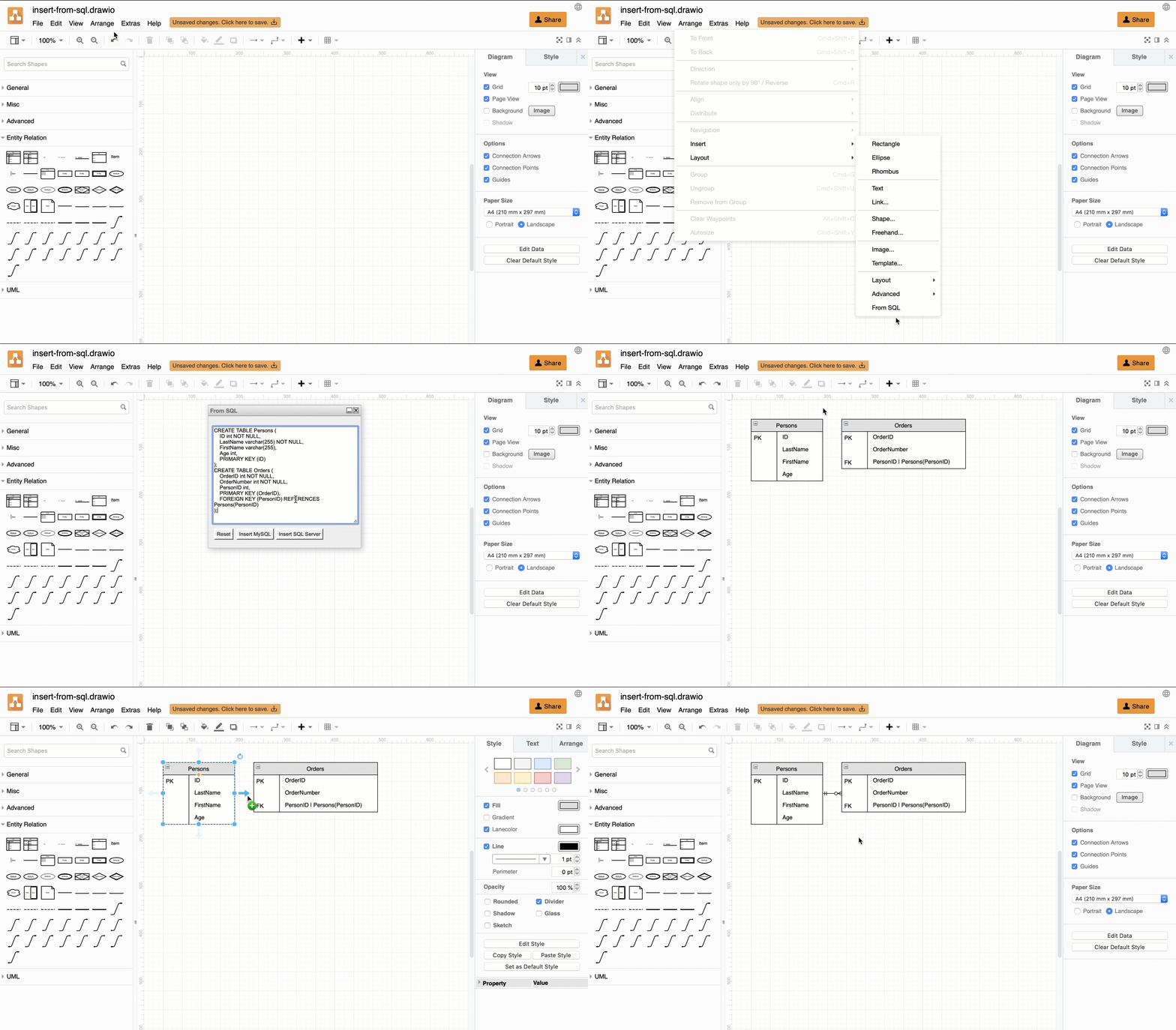
Note: Insert from SQL is built into the draw.io editor by default - select Arrange > Insert > From SQL in the draw.io menu. The plugin described below is an alternative way to insert SQL code.
This plugin should be used as-is, as an unsupported example for developers.
Insert SQL code using the SQL plugin to automatically generate entity shapes, including their attributes, as well as their primary and foreign keys. To complete your entity relationship diagram, connect the entities together and set the connector 'arrows' to describe their relationships.
Load the SQL plugin
To create a new diagram in draw.io online with the plugin already loaded, go to https://app.diagrams.net/?splash=0&p=sql
Create an ER diagram from SQL code
As SQL and MySQL are the most popular languages used to program and work with relational database systems, draw.io has made it easy to automatically create your diagrams from your code.
- Click Arrange > Insert > From SQL.
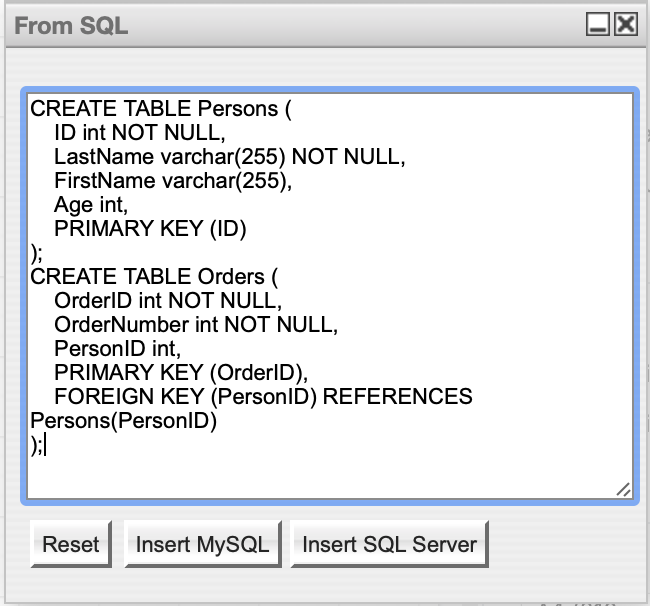
- Copy and paste your SQL code into the dialog, then click Insert MySQL or Insert SQL Server, whichever matches the code you just pasted.
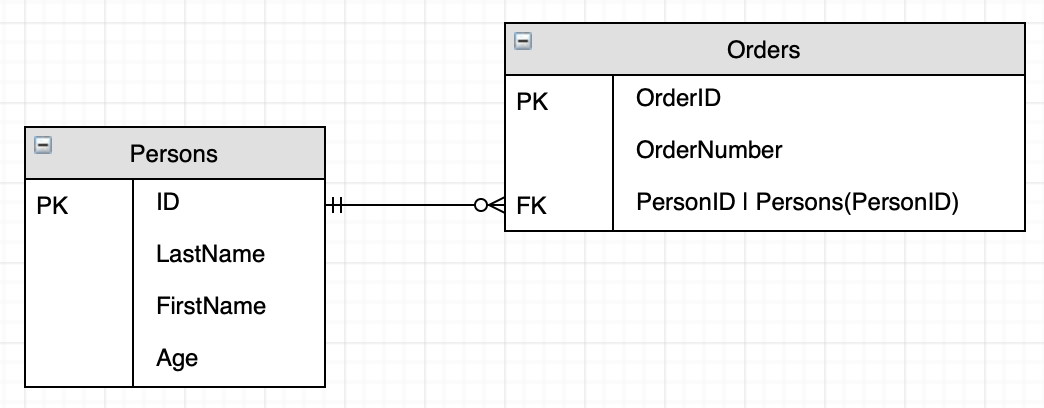
- Your SQL code is converted into entities containing the attributes, as well as the primary and foreign keys your code defines.
- Connect the entities and choose the 'arrow' shape that defines the relationship.
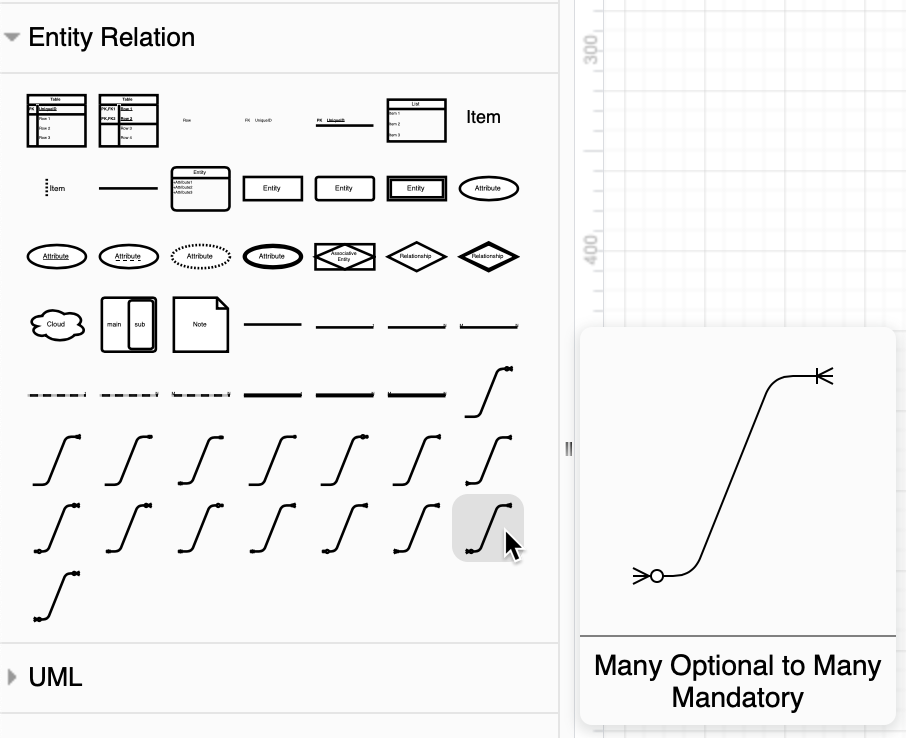
Tip: To see the various entity relationship styles, enable the Entity Relation shape library (via More Shapes in the left panel), then hover over the various connector shapes to show their descriptions.
Permanently load the plugin
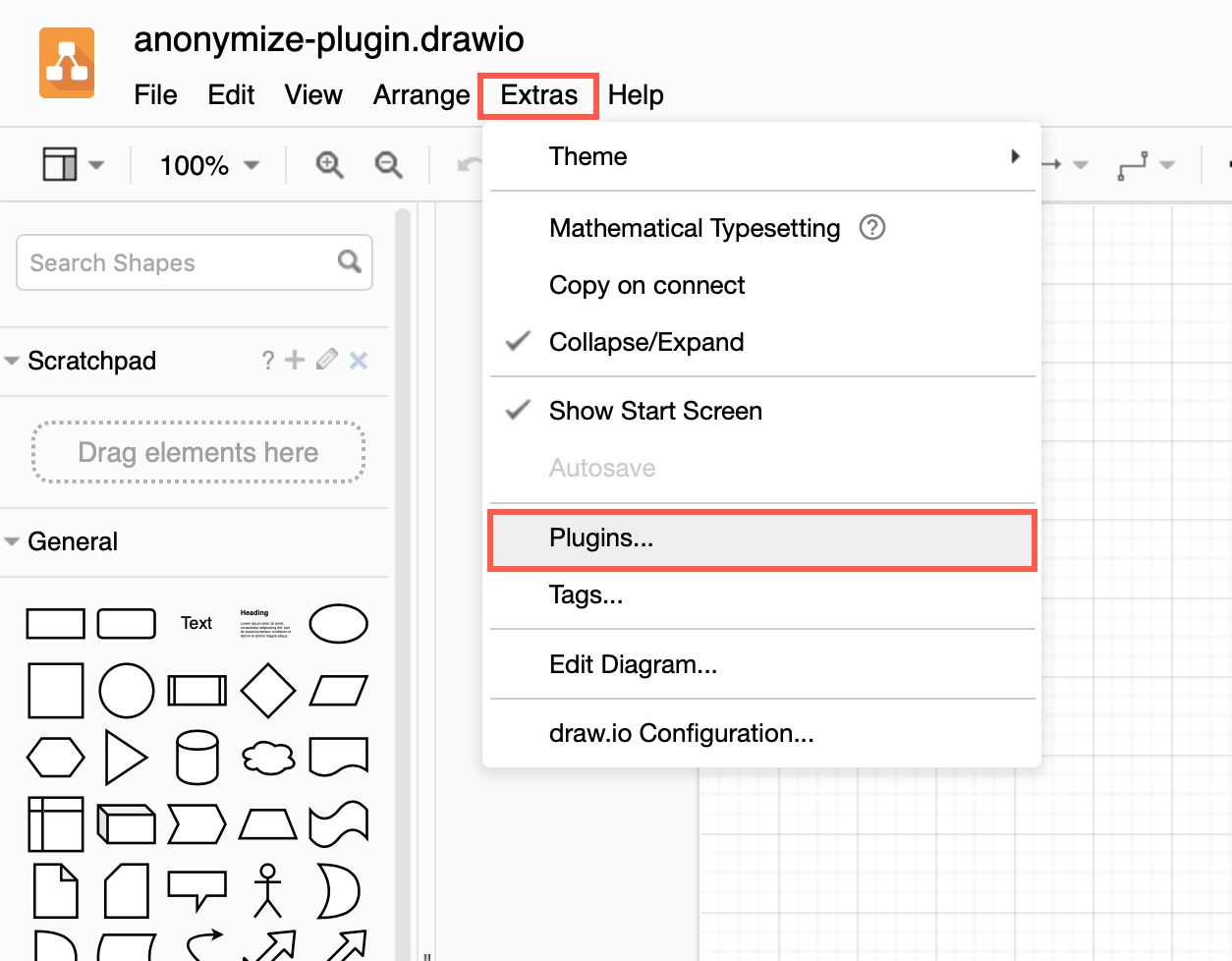
You can add the plugin to the plugins list via Extras > Plugins in Classic or Atlas editor themes, or Settings > Plugins in other editor themes, to load it each time you create or edit a diagram. Reload the browser tab after you have added or deleted a plugin.
Plugins not supported in draw.io Desktop or integrations
Plugins work with the web version of draw.io (app.diagrams.net) or our Docker image if you want to run your own server. They do not work with draw.io for Confluence/Jira or with draw.io Desktop.