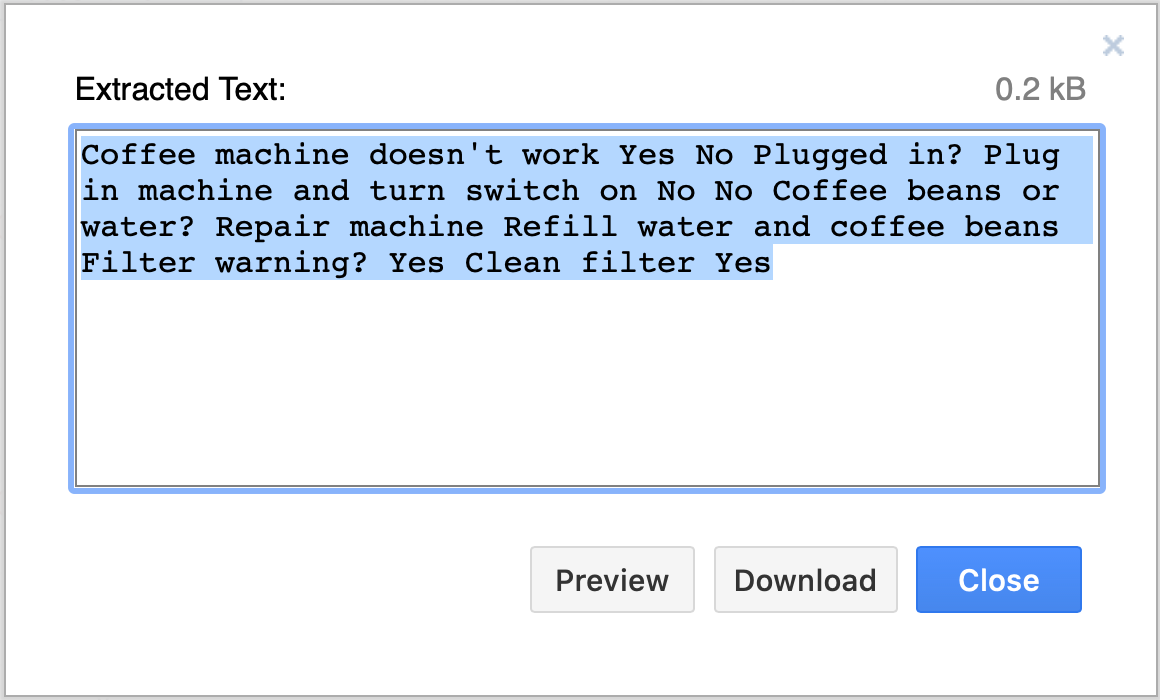
Extract all of the text in your diagram
This plugin should be used as-is, as an unsupported example for developers.
Use the text plugin to extract all of the text in your diagram, including labels in shapes and on connectors, table cells, fields in container shapes such as entity relationship shapes, and text fields.
More information about draw.io plugins
Load the text plugin
To create a new diagram in draw.io online with the plugin already loaded, go to https://app.diagrams.net/?splash=0&p=text
Permanently load the plugin
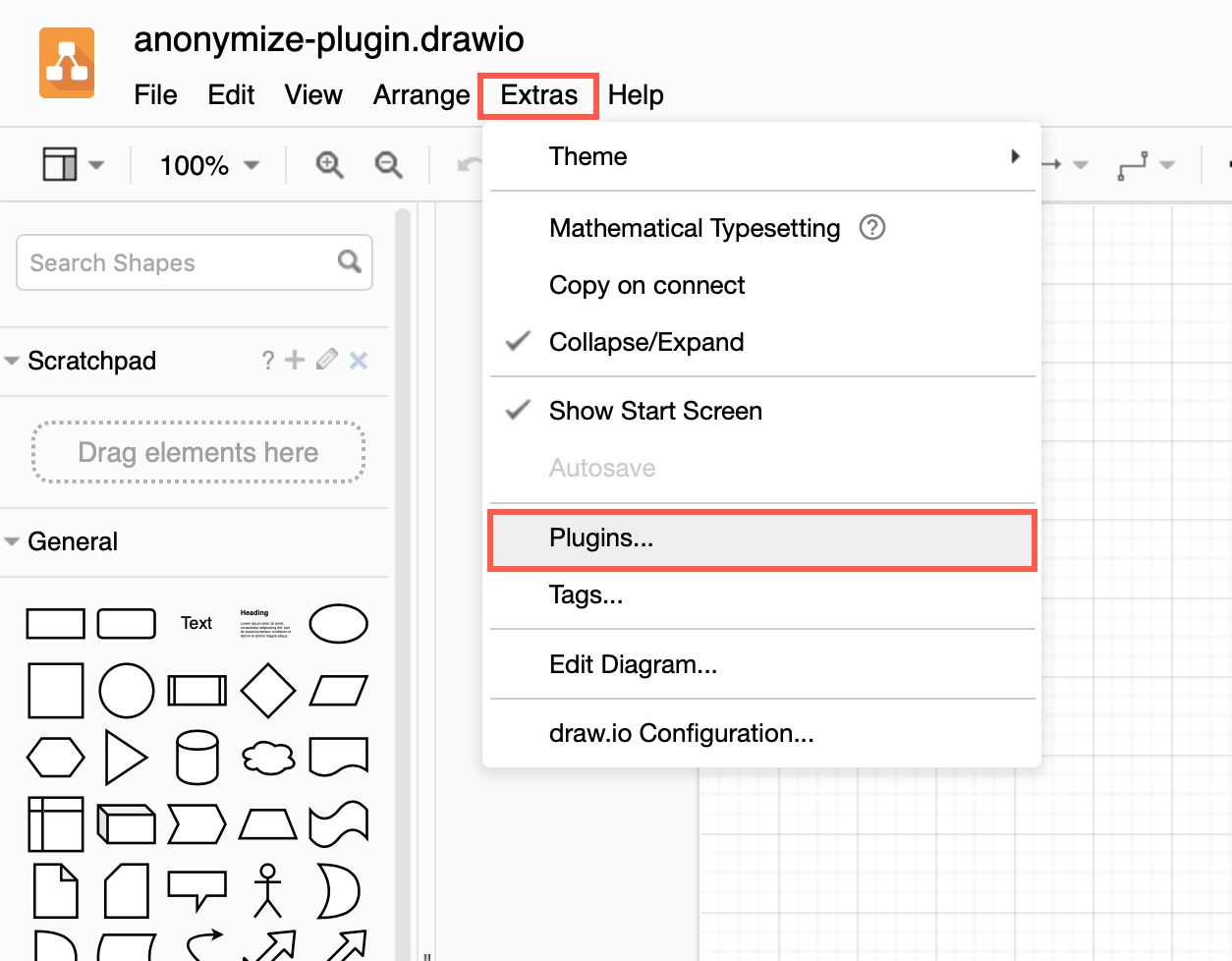
You can add the plugin to the plugins list via Extras > Plugins in Classic or Atlas editor themes, or Settings > Plugins in other editor themes, to load it each time you create or edit a diagram. Reload the browser tab after you have added or deleted a plugin.
Plugins not supported in draw.io Desktop or integrations
Plugins work with the web version of draw.io (app.diagrams.net) or our Docker image if you want to run your own server. They do not work with draw.io for Confluence/Jira or with draw.io Desktop.
Reload your browser tab to load the plugin into the diagram editor.
Extract the text in a diagram
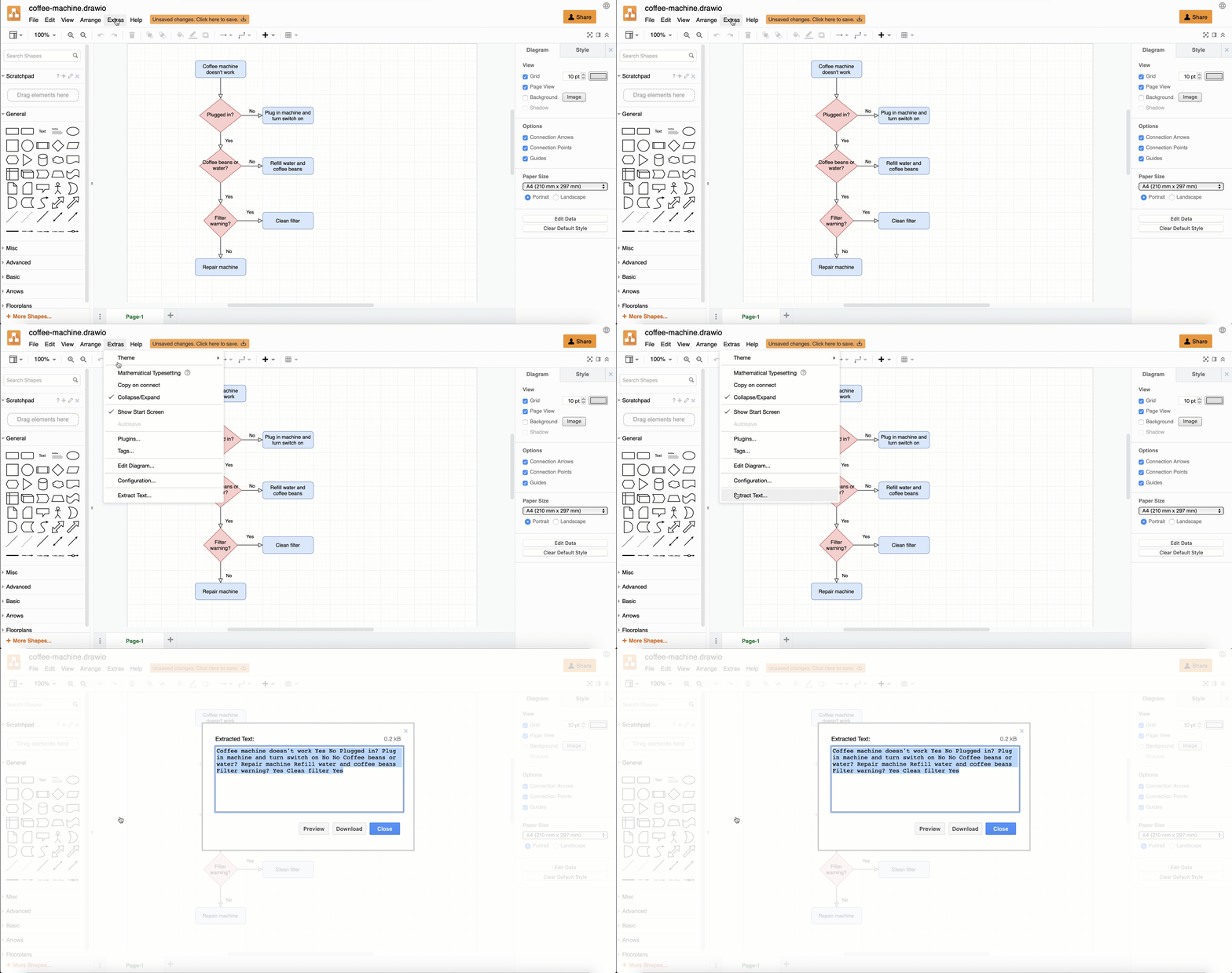
Click Extras > Extract Text, then copy the extracted text in the dialog that appears, then click Close.