See shape metadata with the properties plugin
This plugin should be used as-is, as an unsupported example for developers.
The properties plugin allows you to add extra information or instructions in the metadata of shapes and connectors. Instead of seeing this metadata only when hovering over a shape in your diagram, select the shape to display these properties persistently in the top left, both in the editor and the lightbox.
You will also more clearly see which shape is selected as it has a bright green border.
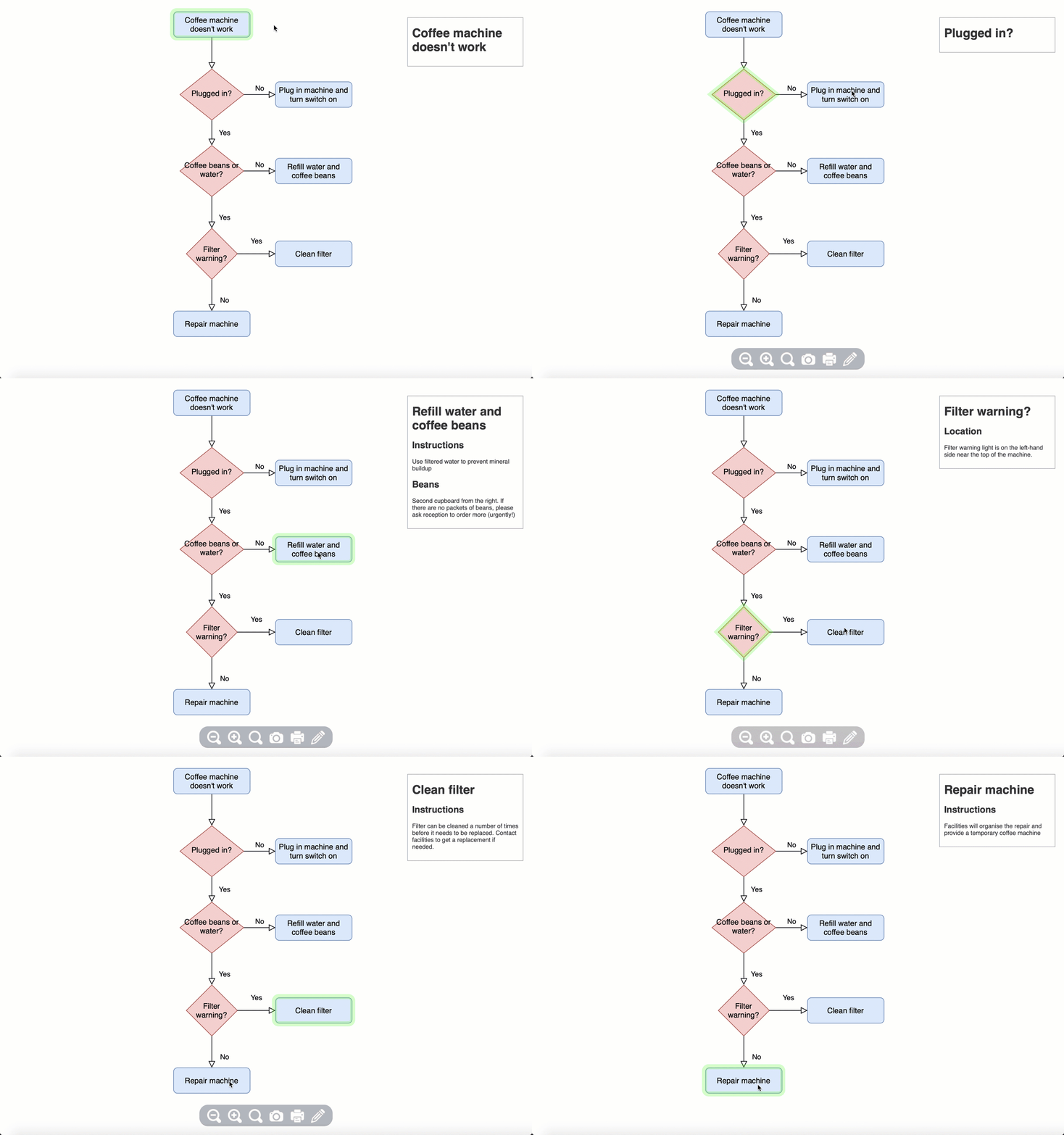
Open this example in the diagram viewer
Load the properties plugin
To create a new diagram with the plugin already loaded into our online editor, go to https://app.diagrams.net/?splash=0&p=props
Add properties to shapes
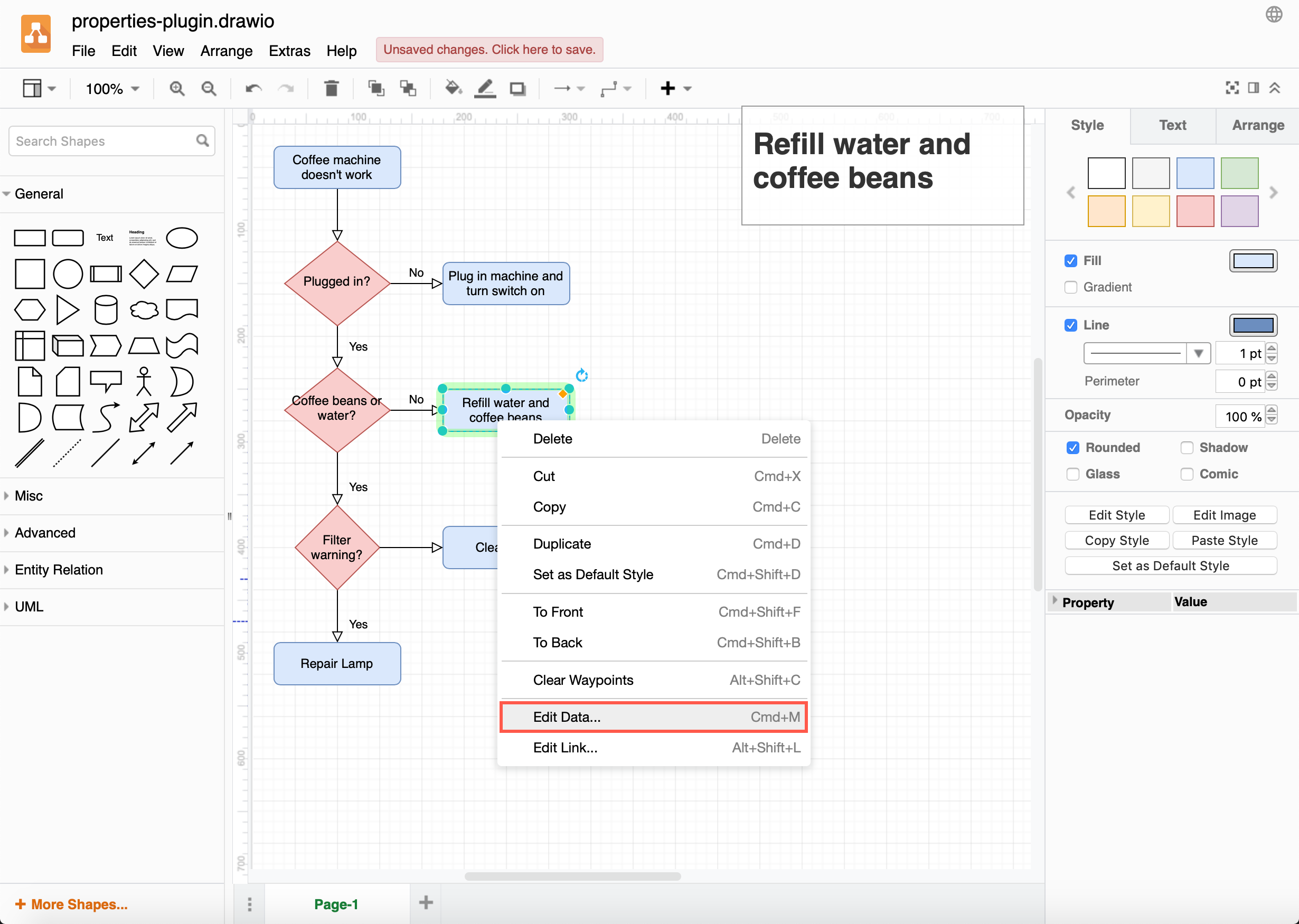
- Right-click on a shape to which you want to add a new property, then select Edit Data from the context menu.
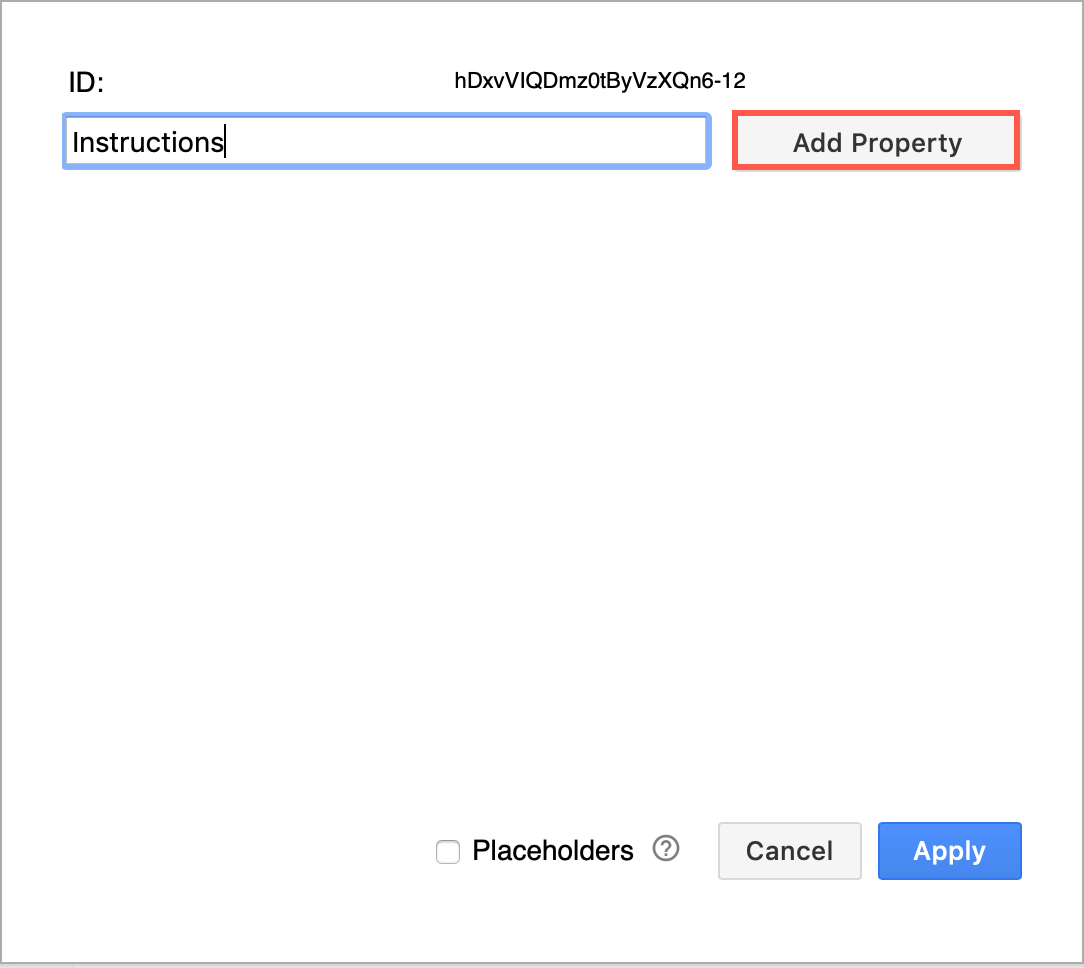
- Enter the name of the new property in the ID box, then click Add Property.
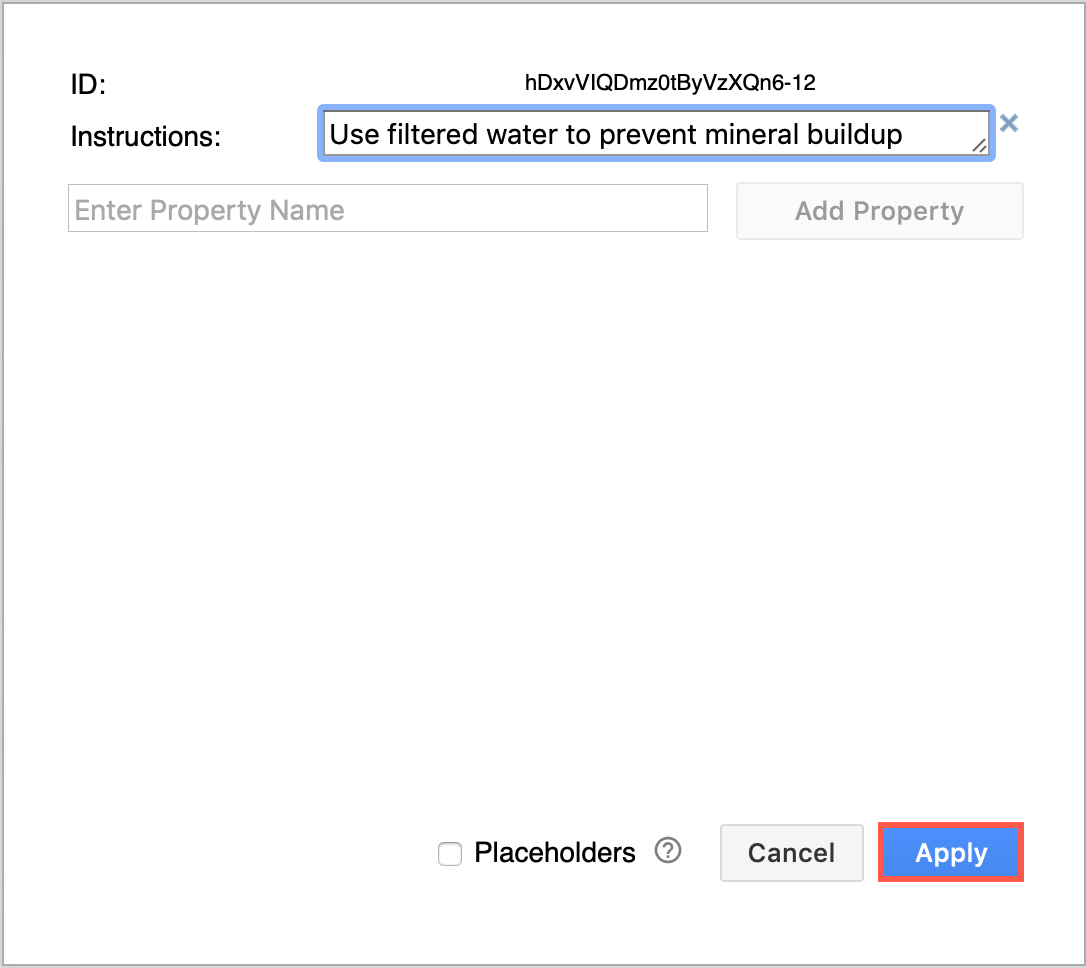
- Your property name will appear on the left. Add the extra information in the field next to it, then click Apply.
You can add more than one property, providing the property name is unique.
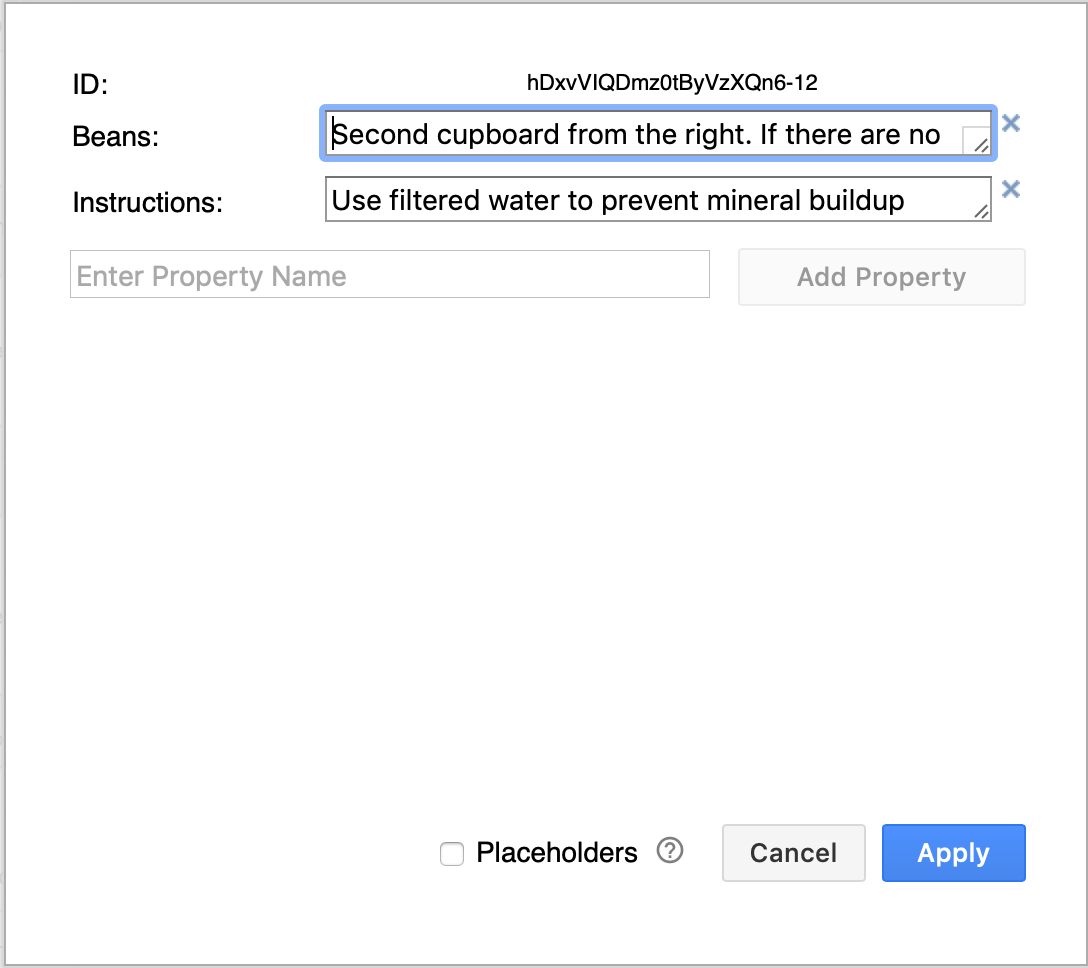
Shape properties can be used similar to variables. See how to use properties as placeholders
Share a diagram using the properties plugin
By default, diagrams published to URLs do not load plugins.
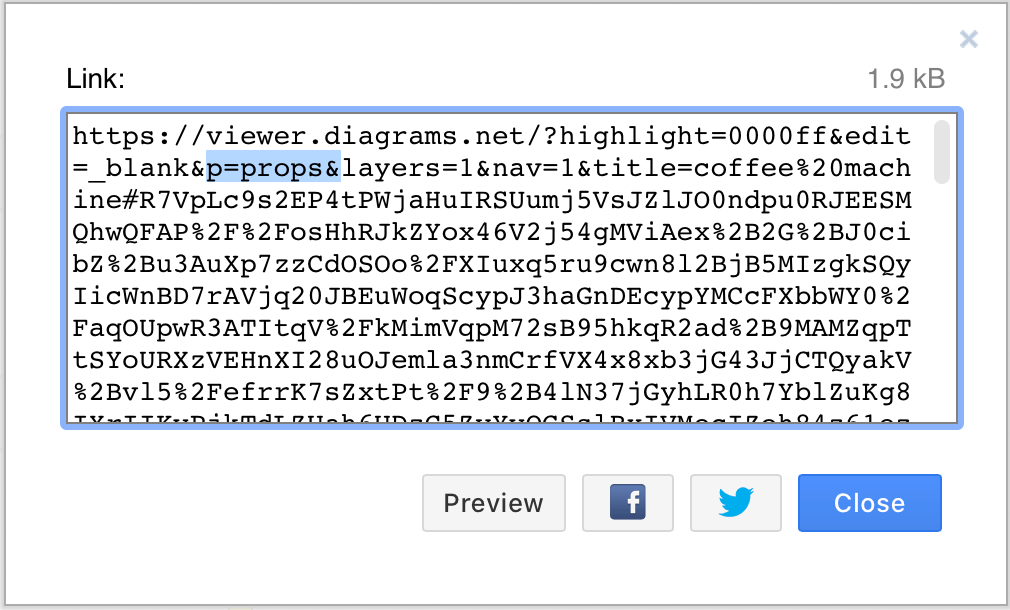
To allow someone to explore your diagram, when you publish a diagram to a URL (File > Publish Link), add the &p=props URL parameter to the link before you share it (as highlighted in blue in the screenshot below).
Permanently load the plugin
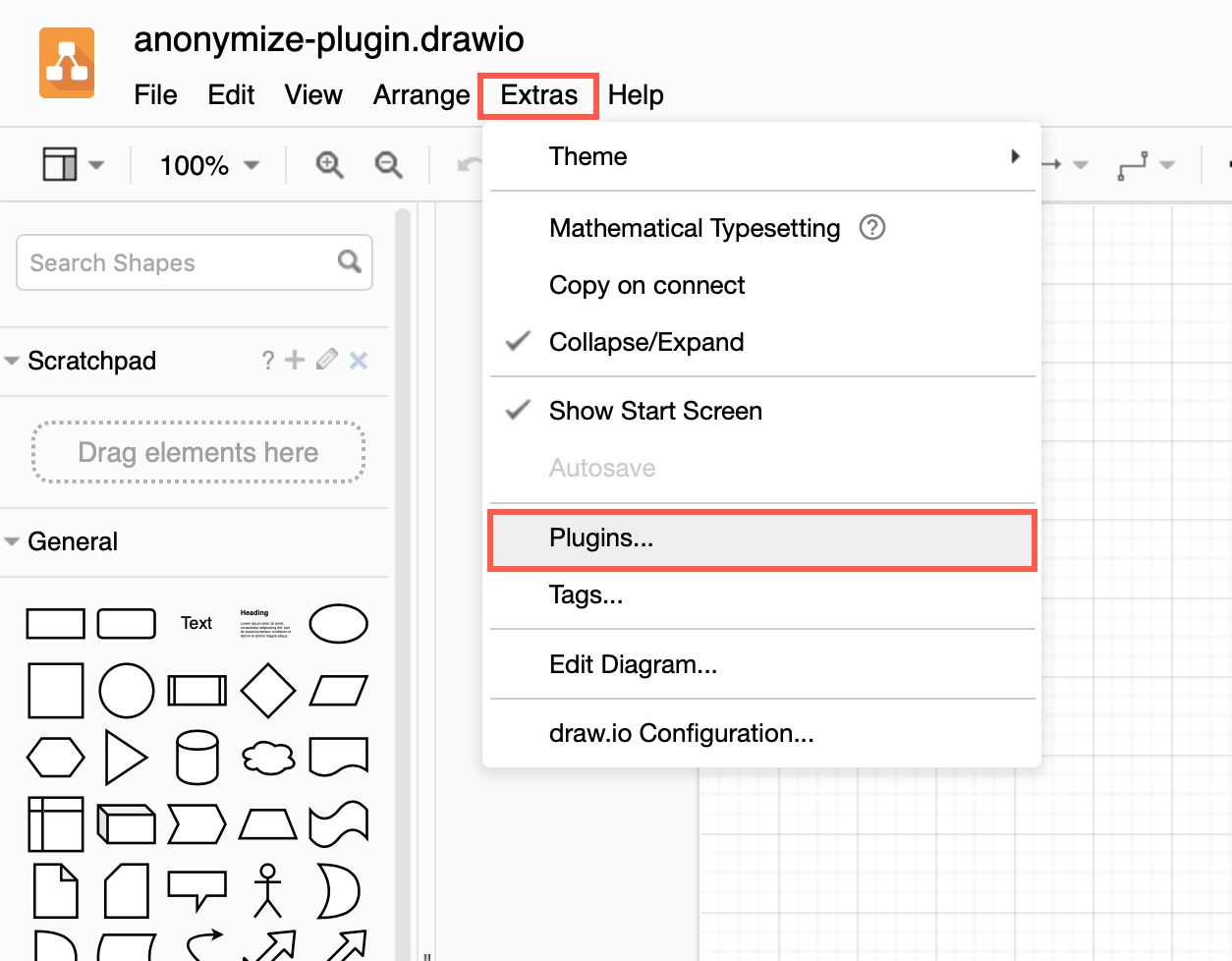
You can add the plugin to the plugins list via Extras > Plugins in Classic or Atlas editor themes, or Settings > Plugins in other editor themes, to load it each time you create or edit a diagram. Reload the browser tab after you have added or deleted a plugin.
Plugins not supported in draw.io Desktop or integrations
Plugins work with the web version of draw.io (app.diagrams.net) or our Docker image if you want to run your own server. They do not work with draw.io for Confluence/Jira or with draw.io Desktop.