Diagram not Found error
You may see a dialog that explains the following:
Diagram Not Found: The diagram does not belong to a published page
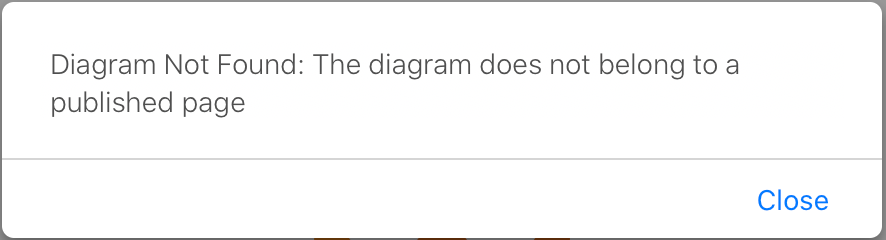
You may see this dialog when you try to edit a diagram that has been created and attached to a page, when that page has not yet been published. It can also occur when a diagram attachment has been moved from a page.
Check that the page has been published, and is not currently a draft.
- Go to the list of draw.io diagrams in your space.
- Click on the diagram you want to edit.
- Hover over the diagram to see the toolbar, then click on Go to containing page to see the Confluence page that the diagram is attached to.

- Publish your page draft.
Related resources
- Recover a diagram that was moved to another page in Confluence Cloud
- Recover a diagram from the
.tmpfile attached to a page if your browser or your Confluence Cloud instance had a problem that prevented your diagram/page from being published. - Edit the diagram source to save the diagram data if your browser is having problems communicating with your Confluence instance, just as you would if you had problems with the online version of draw.io.