More template diagrams in our repository on GitHub
Many of the templates and example diagrams that we store in our drawio-diagrams repository on Github are available via this website.
- This section of the help lists example diagrams by alphabetical order.
- The Use cases section covers professions or situations where multiple different types of diagrams are required.
- In the Tutorials, you'll see how to draw an interactive diagram, draw freehand infographics and more.
- To learn the various features of draw.io, such as layers, multiple pages, custom links, placeholders and so on, please see the Using draw.io section.
Templates on GitHub
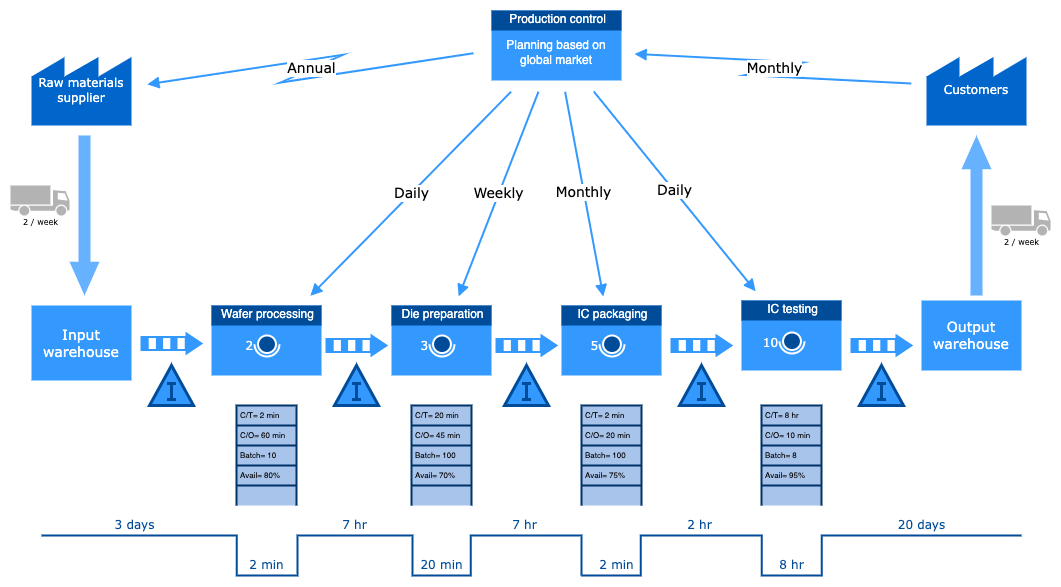
The drawio-diagrams repository on GitHub stores a large number and variety of example and template diagrams, in addition to the templates that are available in the template library dialog in the draw.io apps. The diagrams used in blog posts and help topics are also in this repository.
You can load any of these extra diagrams into draw.io as a template, using the link to the raw file on GitHub.
Create a new diagram from a template URL
- Go to diagram.new to create a new diagram in our web editor and click Arrange > Insert > Template to open the template library dialog.
- Click on From template URL.
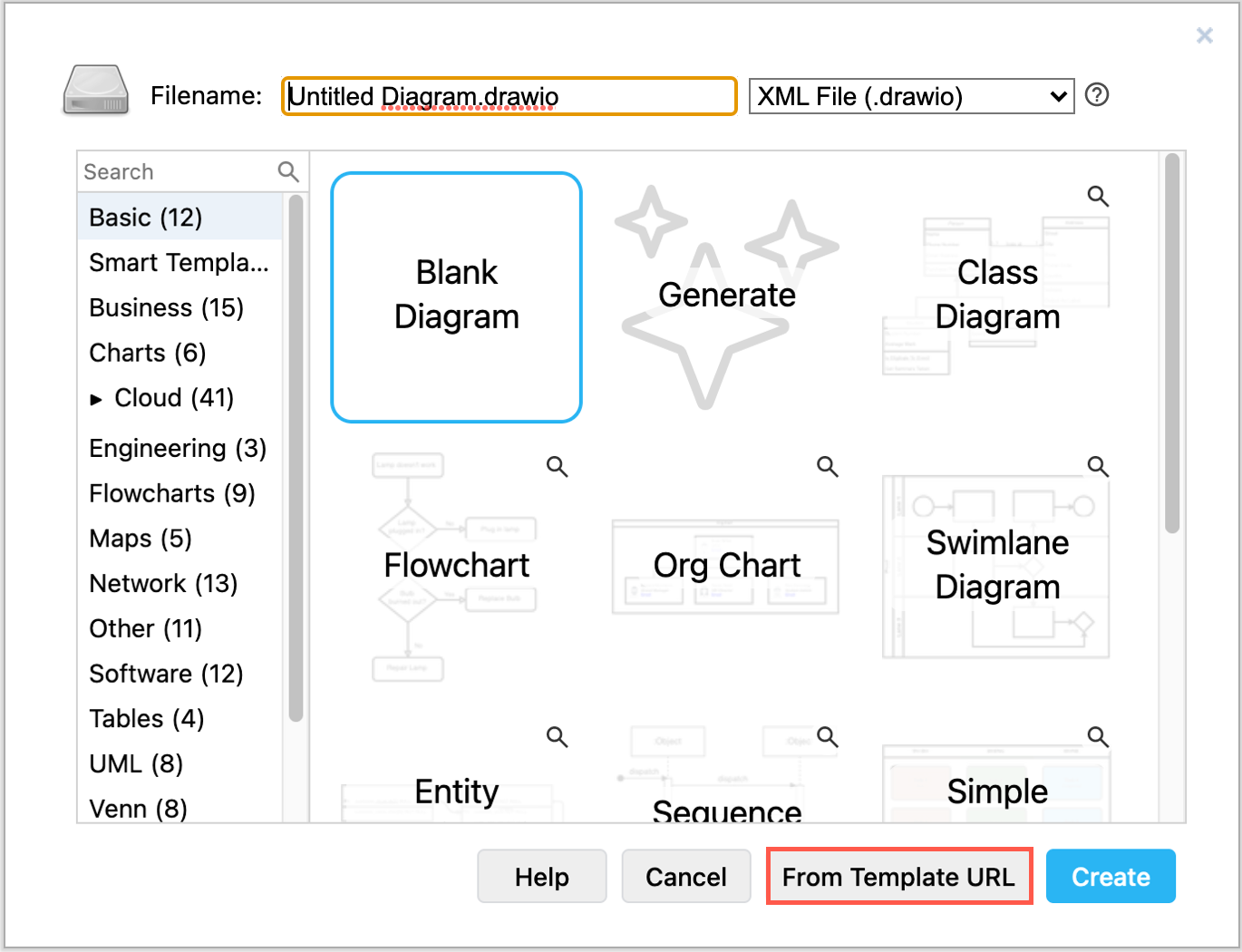
- Enter the URL of the template file. This must be to the file data, such as the Raw data for that file on GitHub:
https://raw.githubusercontent.com/jgraph/drawio-diagrams/dev/templates/business/lean_mapping_2.xml - Click Create and a new browser tab will open with the template.
If prompted, enter a filename for the new diagram you have just created, and choose a location to save your file.