Number of diagrams in an instance
As an administrator, you can easily see how many diagrams are in your Confluence Cloud, Server or Data Center instance. This is useful to see how widely the app is being used, and find out the number of diagrams may need to be checked after migrating to a new Confluence instance.
In Confluence Cloud
- As an administrator, go to your Confluence instance's settings. Scroll down and select Macro Usage towards the bottom of the left panel.
- You can see the number directly after the macro name:
drawiois the macro that you use to attach a diagram to a page,inc-drawiois a macro that you use to embed an existing draw.io diagram on another page, not the one to which it is originally attached.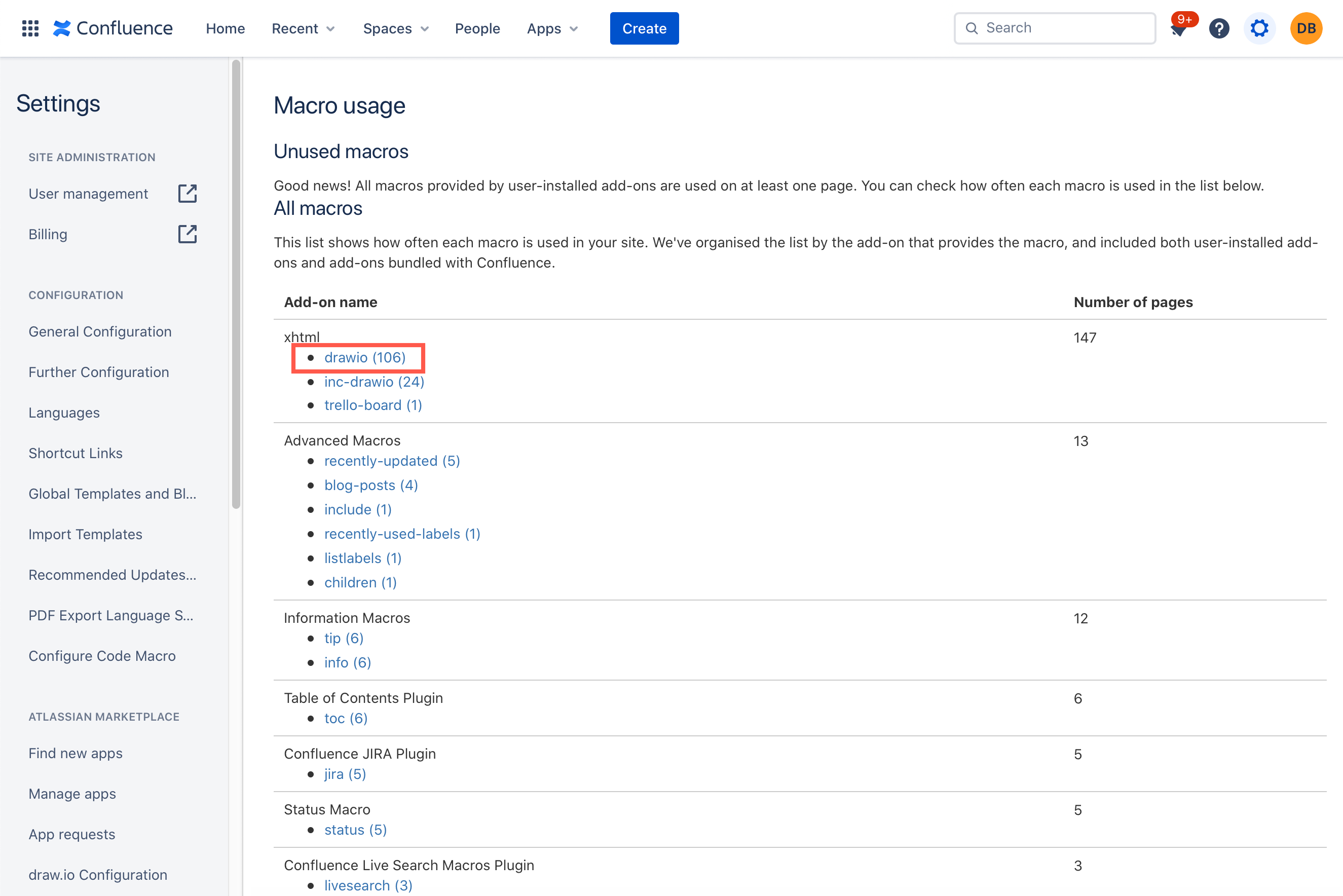
- To see a list of the pages in which a draw.io diagram macro is included click on
drawio.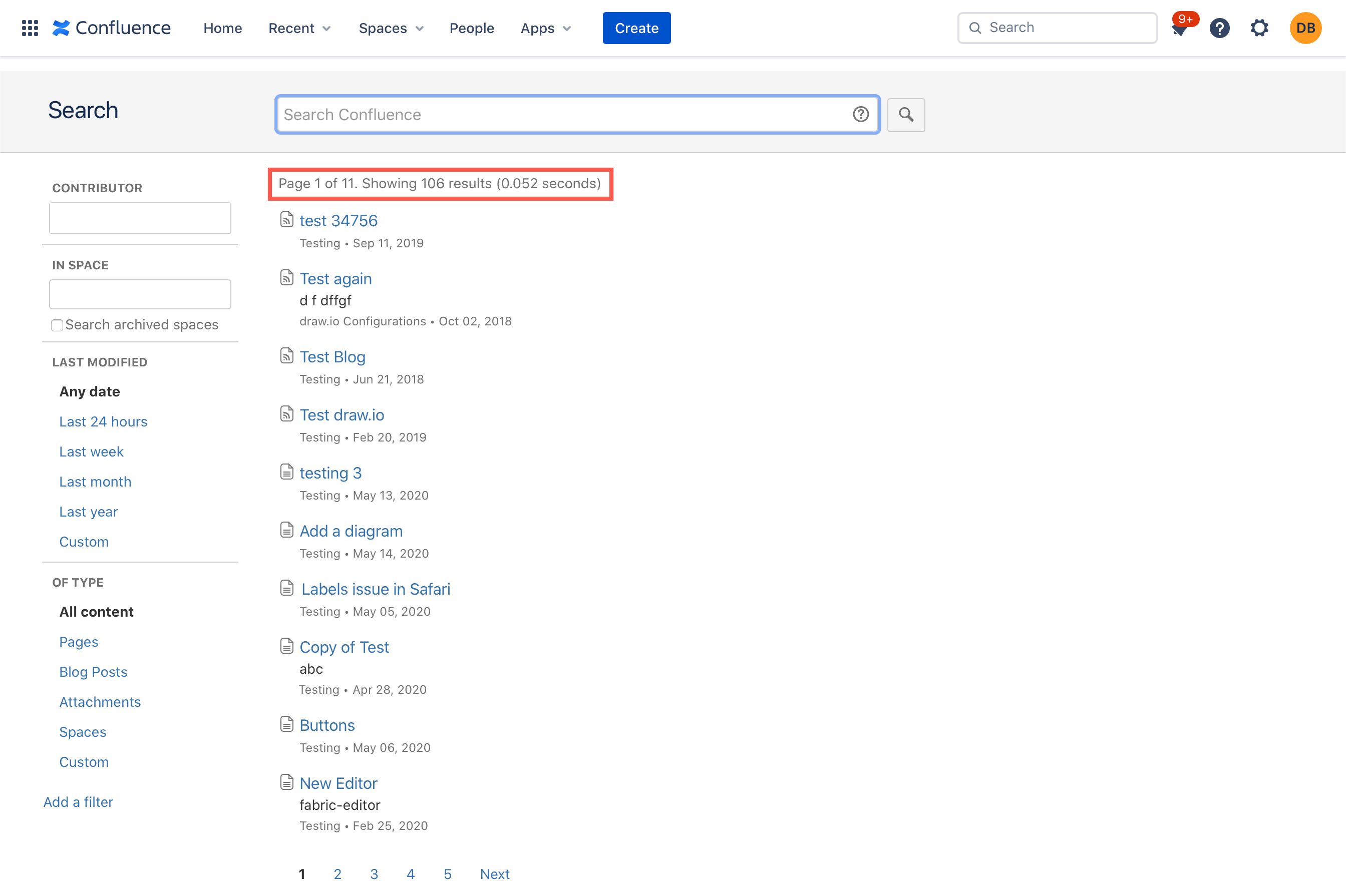
In Confluence Server and Data Center
- As an administrator, go to your Confluence instance's administration. Scroll down and select Macro Usage under the Administration section on the left.
- The number of pages containing the
drawiomacro is both in brackets after its macro name, and in the Number of pages column.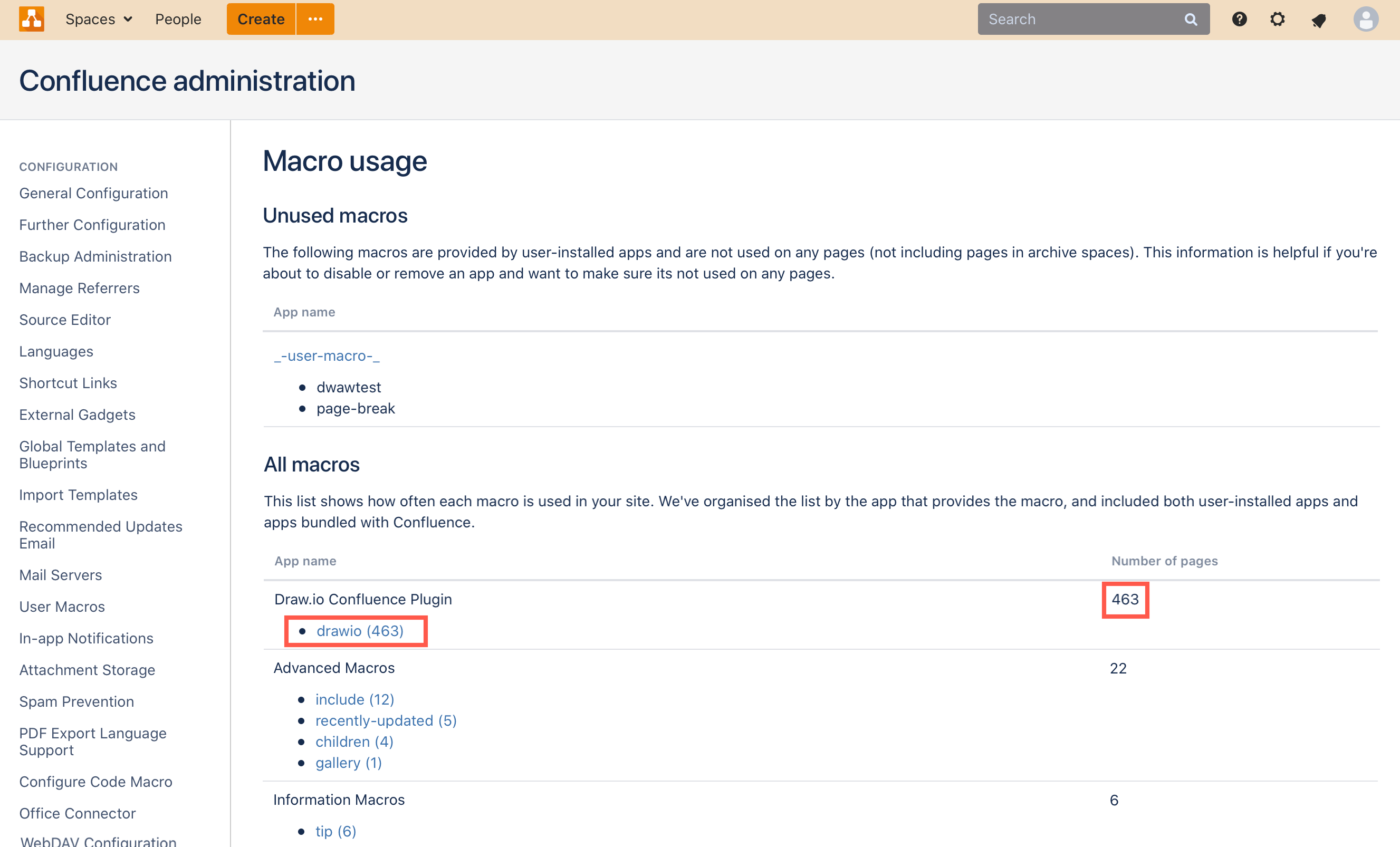
- To see a list of the pages in which the
drawiodiagram macro is included click ondrawio.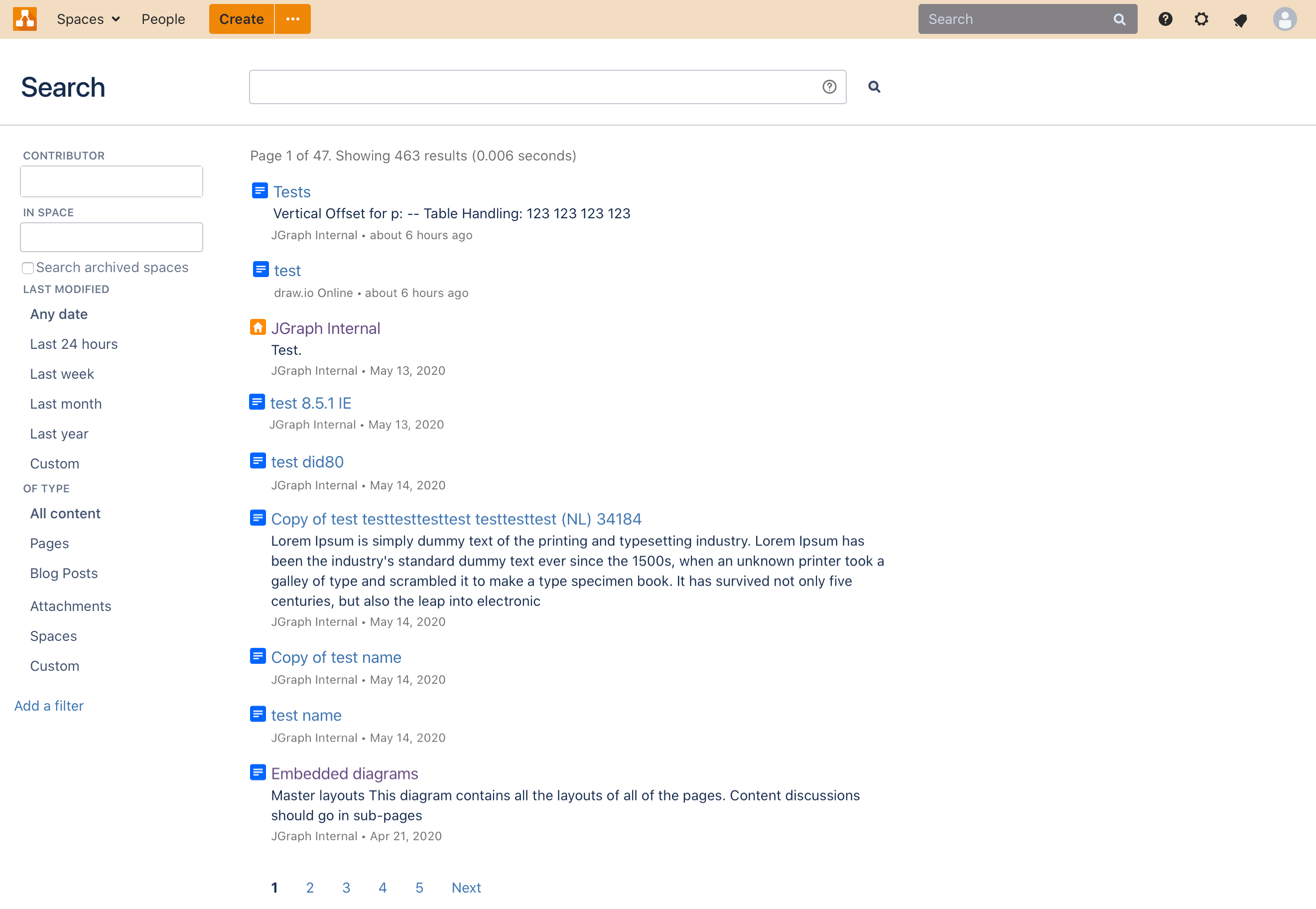
You can also search for labelled content - every page that contains a diagram will have the label drawio. Replace baseURL in the following link with the URL of your Confluence instance: http://baseURL/label/drawio