draw.io in Confluence Cloud - security by design
Whether you have added draw.io as part of a migration to Confluence Cloud, or are considering switching diagramming applications, there will be tools and features that you will be unfamiliar with. With our focus on data security, draw.io is engineered differently to other diagramming apps - you always have control of your diagram data.
Data security
If your organisation has strict data management requirements, such as those in regulated industries like finance or healthcare, you'll be familiar with Atlassian's data residency settings to keep your data in one particular server region. The draw.io apps for Confluence and Jira will automatically use your data residency settings.
Data transmission lockdown is only available in the advanced edition of the draw.io app for Confluence or in the zero-egress draw.io app designed for enterprise-grade strict security. The lockdown configuration option disables all communication except between the user's browser and the location where it is stored in your Atlassian product.
- Go to the draw.io app configuration section in your Confluence Cloud settings.
- Add the following JSON string:
"lockdown": true"to the configuration.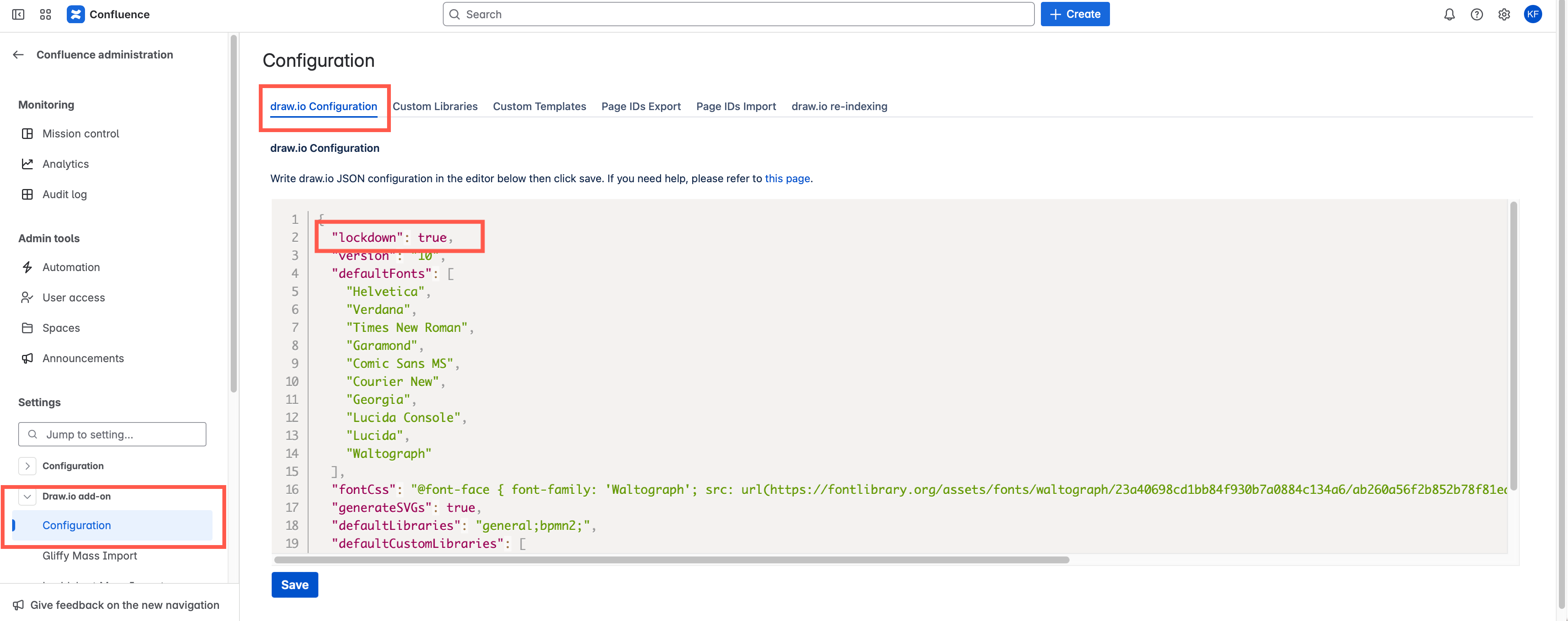
Learn about the flow of diagram data in draw.io for Confluence and Jira Cloud
Secure collaboration
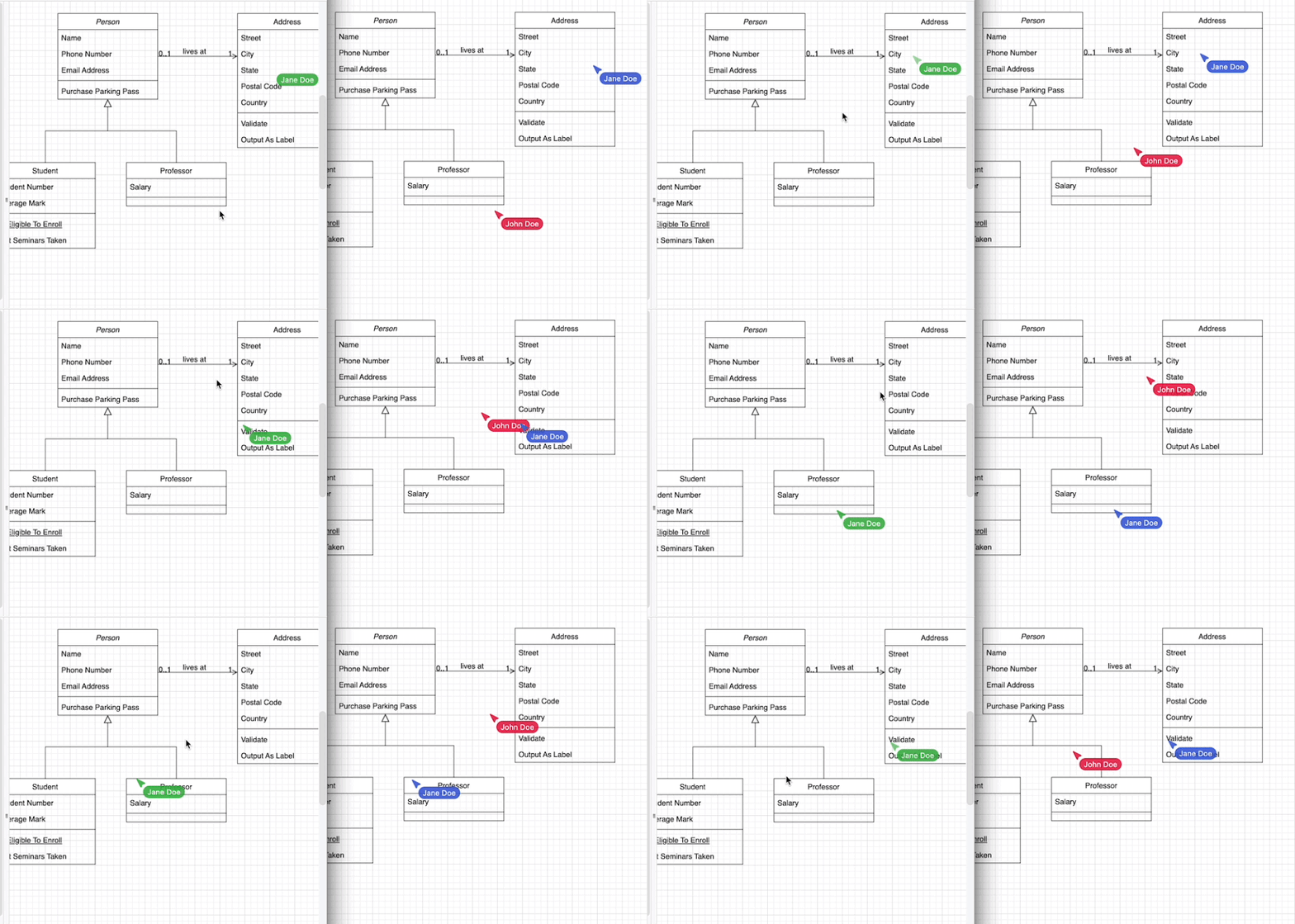
You can collaborate in real time with multiple users on the same diagram, just as you would on a Confluence page. The autosave feature creates a new version whenever any user makes a change.
Each user is assigned a colour, and their name is shown with their pointer as they move around the diagram in the draw.io editor.
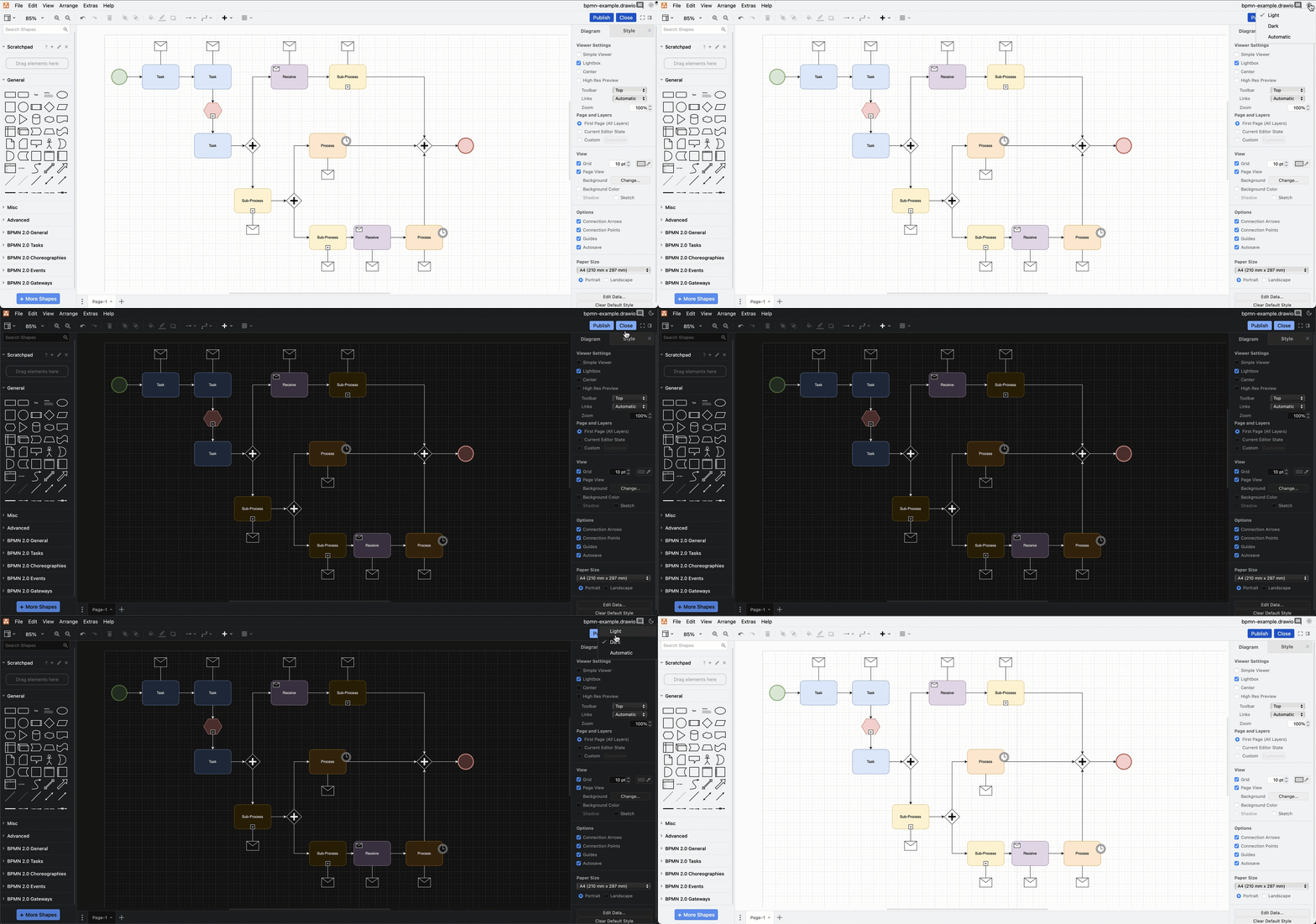
If you prefer to use draw.io in dark mode, other users are not forced to switch - draw.io adapts diagram colours automatically for light and dark modes.
Select Settings > Appearance from the draw.io board menu in the top left to change modes.
Accessible diagram format
draw.io provides a web-based editor at app.diagrams.net that can open draw.io diagram files for viewing and editing, making it easier to collaborate with partners on diagrams outside your Atlassian applications.
Secure offline desktop app
The draw.io desktop app is designed to be fully offline and can run on Windows, MacOS and Linux. As your diagram data is isolated to the computer that draw.io Desktop is installed on, it's the ideal tool for external partners when collaborating on sensitive diagrams.