Add and resolve comments on diagrams
You can add comments to diagrams, reply to and resolve comments on draw.io diagrams attached to pages in Atlassian Confluence Cloud, Data Center and Server instances, as well as comments on diagram files stored in Google Drive.
Comments work the same way in Confluence Cloud as on Data Center and Server.
View comments
- Click on a diagram in a Confluence page to open it in the draw.io lightbox viewer.
- Hover over the diagram in the lightbox to see the toolbar, then click on the Comments tool (it looks like a speech bubble).
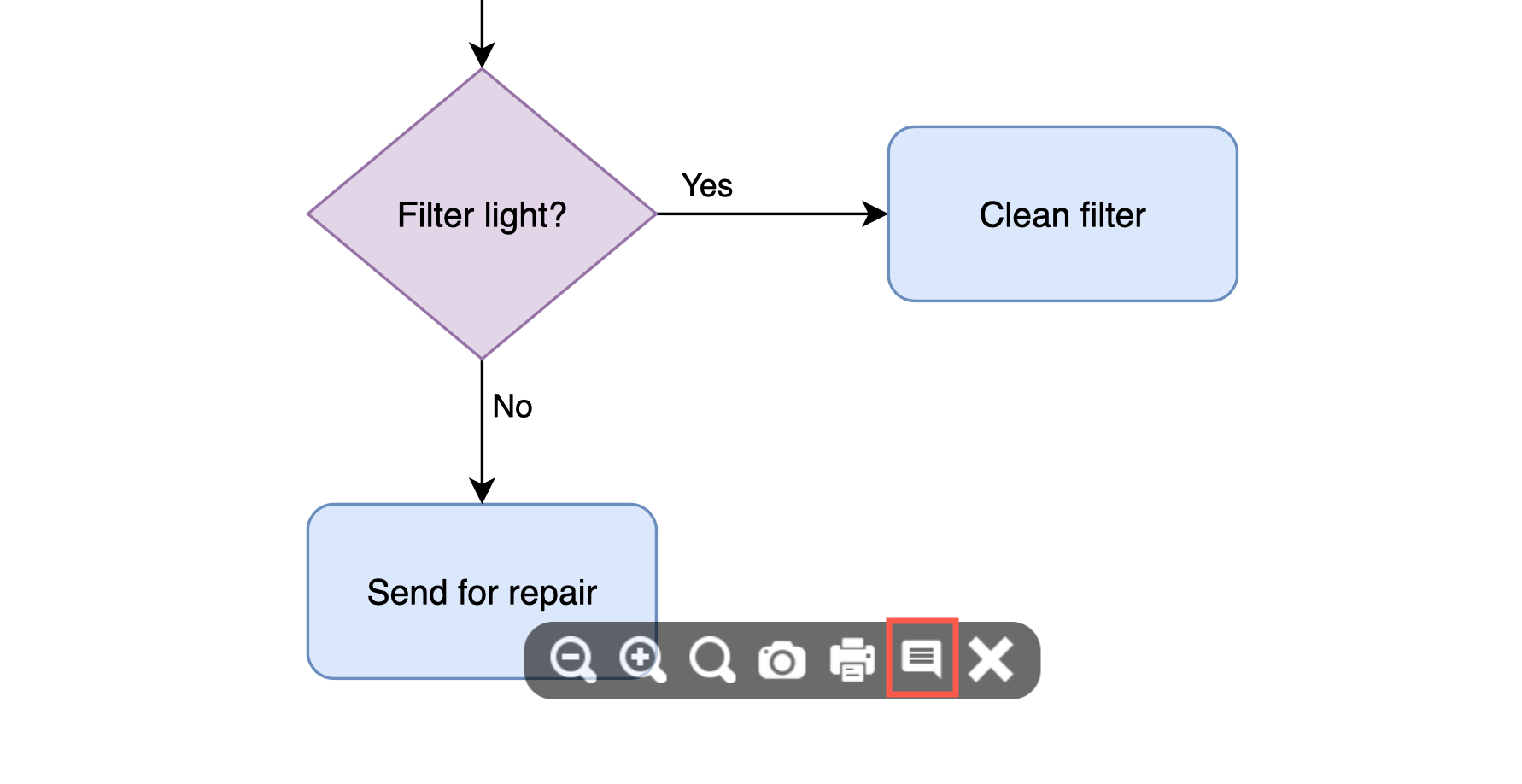
By default, only open, unresolved comments will be shown.
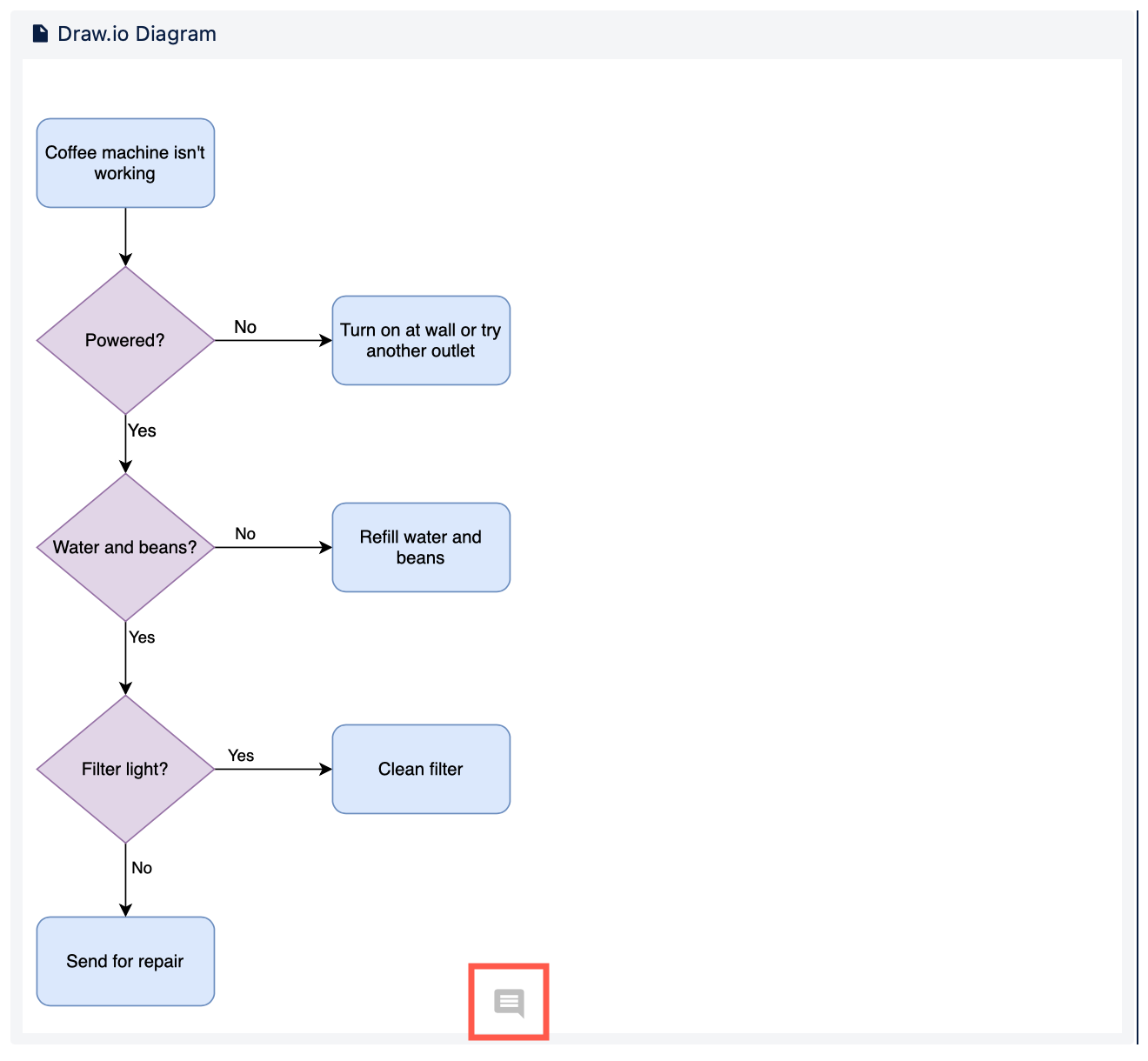
When you are editing the page in Confluence, you'll see a small comment icon on the draw.io macro indicating there is an unresolved comment on this diagram.
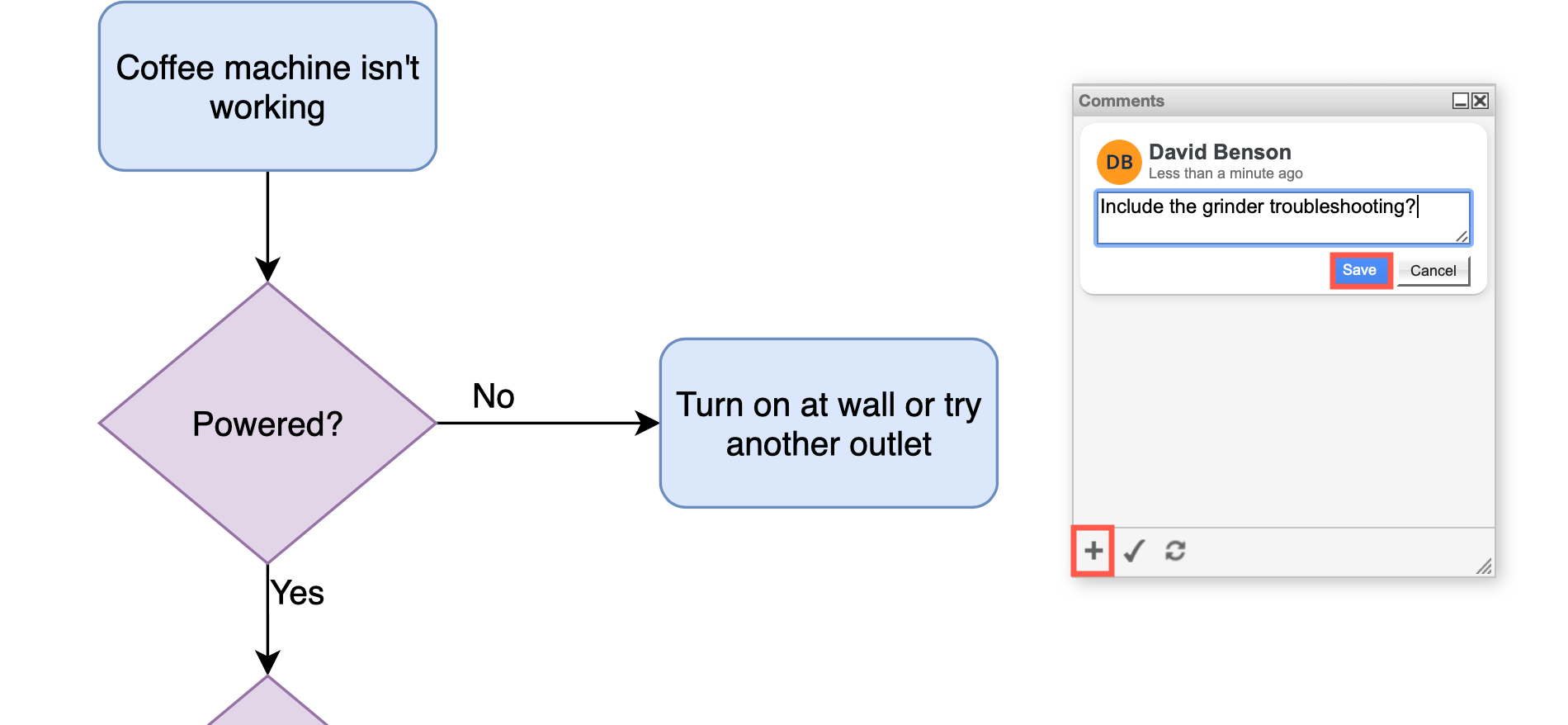
Add a comment
Click on Create (+) at the bottom of the Comments dialog, enter your comment in the text field, then click Save.
Edit and delete comments
Under each saved comment are some options - you can Edit and Delete your own comments.
Reply to a comment
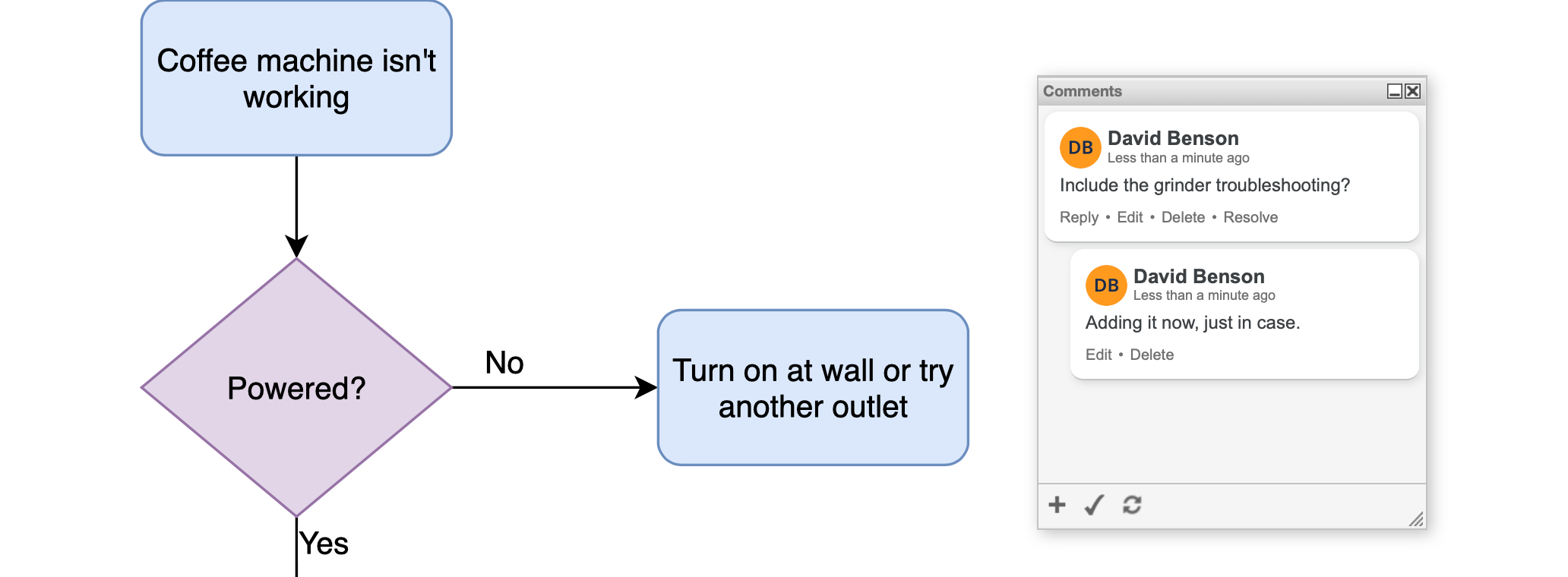
You can reply to comments too. Click on Reply, enter your comment and click Save. Replies will be nested.
Resolve comments
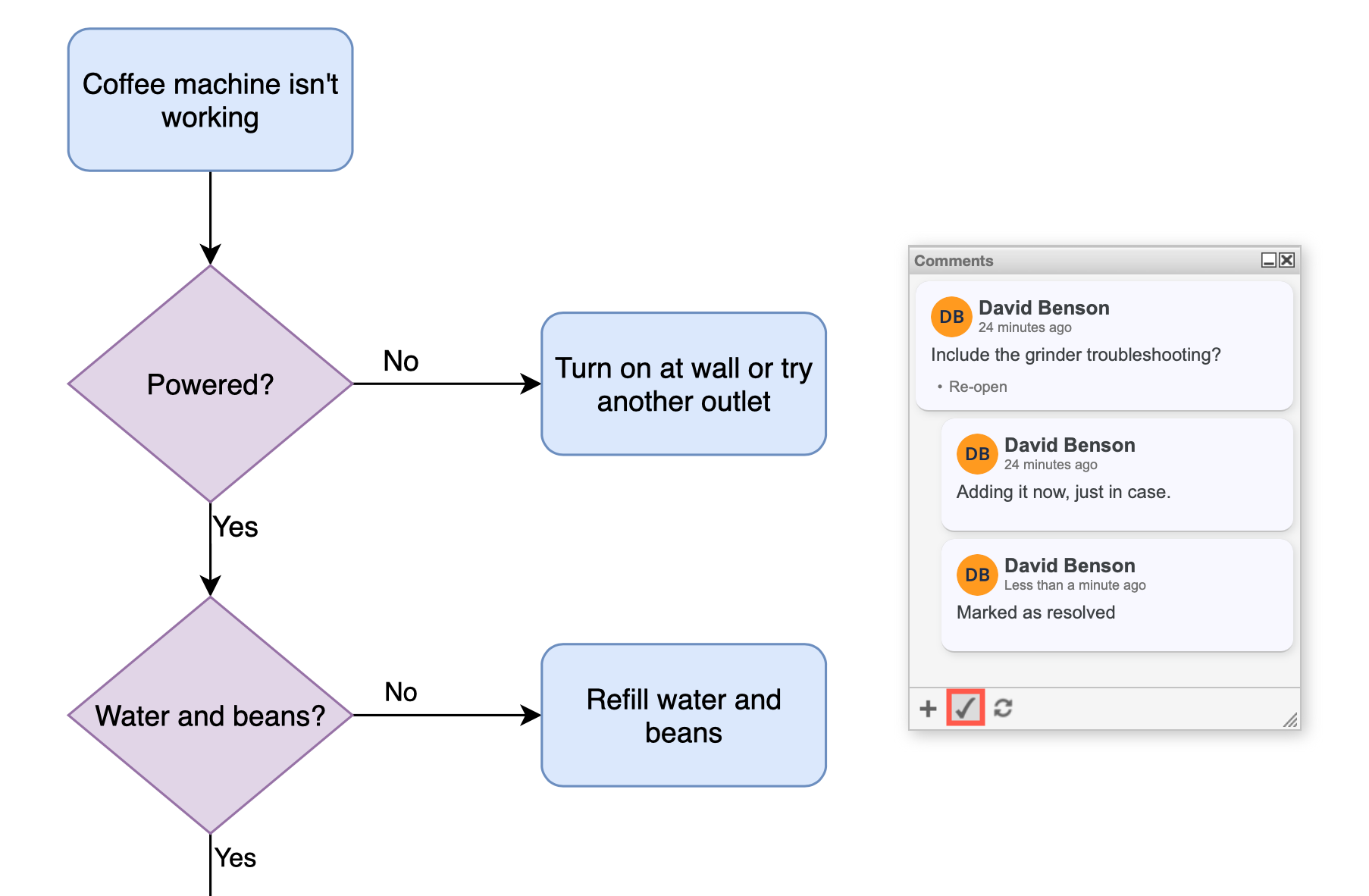
Click on Resolve under the comment (or thread) you want to resolve. It will disappear from the list of open comments. To see all comments, click on the tick button at the bottom of the Comment dialog. Resolved comments are not displayed in the diagram viewer.
Click on Reopen if you want to reopen a comment thread.