Choose where to save your diagram
draw.io can store your diagram files on your local devic, in your browser, or in several cloud storage locations: Google Drive, OneDrive, Dropbox, GitHub and GitLab.
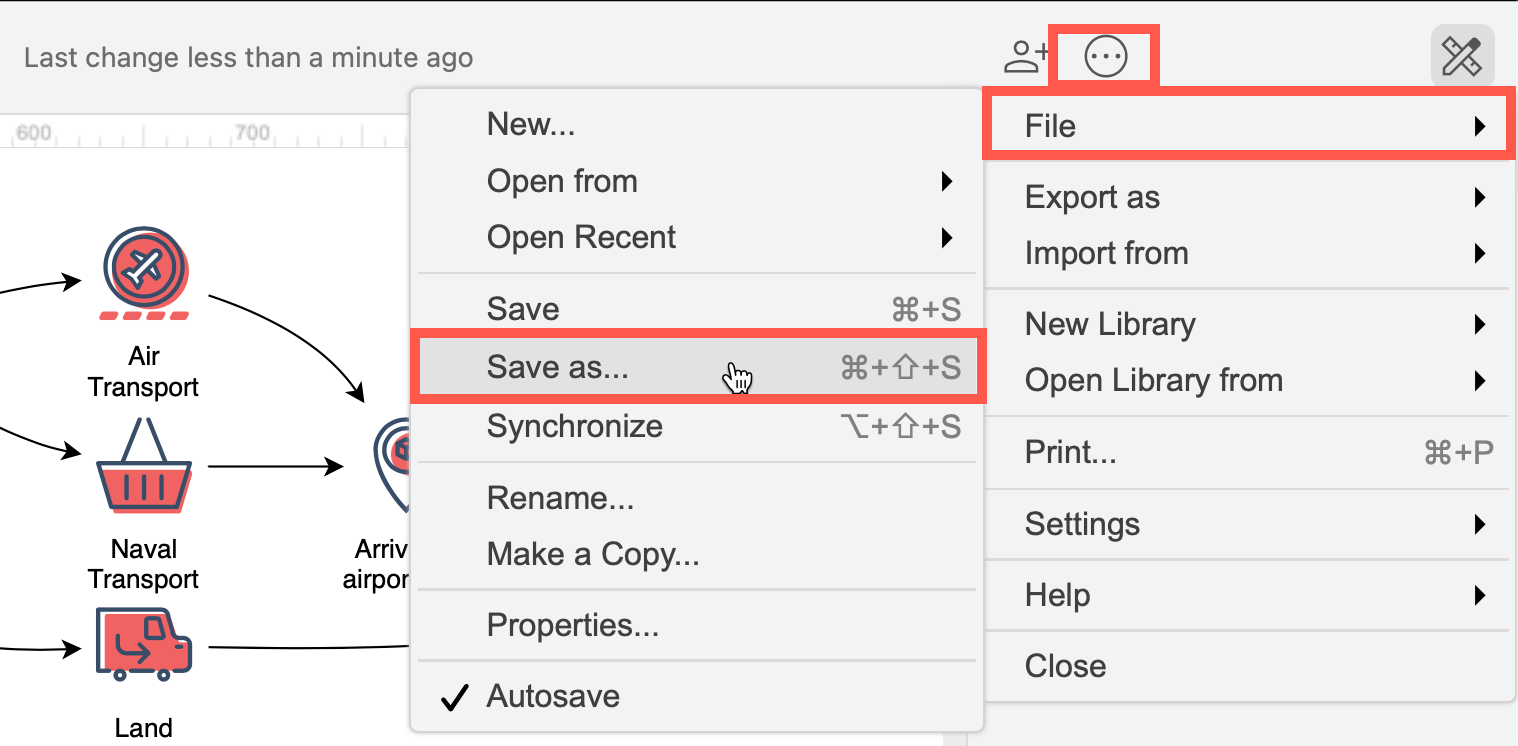
- Go to the online version of draw.io and select File > Save as from the menu.
- Select the location or online platform where you want to save your diagrams.
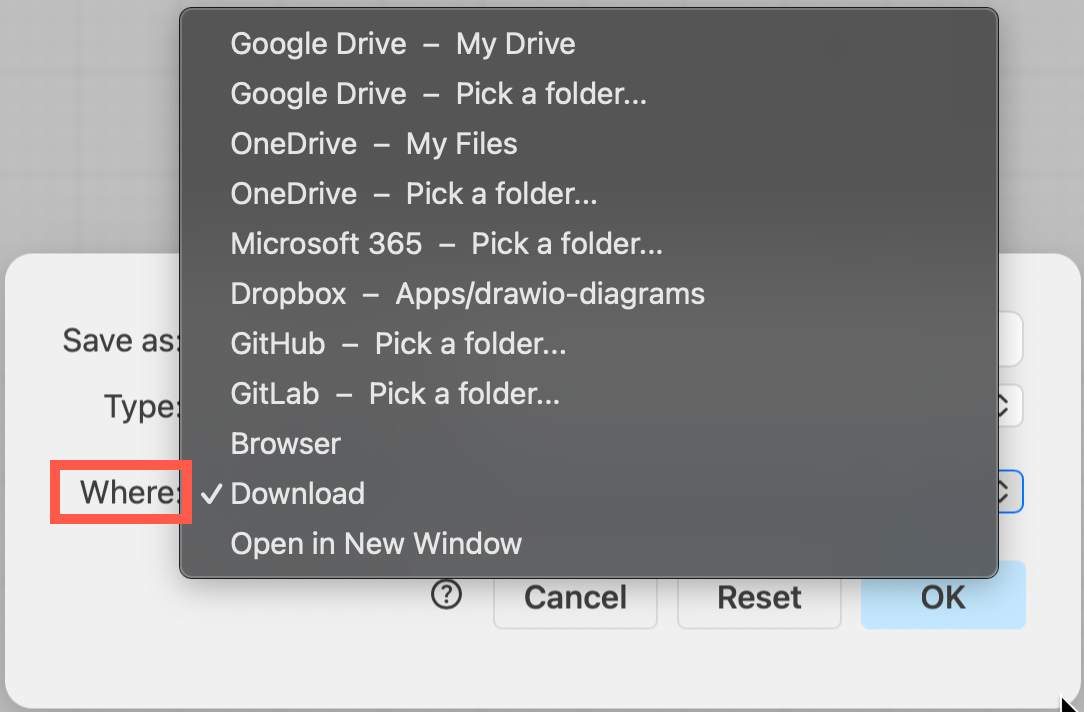
- If you select a cloud storage location, you may be prompted to authorise the editor and grant it permission to read and edit files stored on that platform.
draw.io will automatically remember where you have last stored your diagram files. If you used your browser, it will automatically open your most recent diagram.
Tip: Select Device to save the diagram file to your local device.
Related topics
- Different storage locations support additional features in the draw.io editor. Compare file storage locations to see which will work best for you.
- From within the draw.io editor, select File > Save as from the menu to save your diagram to a different location.
- Use diagrams in Google Drive and Google Workplace apps
- Install draw.io on a mobile device