Export, embed, publish and print diagrams
draw.io can export diagrams to many different formats as well as prepare diagrams for printing. You can also embed diagrams and even the diagram editor in web pages.
Exporting your diagram
When exporting diagram, you need to consider which format is most appropriate and whether you need a high or low resolution to ensure text is readable. See Choosing the right format for a per-format comparison of editability, vector/raster, transparency, and what each format is best suited for.
Some of the formats support embedded diagram data, making it easy to share editable versions of your diagram files.
You can export diagrams from draw.io to the following formats.
- Image files: PNG, SVG, JPEG, animated GIF
- PDF, where you can also crop your diagram upon export
- Web: HTML, encoded in a URL
- XML instead of the default
.drawioformat - JSON format
Additional export options
- Export your diagram with a grid
- Debug text problems in exported SVG images
- Embed your diagram data in PNG and PDF files
Embedding diagrams and draw.io
You can embed diagram data and the draw.io viewer in different formats in web pages, including in image files as well as HTML and SVG files that support links in the displayed diagrams.
Publish your diagram
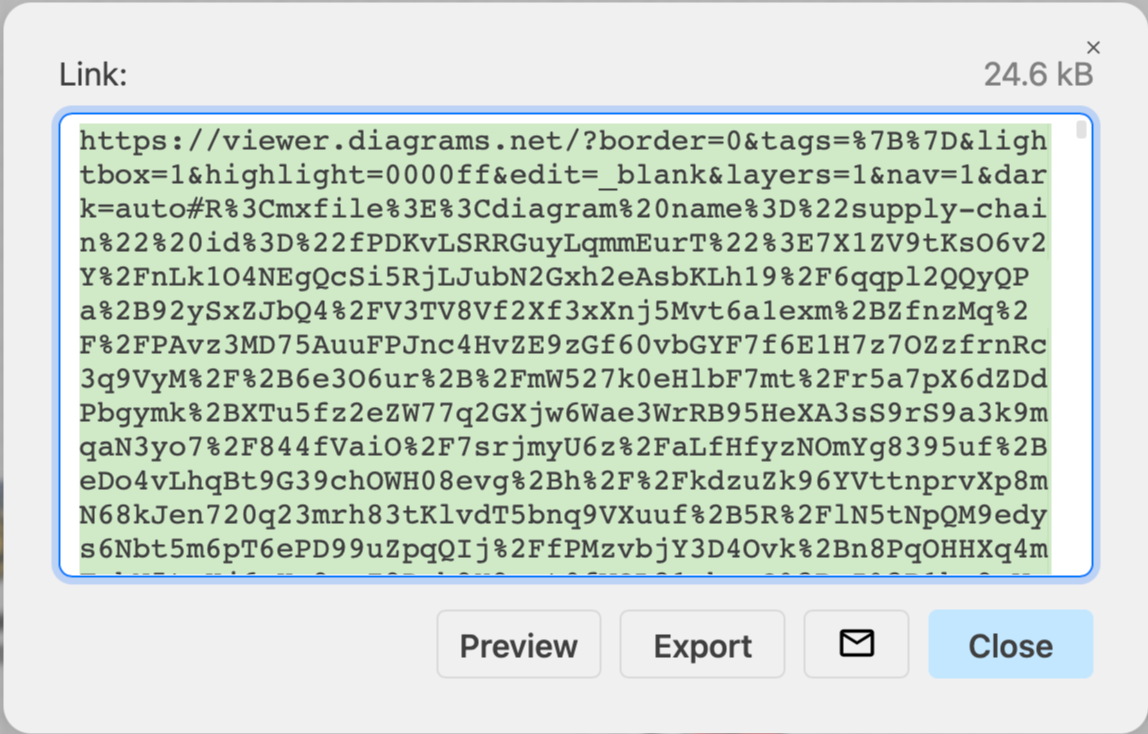
You can also publish your diagram as a link, which will be automatically shortened if your diagram is a public file in Google Drive.
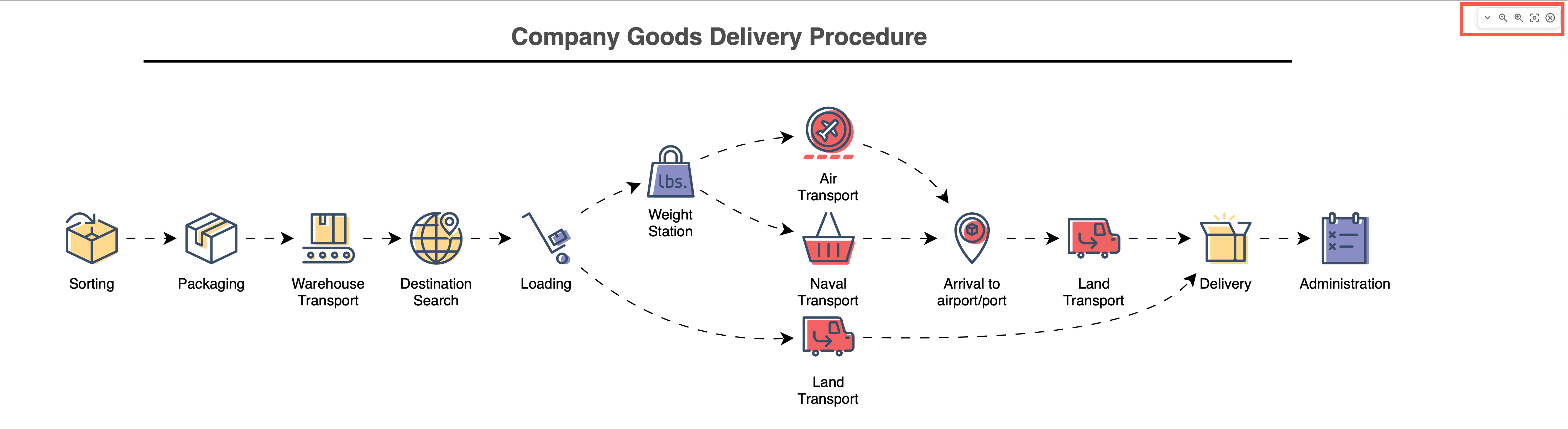
As an alternative to the diagram viewer with the large toolbar, publish your diagram to a clean presentation mode with a minimal toolbar in the top right.
Options for printing
When you print a diagram, you can choose to fit it to a page, or crop it on export.