Links, tooltips and tags
Links, tooltips and tags in your diagram add additional information to help the audience understand the diagram faster or add interactivity.
Links
- Add a link that redirects the user to a web page to shapes, connectors and text shapes.
- Add a link that opens another page in a multi-page diagram - good for technical diagrams that need to show increasing levels of details.
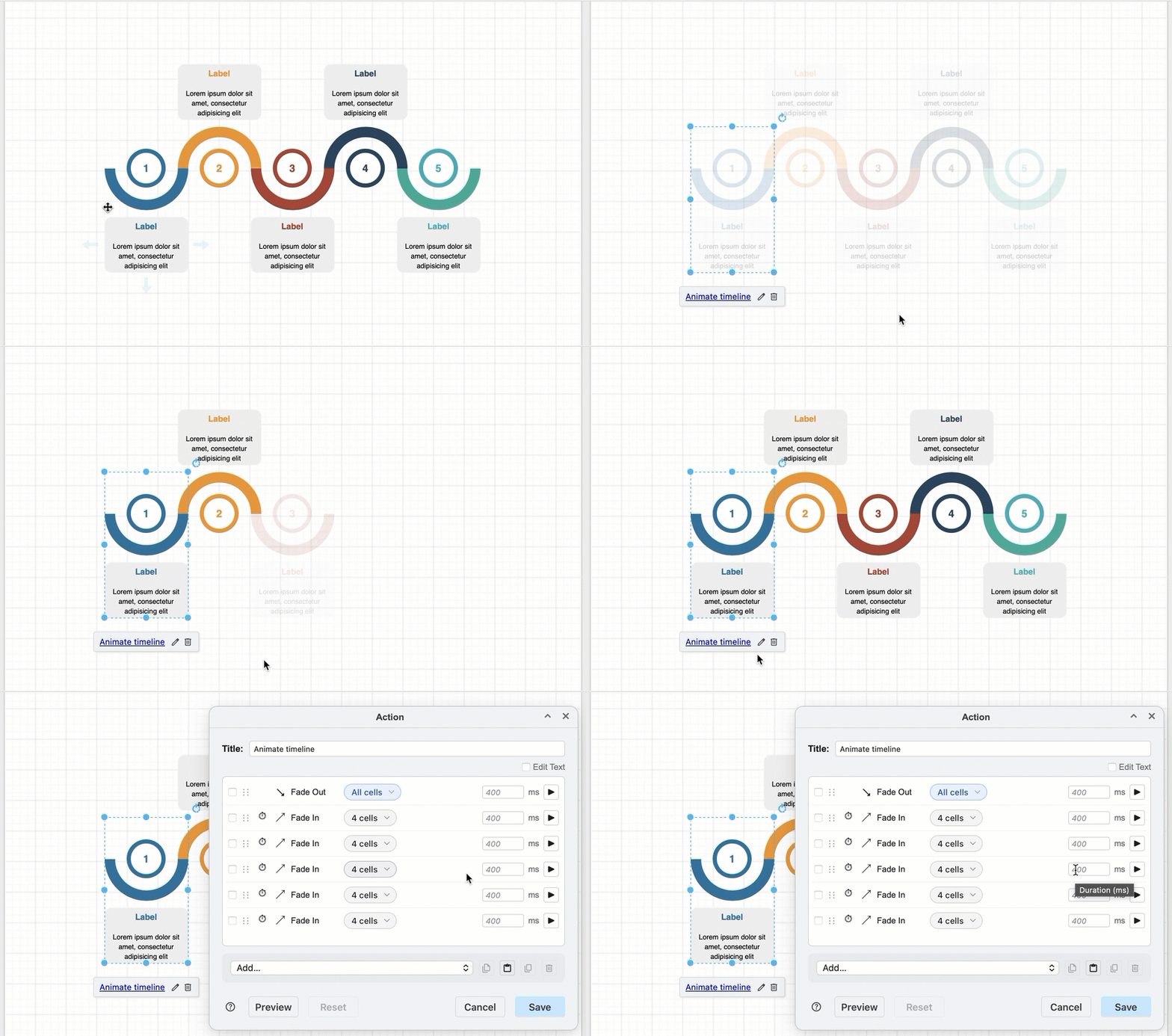
- Use custom action links on shapes, connectors, and text shapes to make your diagram interactive and perform animation actions - hide or display or highlight selected diagram elements, start or stop flow animations, change the styles of shapes and connectors, open external links in a new browser tab, and more.
Tooltips
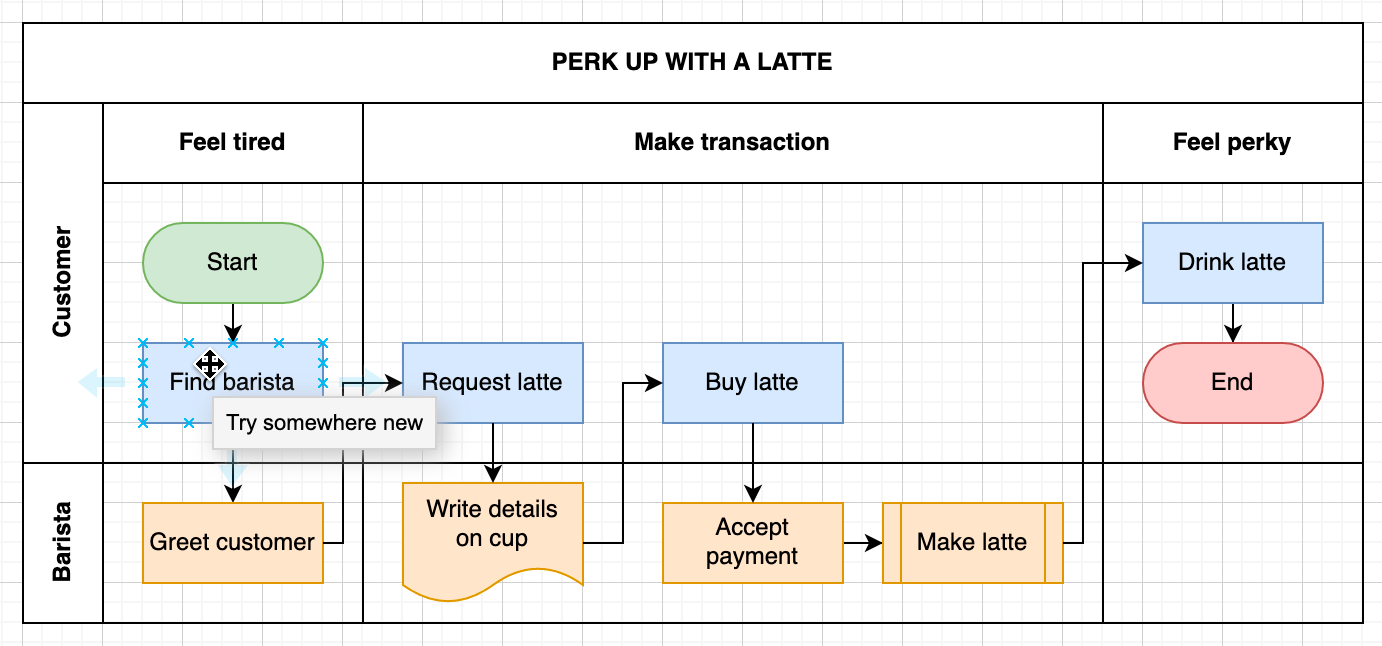
Add tooltips to diagram elements that appear when you hover over the shape or connector to add important context or notes to diagrams.
Tags
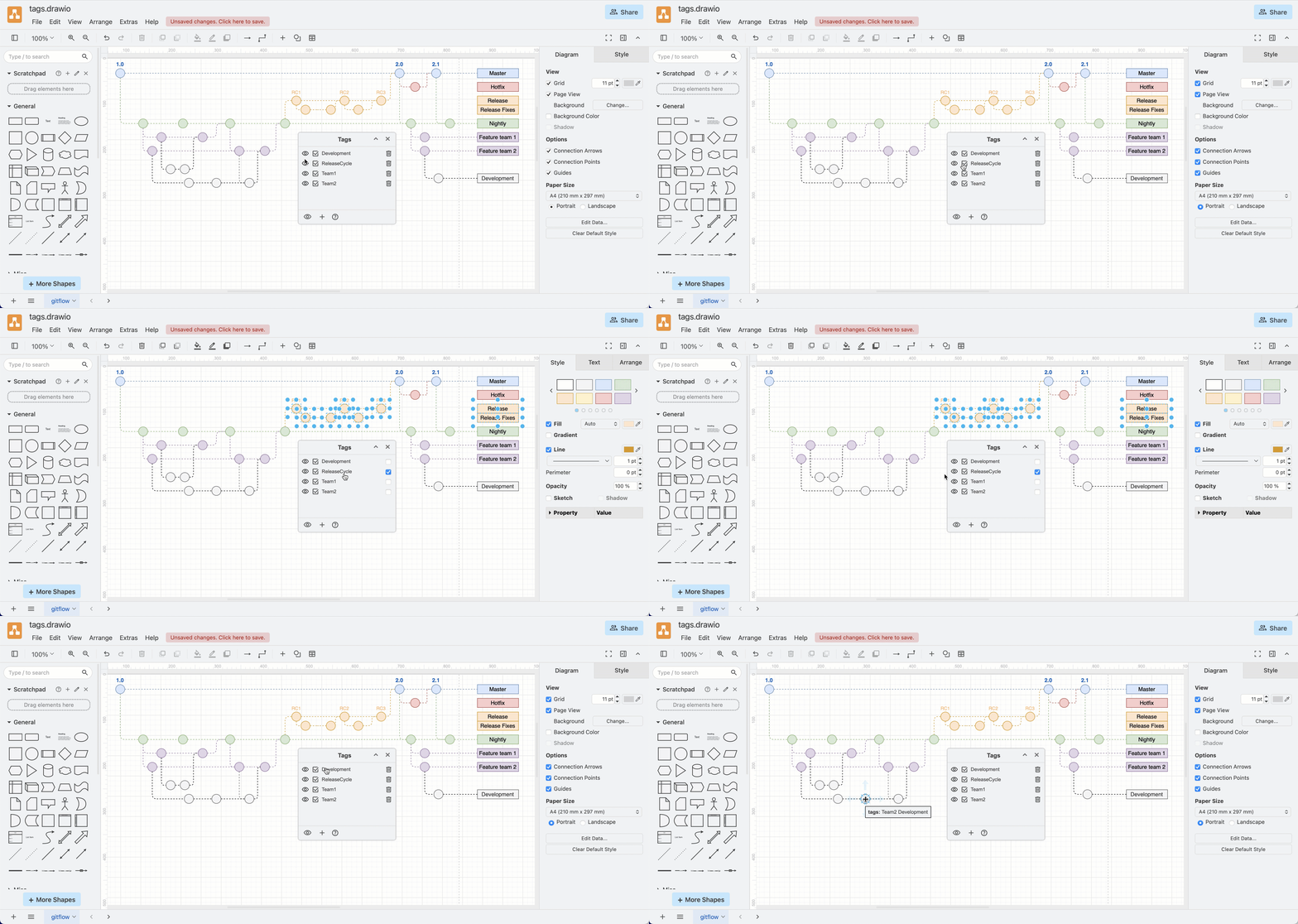
Add tags to shapes and connectors and then use the Tags dialog to hide or display elements in your diagram. They are particularly useful for noting feature flags in Gitflow diagrams.