Install draw.io in monday.com
You need a monday.com account, and you must have created or joined at least one workspace, before you install the draw.io app.
- Open the draw.io app installer. If you have already installed the app, this link updates it.
- Click Install to install draw.io in All Workspaces.
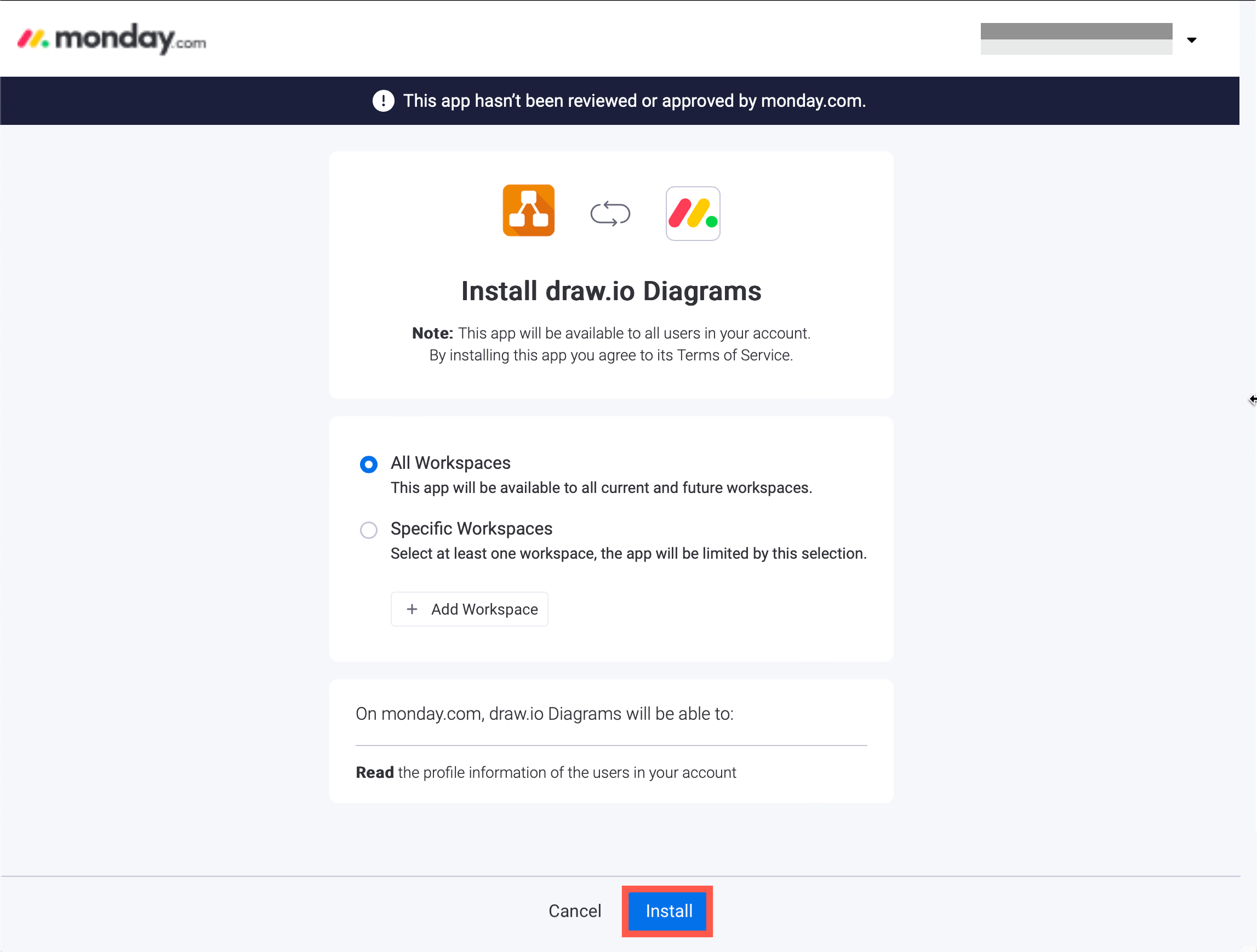
To install it only in some workspaces, select Specific Workspaces, add the workspaces, then click Install.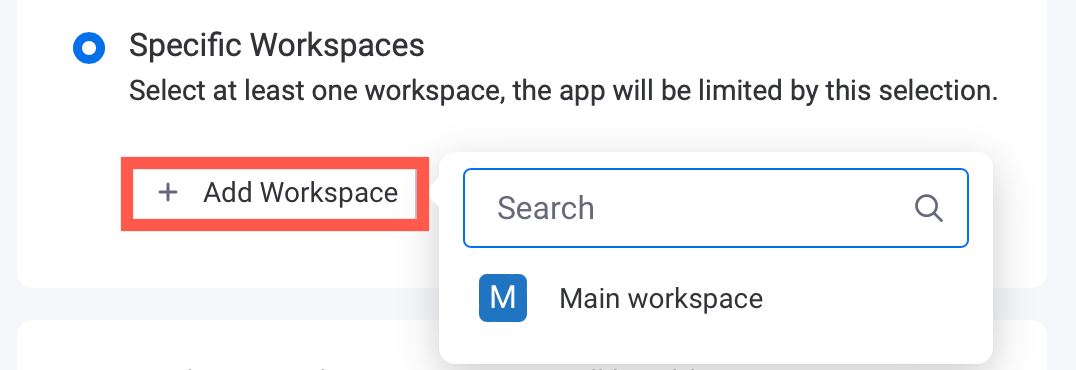
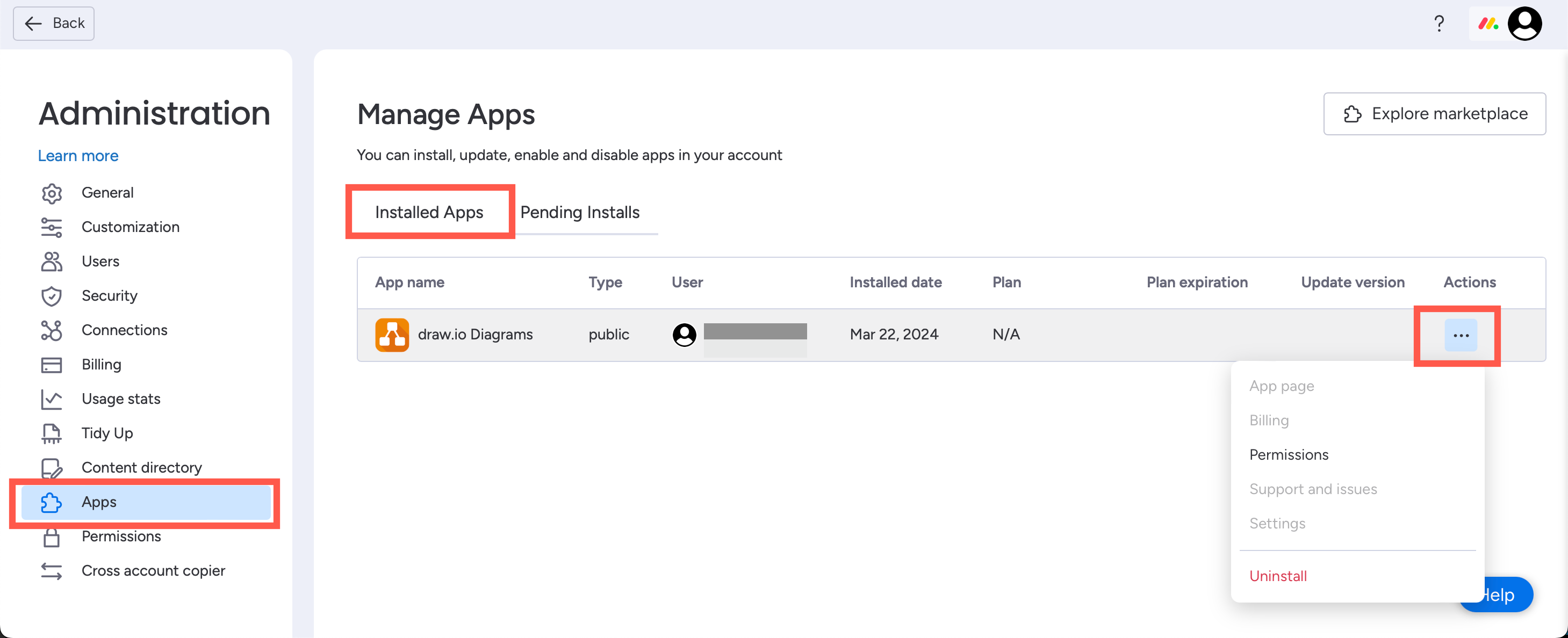
The draw.io app will be installed. You can see it, and uninstall it, in the administration of your workspace.
Permissions: The app asks for one permission: to read your own monday.com profile. It uses your name and photo to show collaborators who is editing a diagram.
Next, add draw.io to a board, item, dashboard or workspace.