Get help with draw.io
If you need help or support when using draw.io, select the Help menu above the drawing canvas.
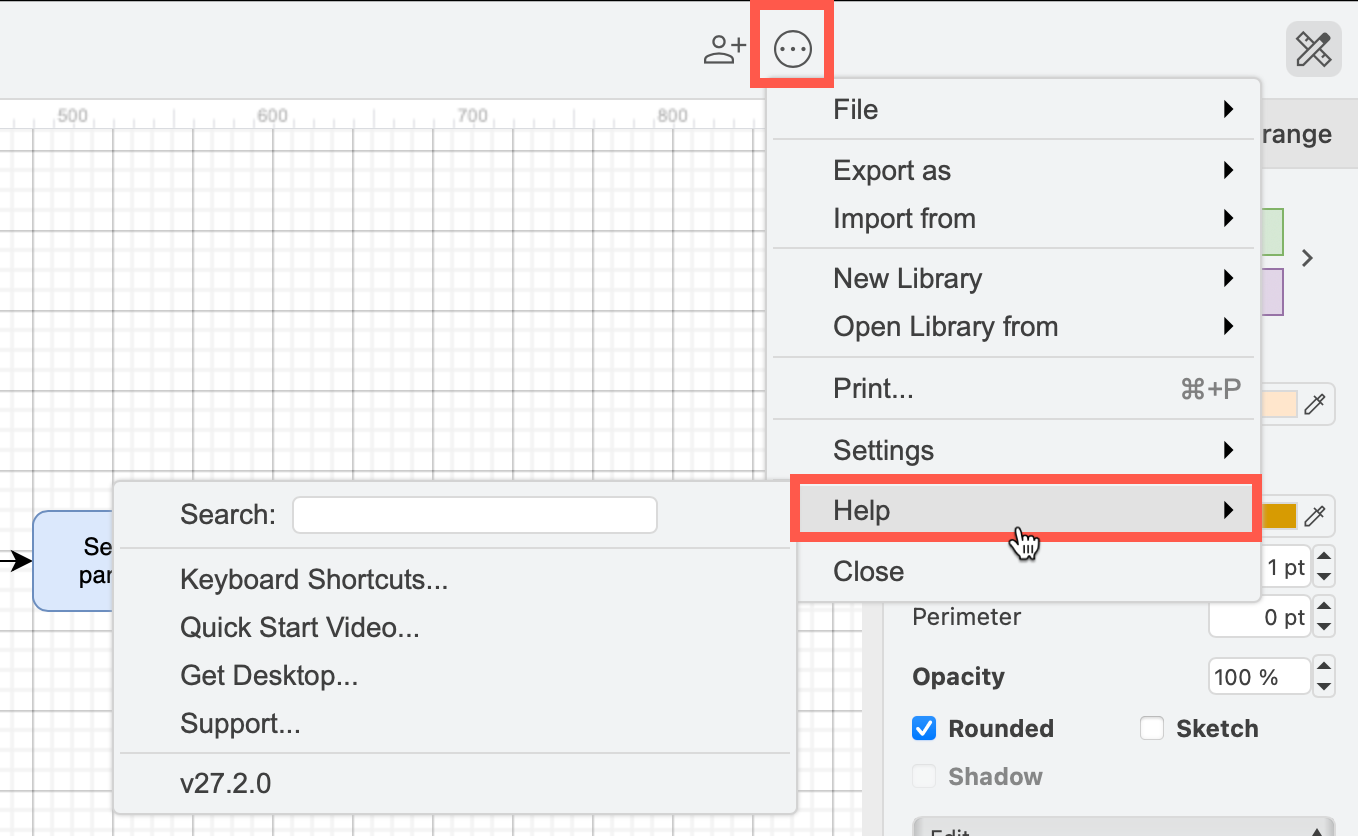
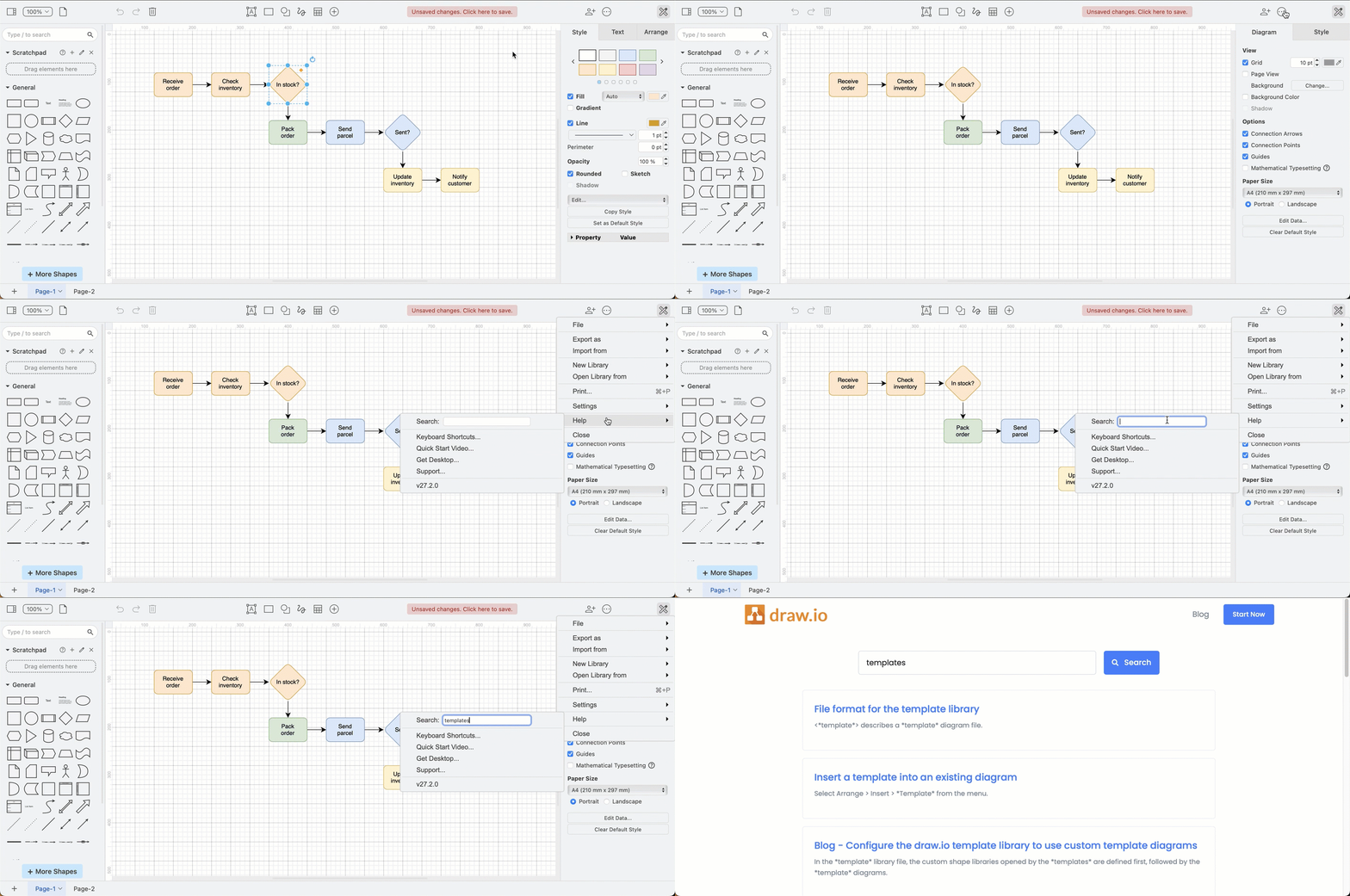
Search: Enter a search term in the Search field at the top of the Help menu and press Enter. Click on the title of a help topic or FAQ that best matches your query.
Keyboard Shortcuts: View the most common keyboard shortcuts all on one convenient page.
Quick Start Video: Get started with the main features of draw.io in this short introductory video.
Get Desktop: Download the fully offline desktop version of the draw.io editor for Windows, macOS or Linux.
Support: Describe your problem on the support page. It looks for an answer in the documentation, and shows where to get more help for the draw.io product you use.
When you ask for help or report a bug, include the version number. This is the last entry in the Help menu, for example v13.6.5.
Related
We post occasional updates on features and website content on Mastodon at https://hostux.social/@drawio.
Information on our blog pages and in the documentation will appear in the search results via the Shapes panel.