Share draw.io diagrams stored on cloud platforms
When you store your diagrams in the Google Drive, Microsoft OneDrive or Nextcloud file storage platforms or in Atlassian Confluence and Jira, you can easily share and collaborate on diagram files with other users that have access to those files.
Use the share functionality that is built into your cloud platform to share your diagram files with other users on the same platform. They will be able to view, open and edit those diagrams, and on some platforms, collaborate in real time.
We recommend Google Drive as it provides more secure permissions for third-party apps like draw.io, and lets you open diagrams easily via your normal file manager. Shared cursors and real-time collaboration is also supported by the draw.io app for Atlassian Confluence Cloud, and the draw.io app integration for Nextcloud.
Note: While you can store versioned diagrams in Dropbox, there are some limitations, and collaborative editing is not available.
Collaborative editing with shared cursors
When collaboratively editing diagram files on platforms that support this functionality, you see everyone's cursors, selections and changes in real-time, as you edit a diagram together.
Each user is assigned a colour, and you will see their cursor with their names as you edit the shared diagram.
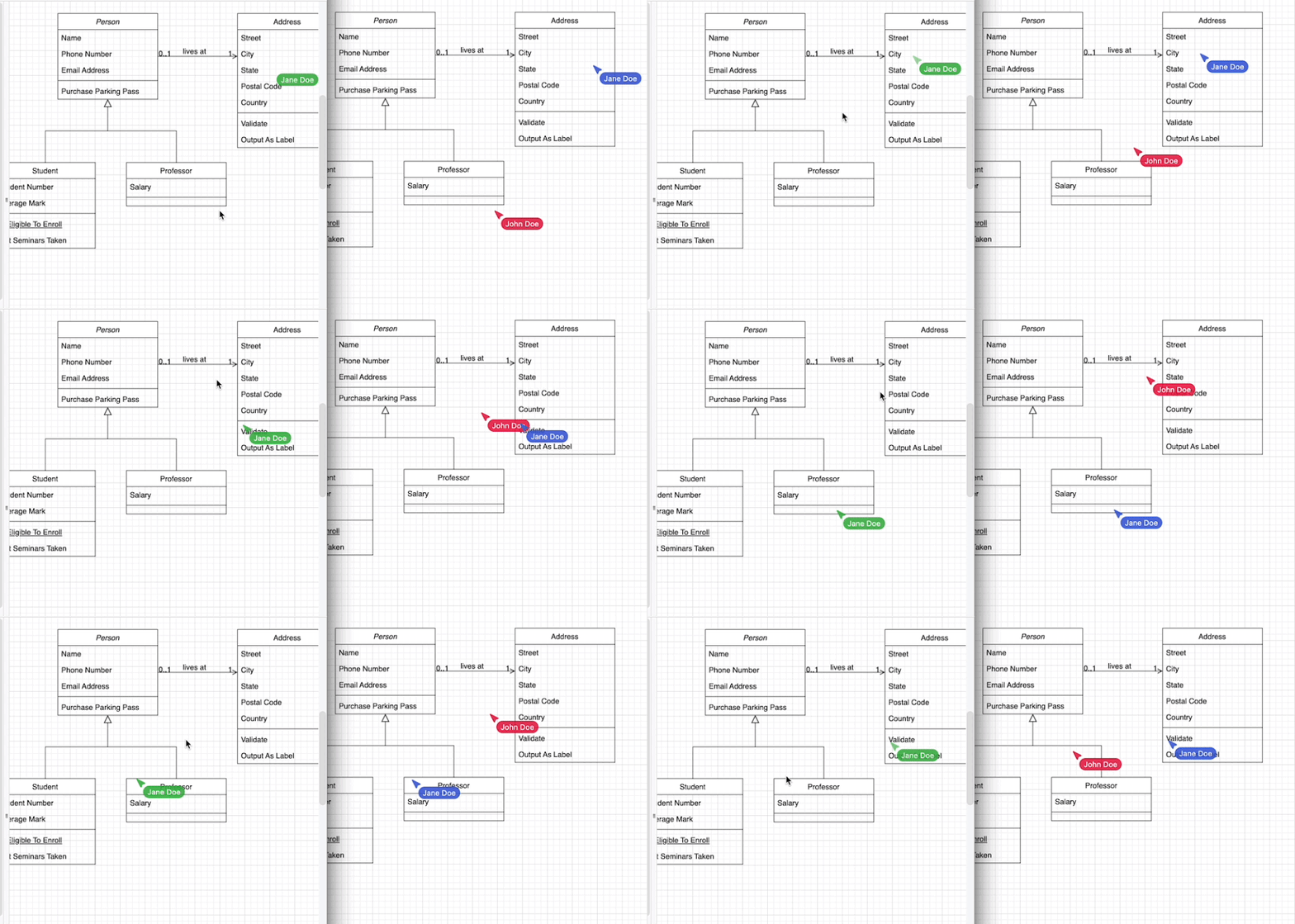
Shared cursors and real-time collaboration is also supported by the draw.io app for Atlassian Confluence Cloud, and the draw.io app integration for Nextcloud.
Do more with diagrams in Google Drive
Google Drive also tracks the changes that are made by each user, and you can see the diagram's revision history.
To share a diagram with people who don't use Google Drive, you can publicly publish your diagram.
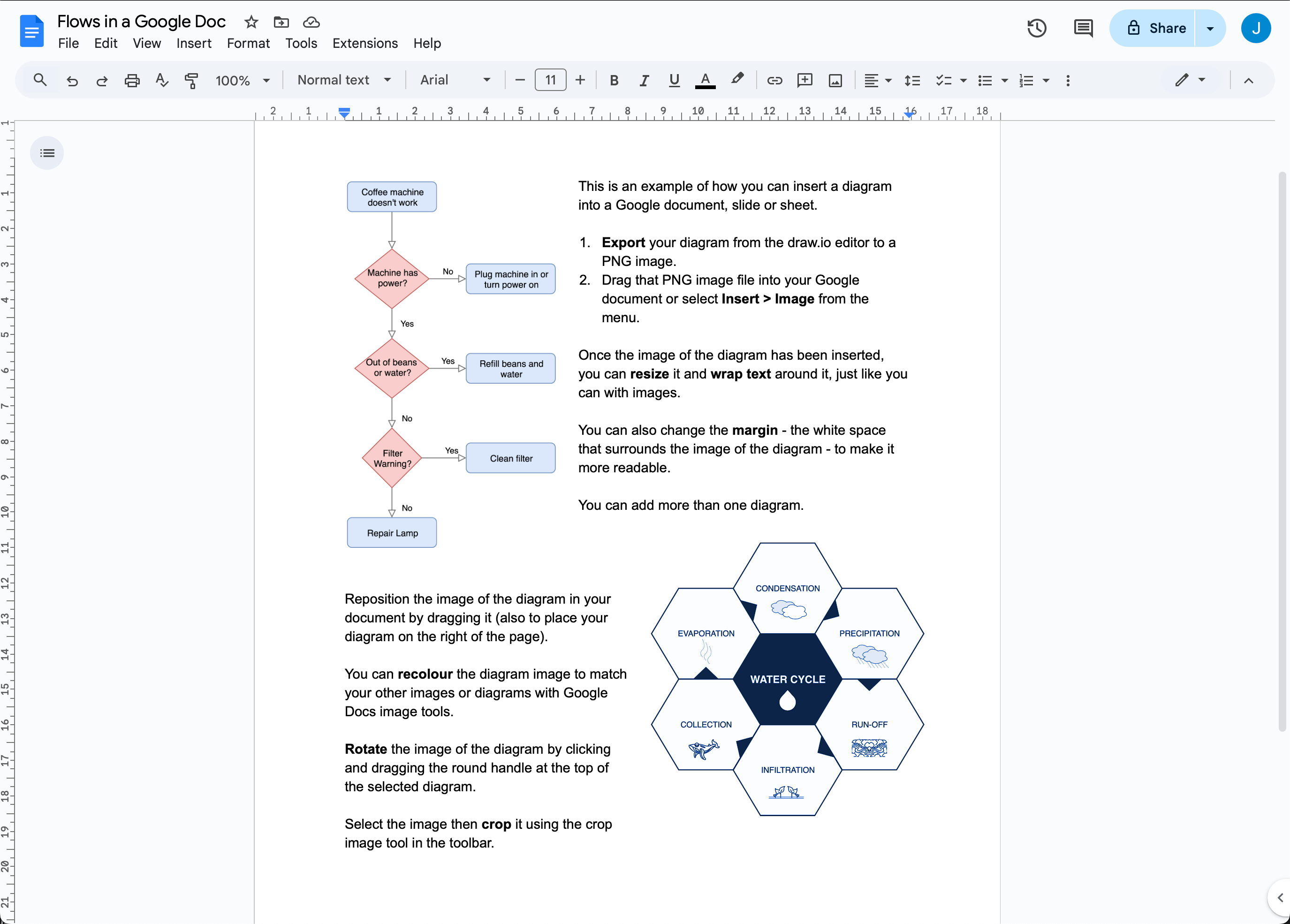
You can use diagrams stored in Google Drive with the draw.io add-on in Google Docs, Sheets and Slides.
Troubleshooting: If you find you are having connection problems, check that your browser allows third-party cookies so that draw.io can talk to Google Drive.