draw.io for Confluence Data Center 11

Atlassian has just released Confluence Data Center 11.0, supported immediately by draw.io 17.0. Your diagrams, boards, embedded diagrams, custom editor configuration, custom templates and libraries will seamlessly carry over when you upgrade.
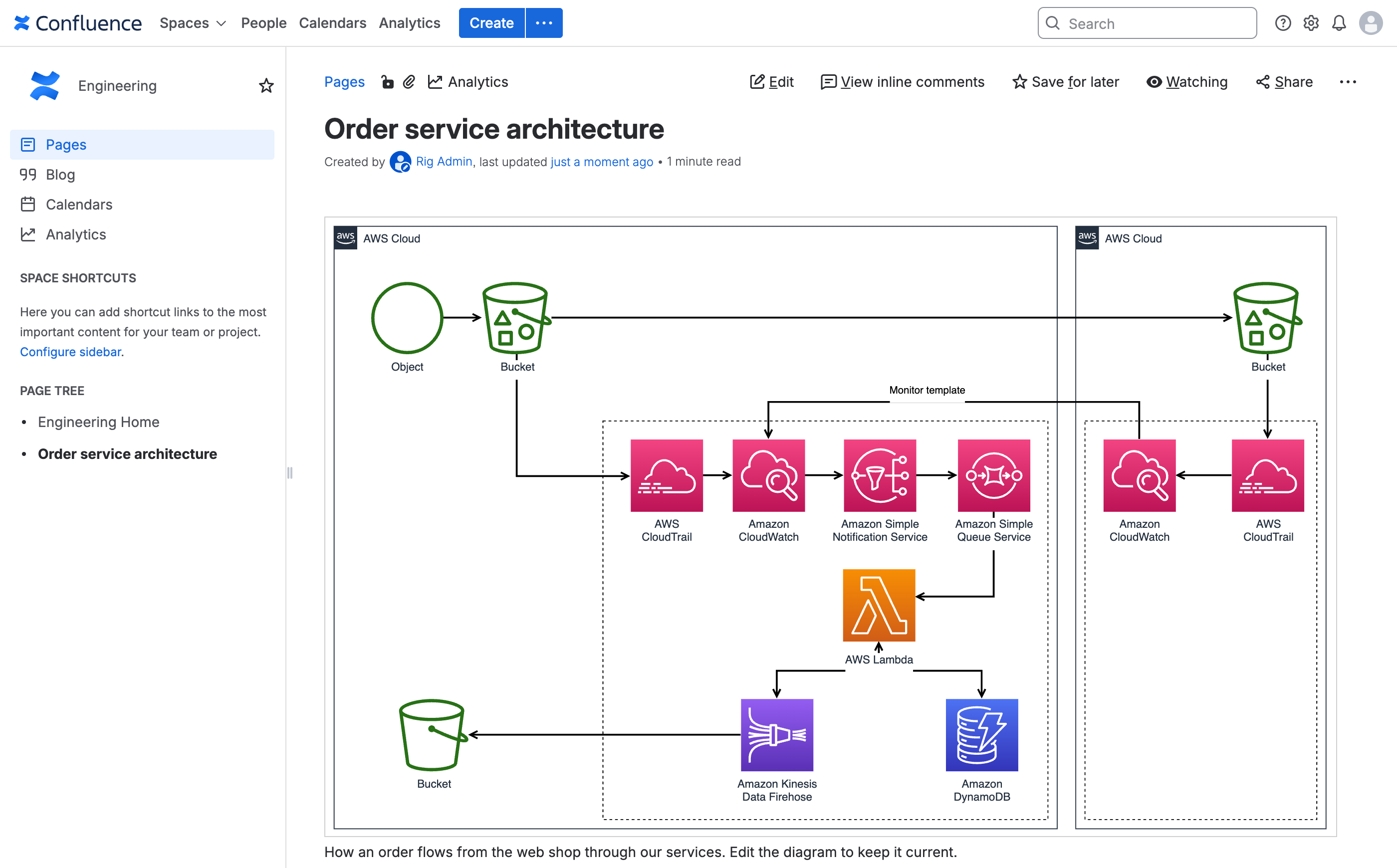
Note: If you are still using Confluence 10, you will continue to use draw.io versions 16.x.
Create and edit diagrams in Confluence 11
Confluence 11 has received a new interface (AUI 11), and draw.io has been updated to use the new interface style. Inserting draw.io Diagram and Board macros work the same way as in previous versions.
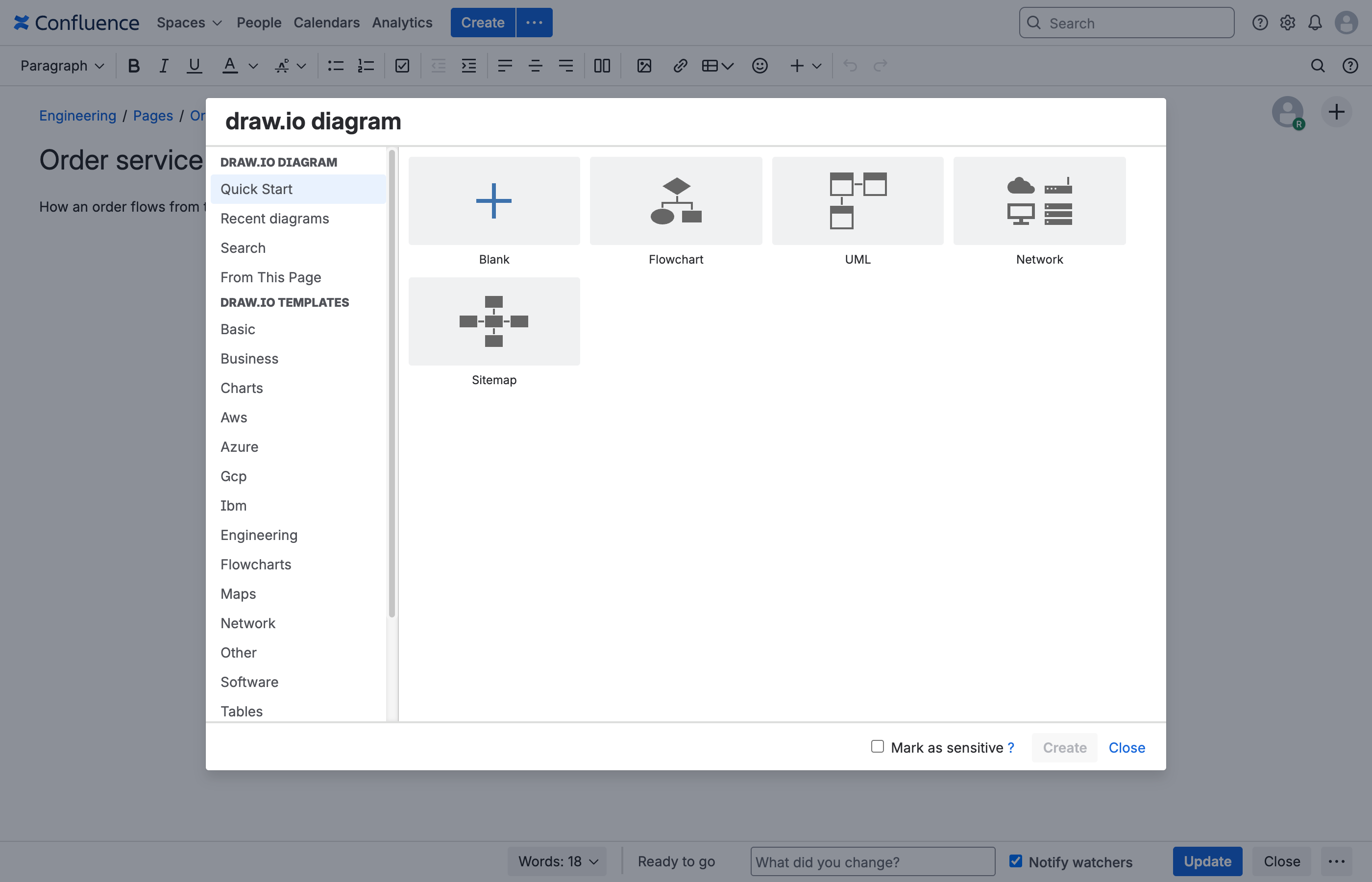
Insert a new draw.io Diagram macro and choose a template from the library and click Create to open it in the editor. Choose the Blank template to draw your own diagram from scratch.
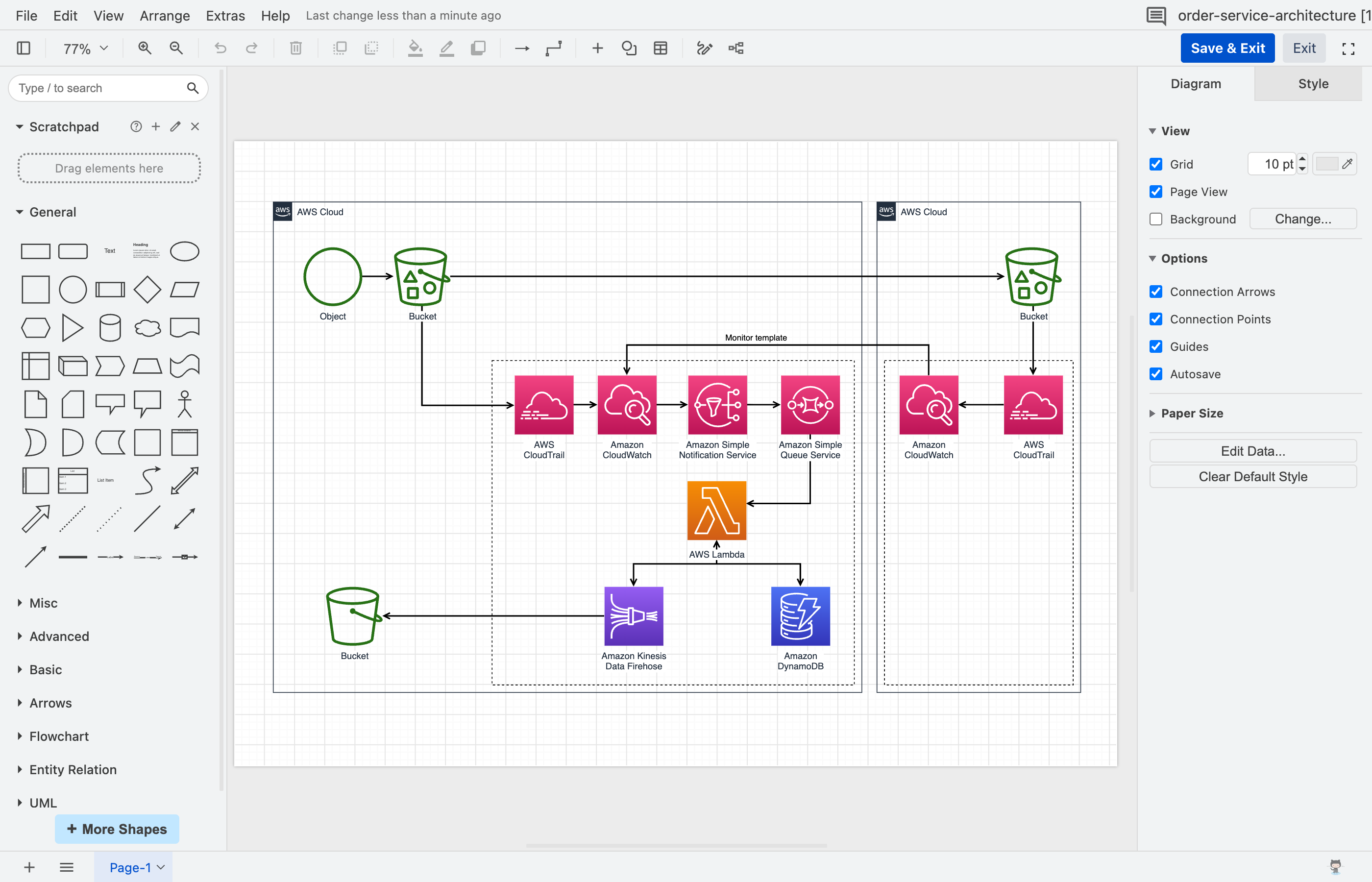
Once the diagram has opened in the editor, you can rearrange it, add and delete shapes, restyle and add more diagram pages as needed. Click Save and Exit in the top right to save the diagram and return to the Confluence page editor.
Tip: Click on any diagram when viewing a Confluence apge to open it in the lightbox viewer - you don't have to open a diagram in the editor to step through diagram pages or interact with layers and tags.
Works with Confluence 11's stricter security
Content Security Policy
Confluence 11 has a strict Content Security Policy by default (http.header.security.content.security.policy.strictness.enabled) that blocks inline scrips unless the page marks them as trusted.
draw.io runs entirely within this security policy, meaning that draw.io diagrams will be protected from injected scripts - there are no exceptions to configure so administrators do not have to switch the policy off. Of course, this includes the draw.io editor, lightbox viewer, administration and configuration pages, and the Google Drive and OneDrive file pickers.
No AI provider keys stored in the configuration
AI diagram generation is not available in draw.io for Confluence Data Center.
Previously, you could copy a custom draw.io editor configuration from our online editor, and the draw.io configuration in DC would save all of the configuration data, including the properties that weren't used or accessible in the draw.io for Confluence DC app. Now, AI provider keys are stripped from the draw.io configuration, including from earlier versions of the draw.io configuration file.
Important: Backups of your instance that were taken before the upgrade to Confluence DC 11 and draw.io 17.0 will contain those keys. Make sure you revoke those keys with their providers.
Restrict custom shape libraries to groups
Administrators can set custom shape libraries to be visible only to selected Confluence groups. This is useful when teams need to use specific sets of shapes in their diagrams, that aren't required by other teams.
In the Libraries dialog, enter the name of the Confluence groups you want to be able to see the custom library (Visible to groups). When empty, all groups can see this library. When one or more groups have been defined, only those groups can see it - users all other groups will not be able to see or edit the custom library.
Choose Anyone can edit at the bottom of the dialog to allow anyone in the specified groups to edit the contents of the custom library, or limit them to only using the custom library shapes.
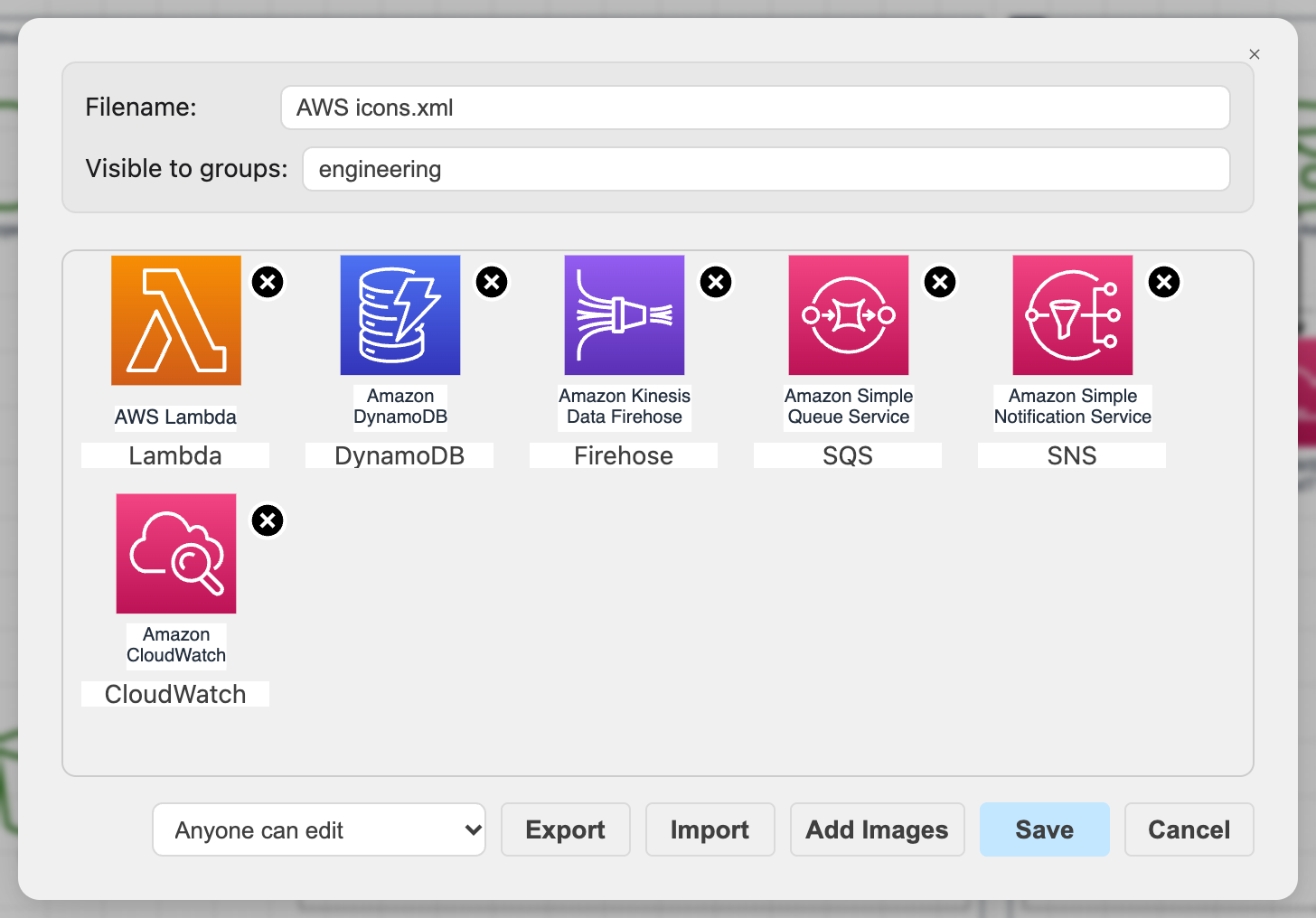
The instance administrator and the custom library's owner will always be able to see and edit the custom shape library.
Tip: Set a group when you are developing a new custom library to keep draft libraries from cluttering up your users' draw.io shape libraries dialog.
Group restrictions for custom shape libraries will also be available in draw.io for Confluence Cloud.
Faster pages and diagrams
draw.io macros and the editor have been heavily optimised to allow Confluence pages load faster.
- Faster pages: pages with diagrams appear sooner and diagrams render faster, even on pages with many of them.
- Lower server demand: Confluence does less work each time someone views a page with a diagram, which leaves more capacity for everything else on your instance.
- Smaller downloads: your browser loads only the parts of draw.io a diagram actually needs.
- Better caching: browsers now keep draw.io's files for far longer, so readers and editors download them once per release rather than again throughout the day, and pages with diagrams open without waiting on downloads.
Many more performance improvements to the draw.io editor on both the client and the server side have been implemented in the incremental 16.x releases. All of these improvements are included in draw.io 17.0 for Confluence DC 11.
How to upgrade
- Upgrade Confluence first: Atlassian supports 11.0 only from the latest Confluence 10.2 release.
- Then update draw.io to 17.0 from Manage apps section in the instance administration (or the Marketplace). Note: draw.io 16.x is for Confluence 10.
All existing draw.io Diagrams, Boards and embedded diagrams and their revision history, as well as custom templates and libraries, draw.io configuration, and Google Drive and OneDrive settings will be carried over when you update.
See all the changes in Confluence Data Center 11.0.