Export a diagram page to an animated GIF
- Click File > Export As > Animated GIF.
- Change the export settings to suit your requirements.
- Set the Speed of the animation.
- Set the Zoom factor and Border Width.
- Choose whether you want the Loops to continue forever or repeat 1, 3, or 5 times.
- Enable the Transparent Background if you don't want to export your diagram with a solid white background.
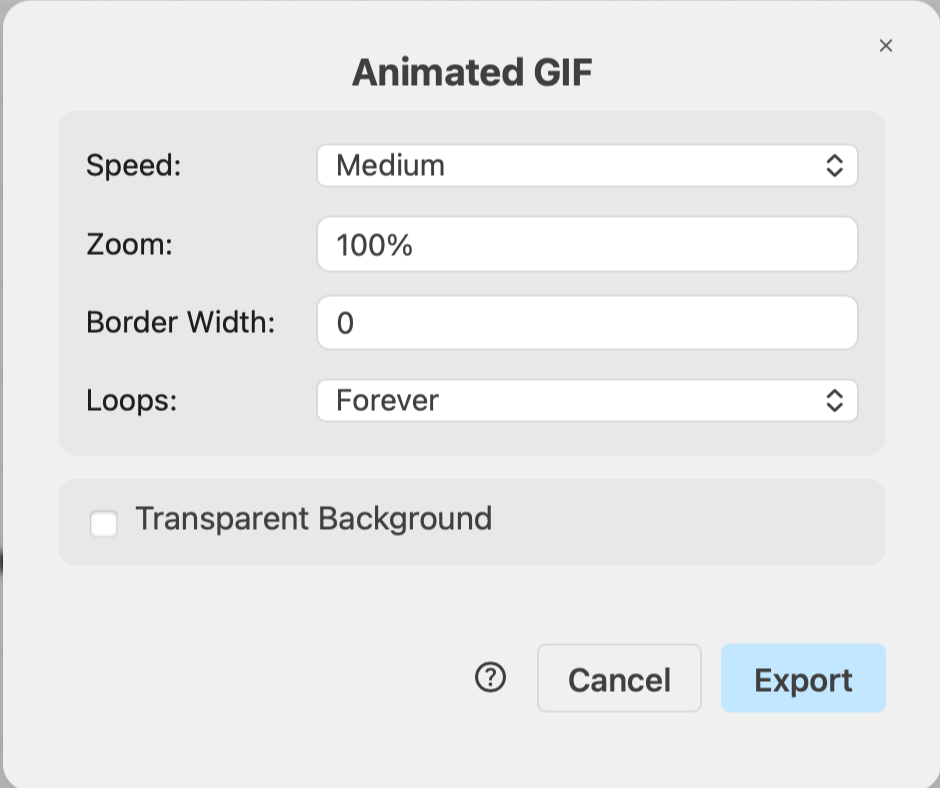
- Click Export and your animated GIF file will be generated and automatically downloaded by your browser.
See all diagram export formats