Duplicate a shape
There are several ways to duplicate a shape or multiple shapes and connectors quickly in draw.io.
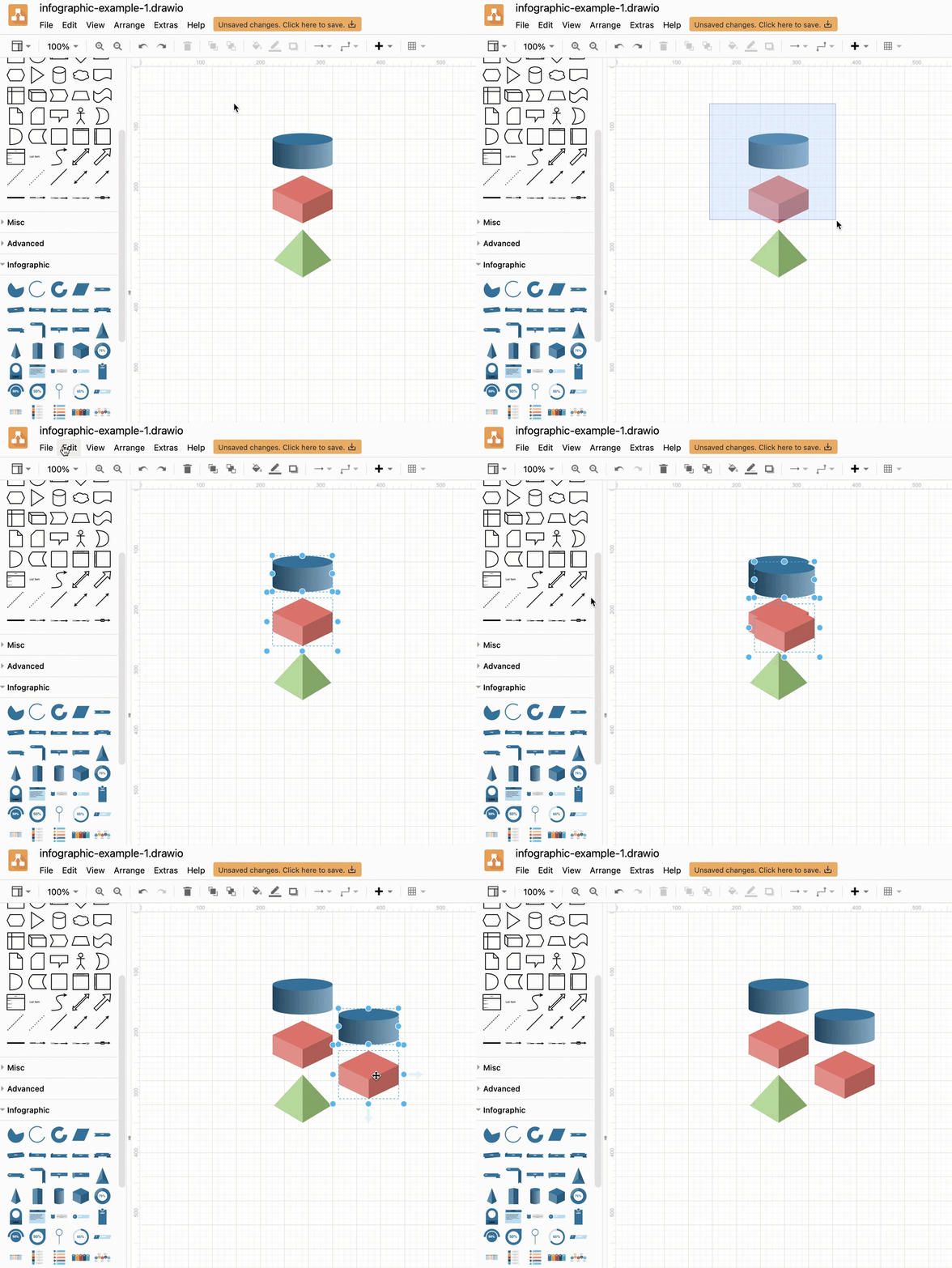
- Select the shape or multiple shapes that you want to copy.
- Duplicate the shape using one of the following methods:
- Menu: Click Edit > Duplicate to make a copy of the selected shape(s).
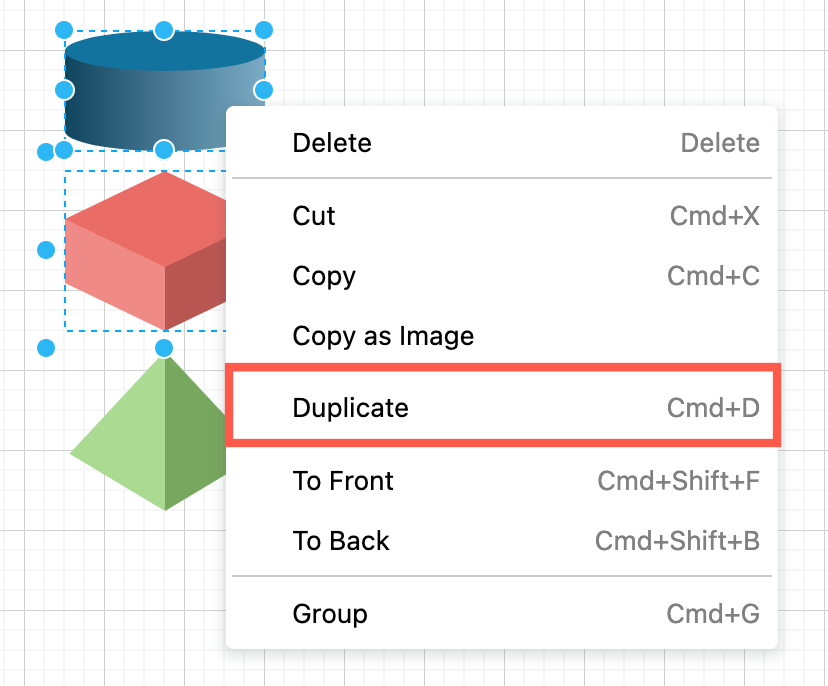
- Context menu: Right-click on one of the selected shapes to open the context menu and select Duplicate.
- Keyboard shortcut: Press
Ctrl+D(Cmd+D) to copy and paste a duplicate shape.
- Menu: Click Edit > Duplicate to make a copy of the selected shape(s).
- Drag the duplicate shapes into position on the drawing canvas.
Alternatively, hold Ctrl and drag a shape that is already on the drawing canvas to clone (duplicate) it with a modifier shortcut (mouse + keyboard).
Press and hold the Alt and Shift keys, and then tap an Arrow key to clone and automatically connect to the duplicate in that direction
Related
See more keyboard shortcuts to diagram faster in draw.io.