Search the shape libraries
The search field in the shapes panel looks for shapes by their and descriptive tags in both open and closed shape libraries and return a list that match your search term.
- At the top of the left panel, type your search term and press
Enter. - Click More results to see more matching shapes.
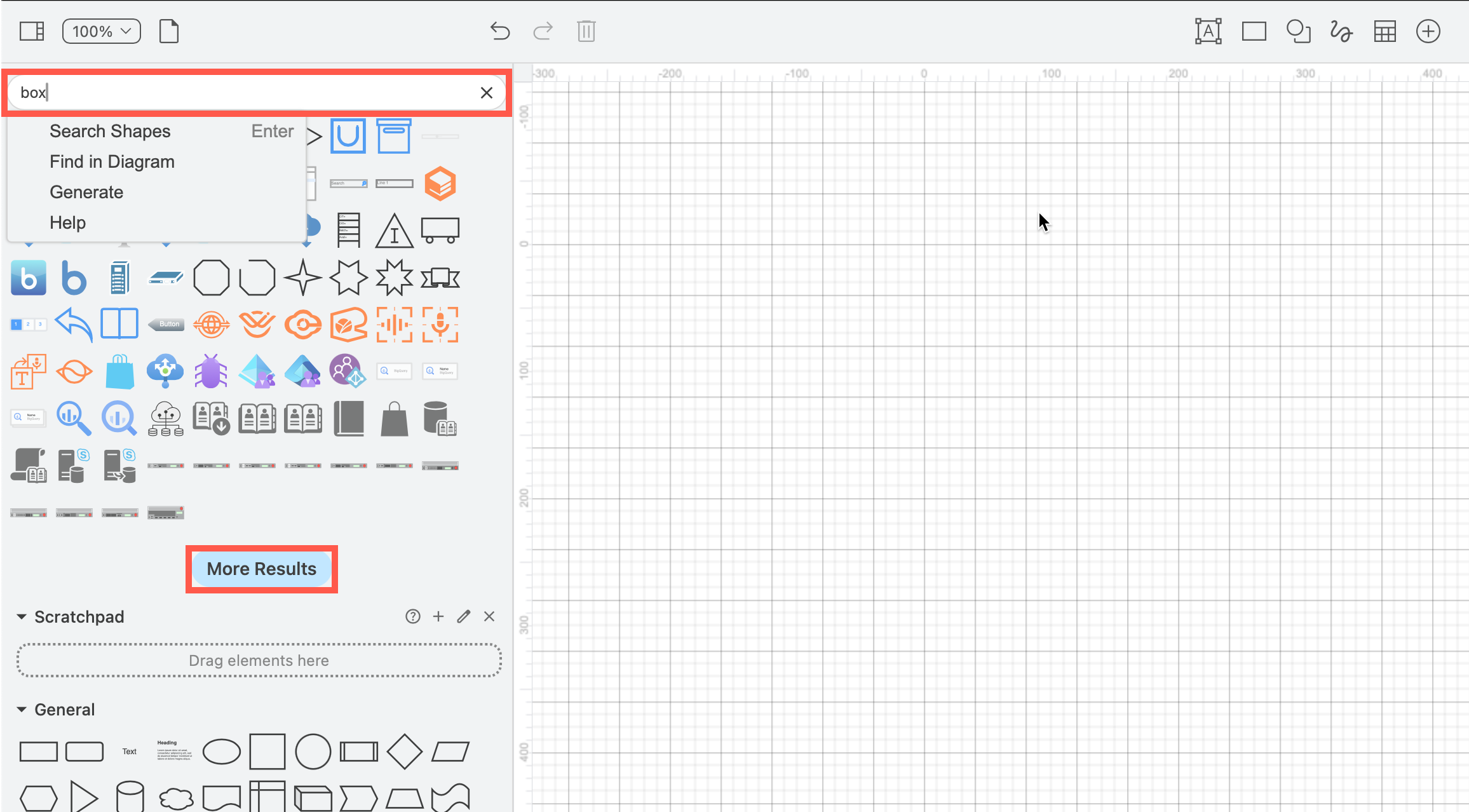
Tip: Try several synonyms to see a wider range of matching shapes.
Extended icon search limitations
External clipart libraries are only available via draw.io's servers. These are not searchable if you are using the following:
- draw.io Desktop application
- draw.io app for Atlassian Confluence or Jira Data Center
lockdownoption to restrict data transmission
Find shapes in your diagram
The omnisearch field in the shapes panel also allows you to search for text, tags, shape metadata and more within your diagram, and access many other draw.io features and feature documentation.
Alternatively, select Edit > Find from the draw.io menu, and enter the label, tag or shape metadata to find matching shapes on the drawing canvas.