Convert labels to SVG
Some browsers may have trouble rendering labels in HTML with formatted text and word wrapping enabled due to not supporting foreignObject elements correctly. If you find your diagram text is not appearing as you expect, you can convert it to SVG using <text> and <cspan> instead of HTML elements.
- Select the shapes and connectors that have labels you want to convert.
- In the Text tab of the format panel, enable the Convert to SVG checkbox.
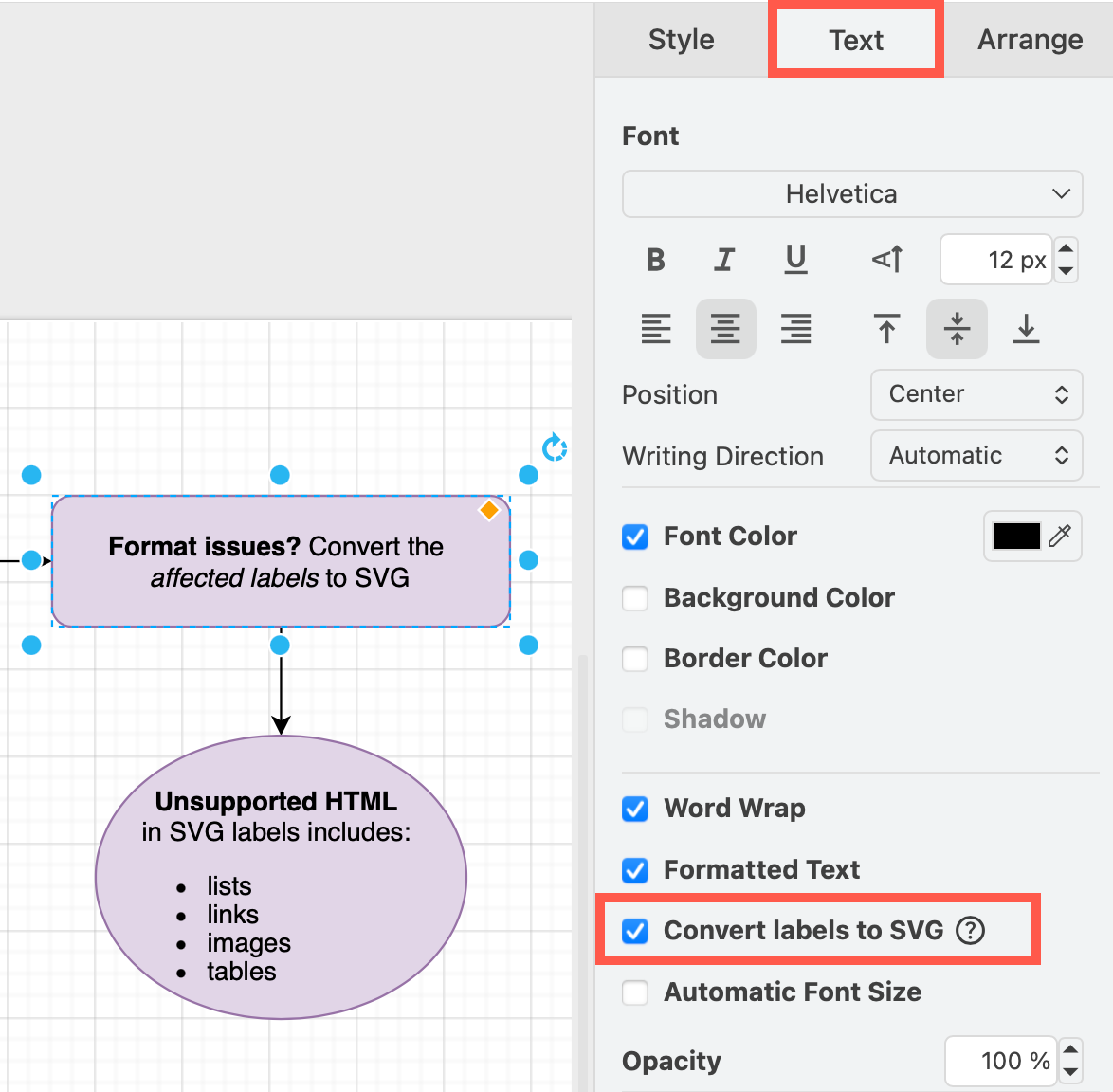
Supported HTML elements in SVG labels
- Block elements:
<h1>through<h6>,<div>,<p>,<pre>,<blockquote> - Inline elements:
<b>,<i>,<u>,<strike>,<sup>,<sub>,<span>,<font>,<br>
Word wrap is also supported (from version 29.6.7).
Unsupported HTML elements
The Convert labels to SVG checkbox in the Style tab of the format panel is disabled when the selected label contains HTML elements that cannot be converted to native SVG text.
The following HTML elements are NOT supported:
<table>,<ul>,<ol>,<li>,<a>,<img>, and any other HTML elements not listed above- Any element with a
background-colorCSS style
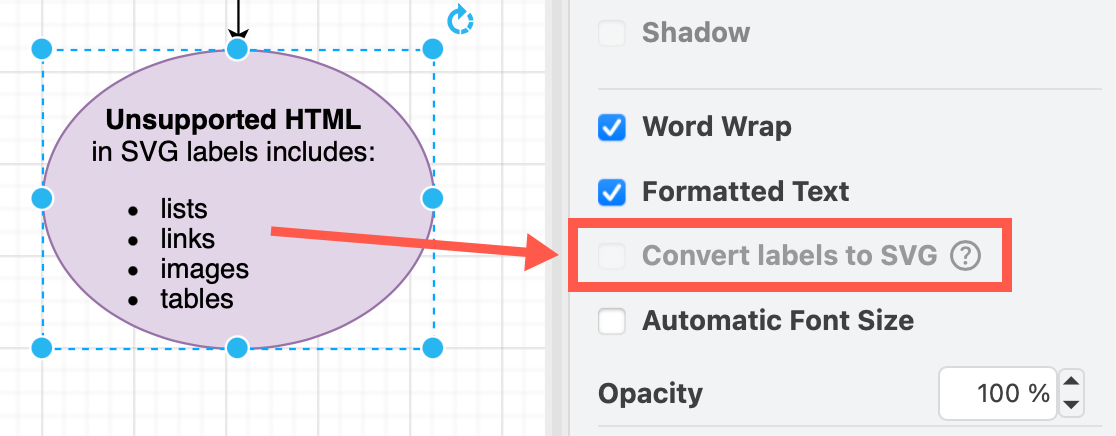
If you need SVG-compatible output and your label contains these unsupported elements, reformat the label to use only the supported elements listed in the previous section.