Change the Mermaid configuration
The Mermaid source is saved inside the Mermaid container group in your draw.io diagram as a mermaidData attribute on the group cell.
The attribute holds a small JSON object — the data (your Mermaid source) and an optional config (a Mermaid configuration object, or null). Diagrams you insert are stored with config: null, so draw.io's built-in default Mermaid settings are applied every time the source is parsed.
To force Mermaid styles, tweak spacing, or change the layout engine, edit the shape attribute of the Mermaid container group.
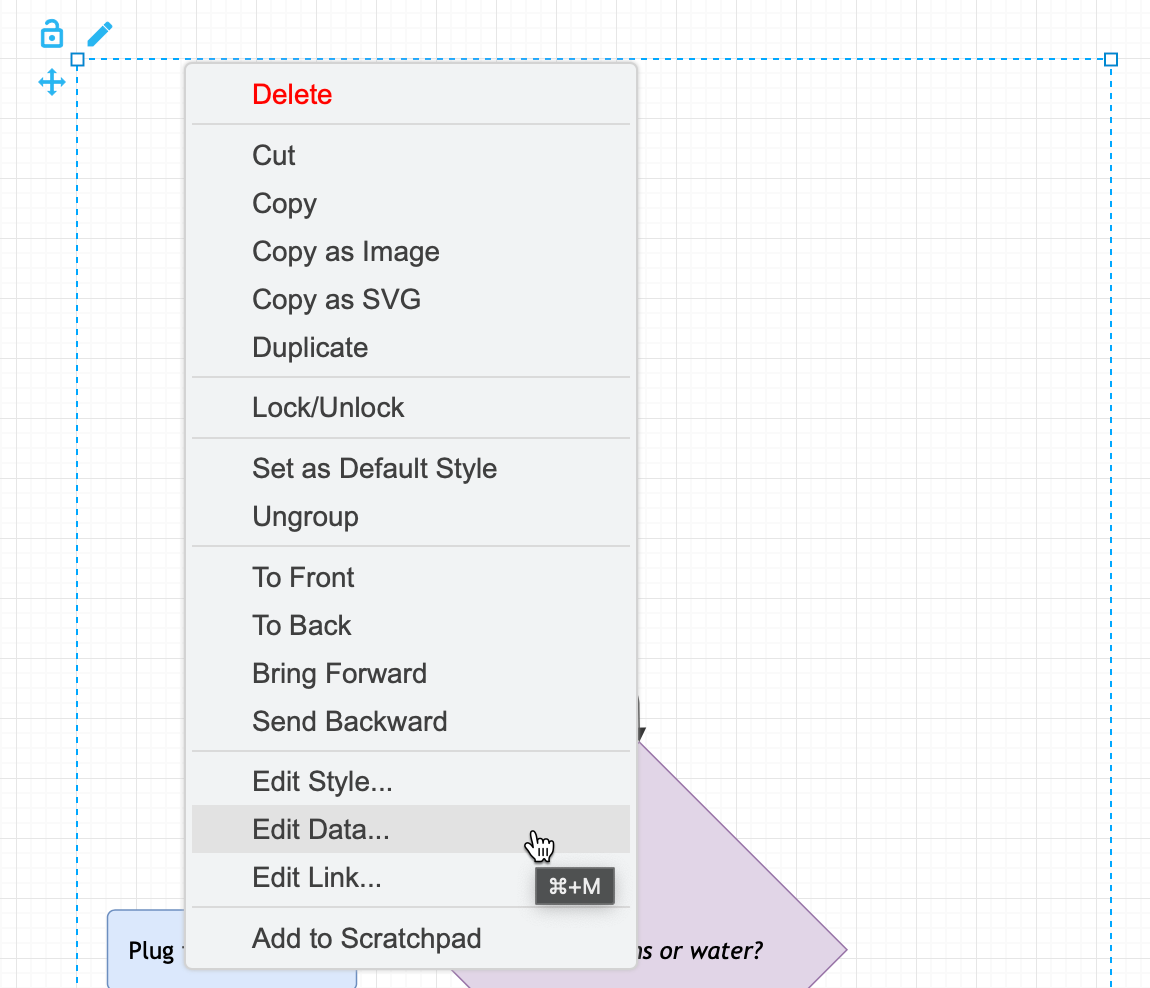
- Right-click on the Mermaid container group, and select Edit Data
- Edit the
mermaidDatavalue, and click Apply. This does not re-render the Mermaid diagram.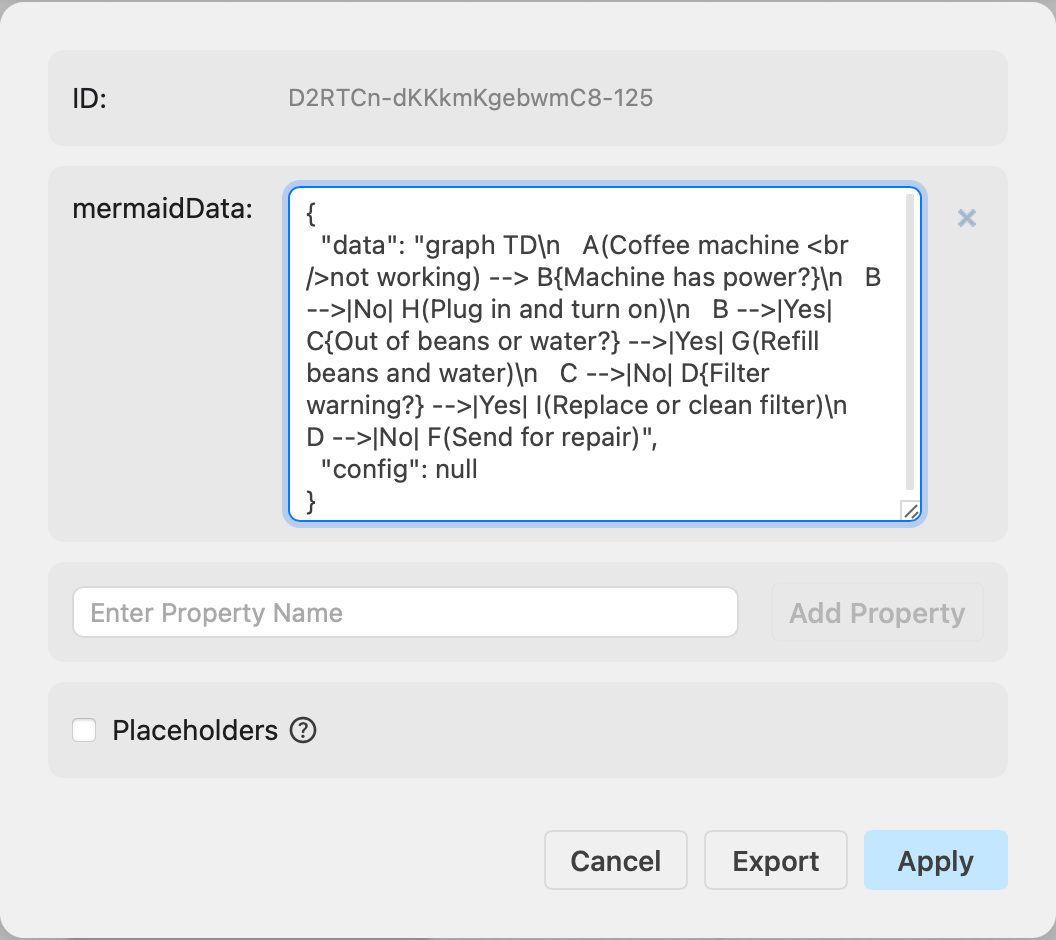
- Finally, click the pen icon to edit the Mermaid source, then click Apply to re-render the diagram with your new Mermaid configuration.
Related
- Learn more about working with shape data.
- See how to change the Mermaid layout engine