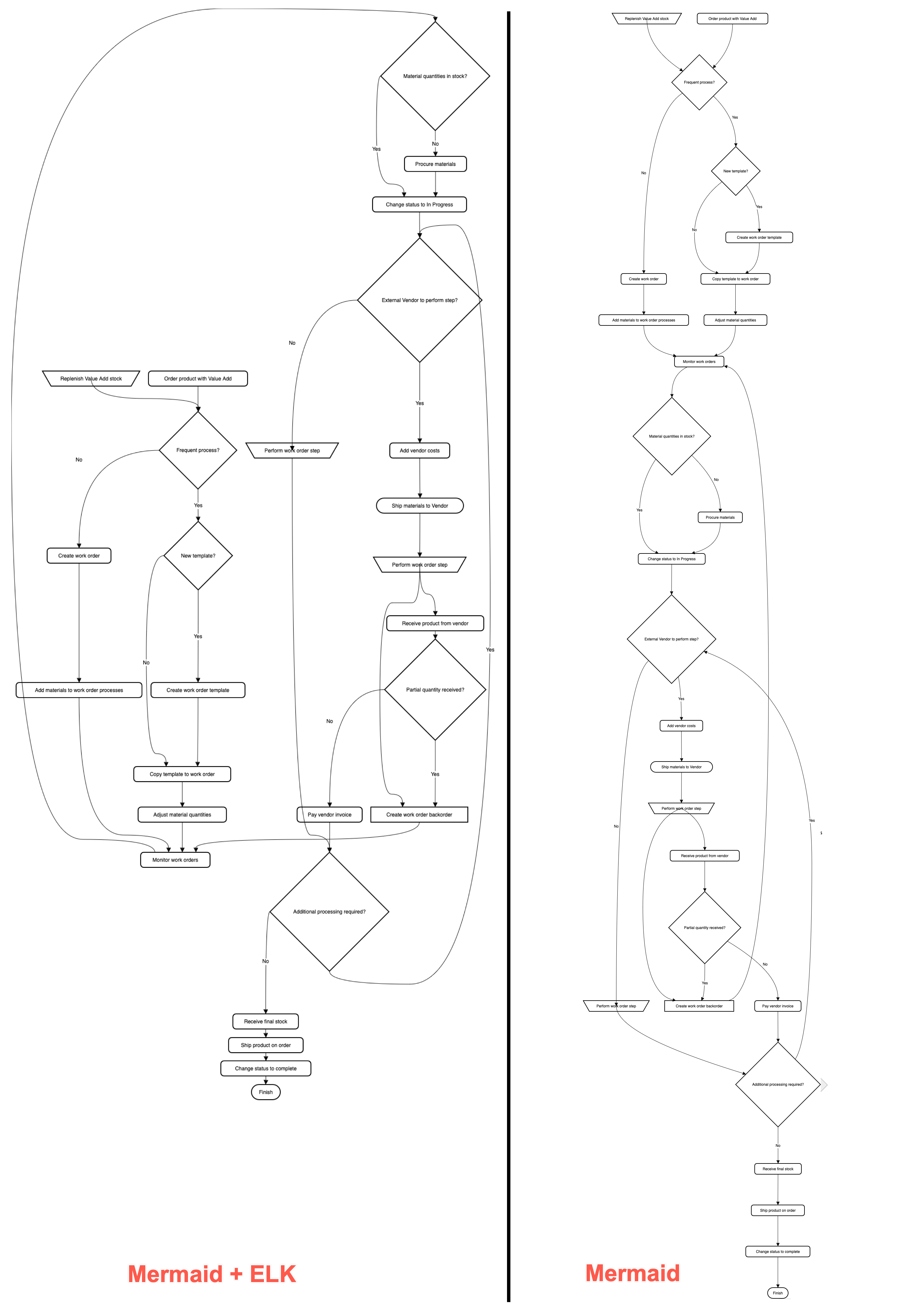
Set the Mermaid layout engine (ELK)
The graph-based Mermaid diagram types — flowchart, class, state, entity-relationship and requirement — are arranged by the Dagre layout engine by default (the same engine that Mermaid uses internally). You can choose the ELK engine instead, which may result in neater orthogonal connector paths and tighter shape spacing on large or deeply-nested graphs.
All other diagram types (sequence, gantt, sankey, mindmap, etc.) use their own dedicated layouts and ignore ELK layout commands.
If ELK isn't available in your environment — or it can't lay out a particular graph — draw.io automatically falls back to Dagre to render the Mermaid diagram.
There are multiple ways to set ELK as the Mermaid configuration at the top of your Mermaid source.
Flowcharts — the defaultRenderer option
%%{init: {"flowchart": {"defaultRenderer": "elk"}} }%%
flowchart LR
  A --> B --> C
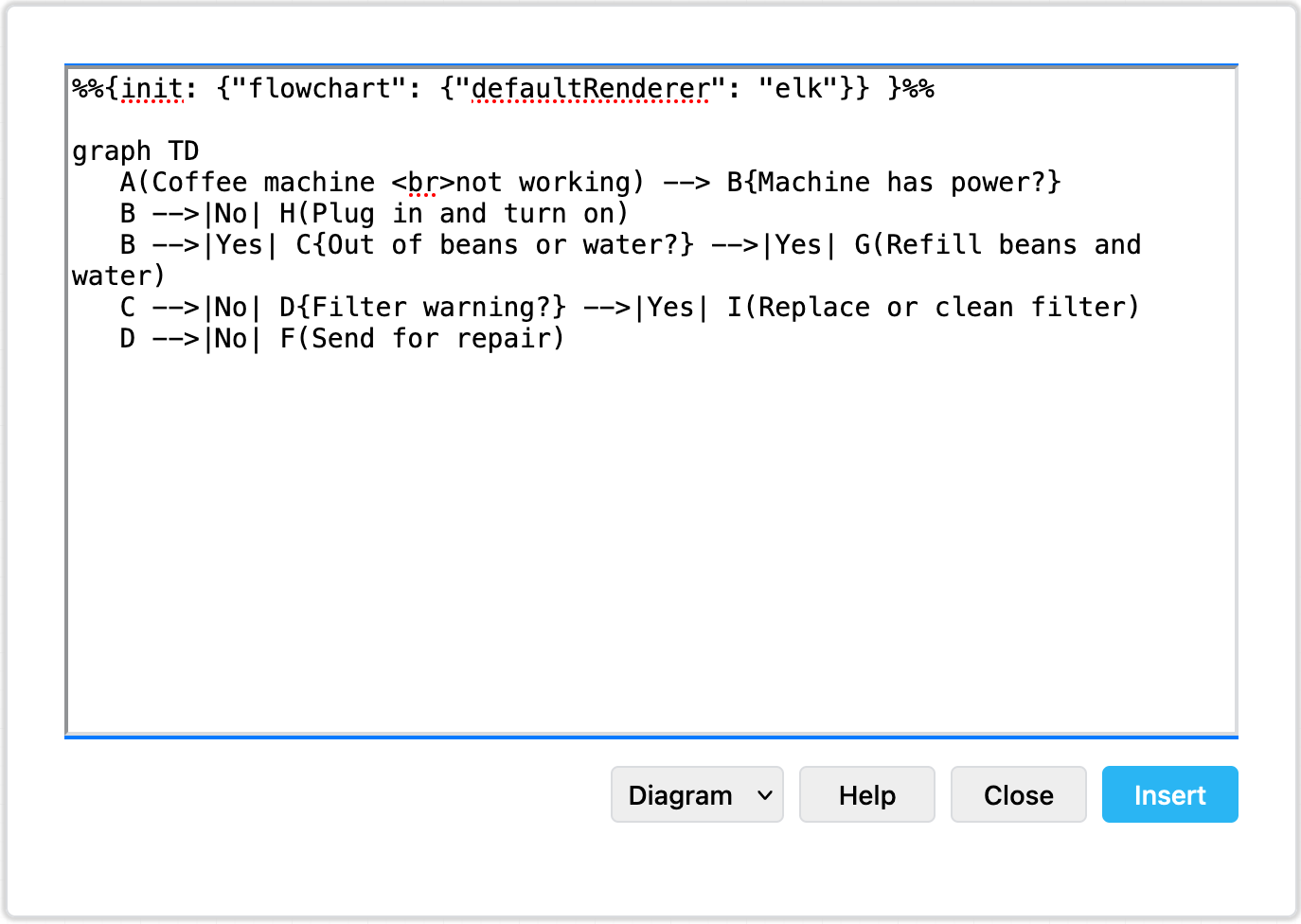
Any graph type — the layout key
As an init directive:
%%{init: {"layout": "elk"}}%%
classDiagram
  Animal <|-- Dog
Any graph type - with YAML front-matter:
---
config:
  layout: elk
---
flowchart LR
  A --> B --> C
See our blog post introducing the Mermaid ELK layout option for this example of how the ELK layout option differs from the default layout engine on large diagrams.