Move shapes to another layer
You can move shapes and connectors from one layer to another via the Layers dialog.
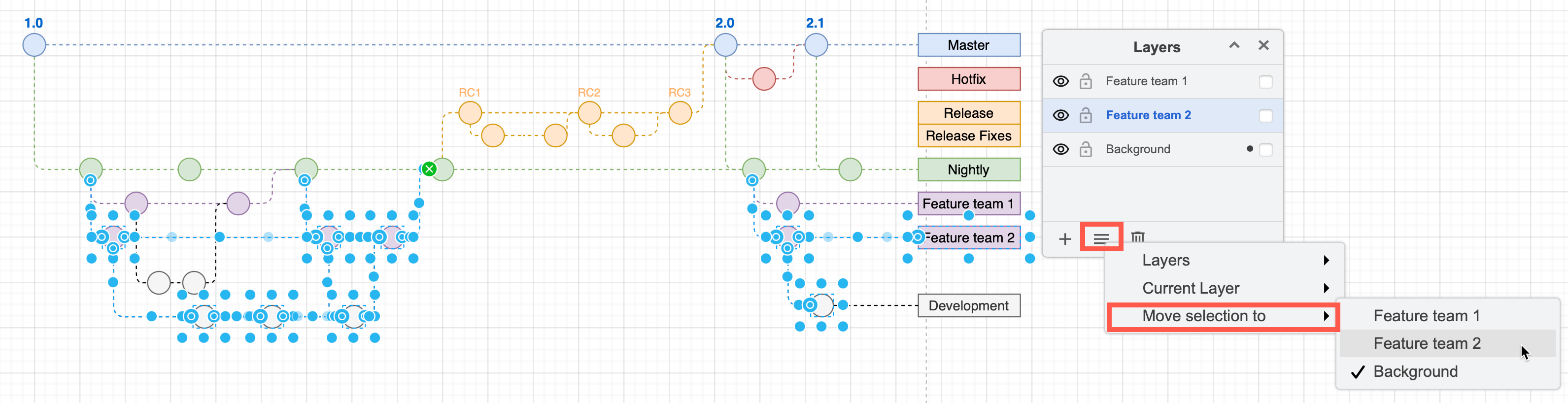
- Select the shapes, connectors and text you want to move to another layer.
- Click on the Layers dialog menu (three horizontal lines), then on Move Selection to and choose the layer you want to move the selected diagram elements to.
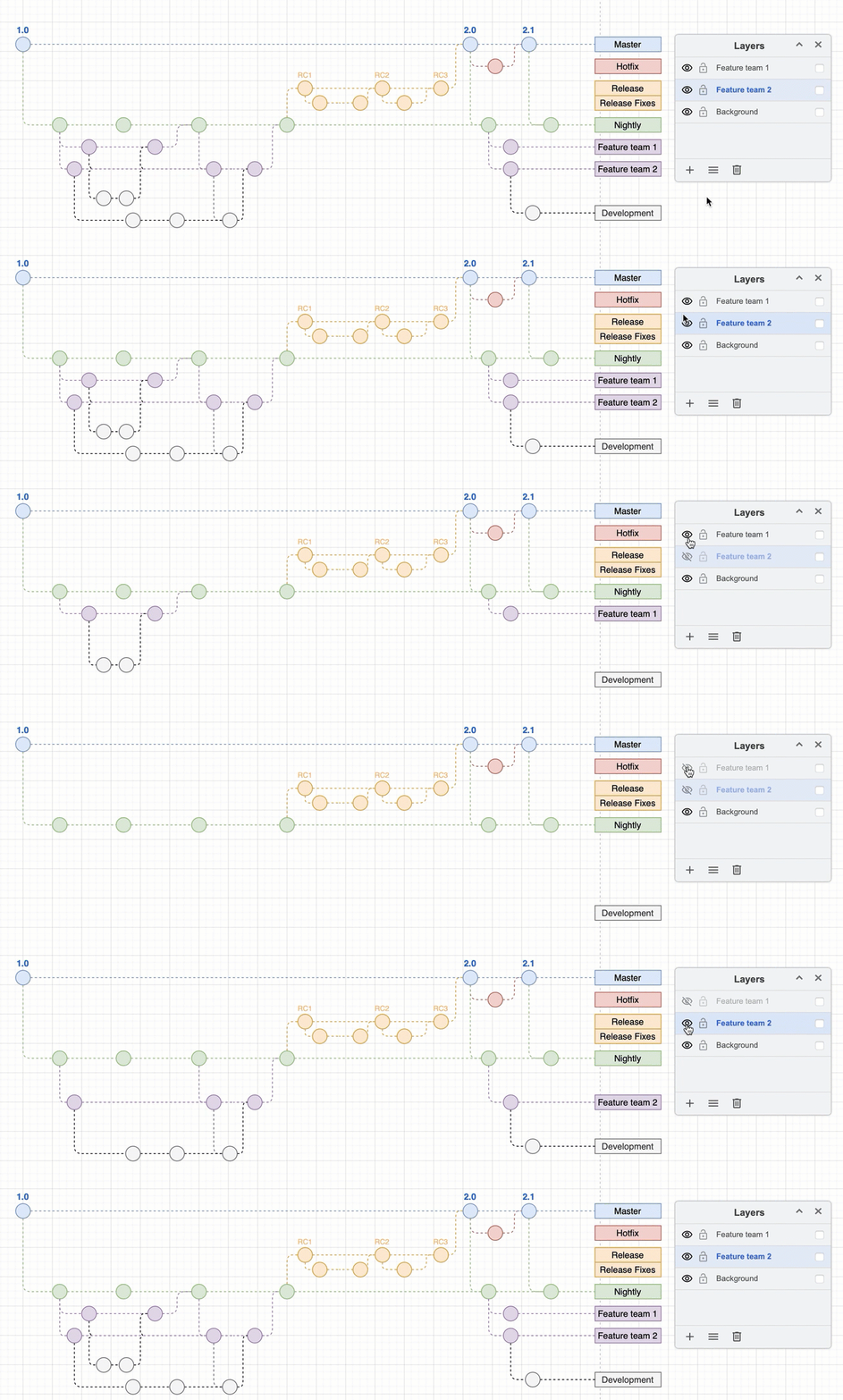
Now you can interact with your diagram by displaying and hiding the layers.