Hide or display layers
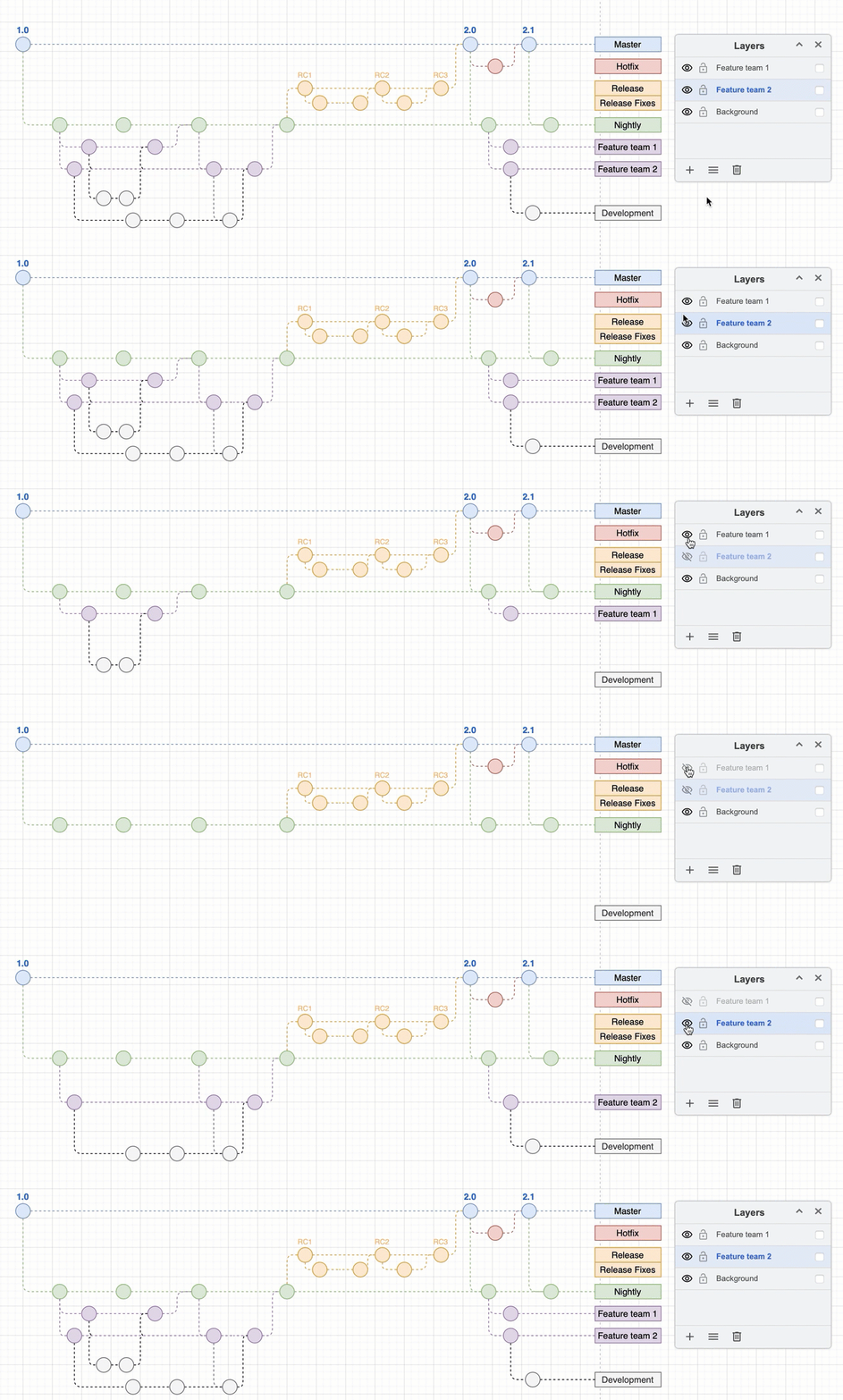
To understand complex diagrams that use layers, you can display and hide layers.
In the Layers dialog, click on the eye on the left of layer's name to display or hide the layer.
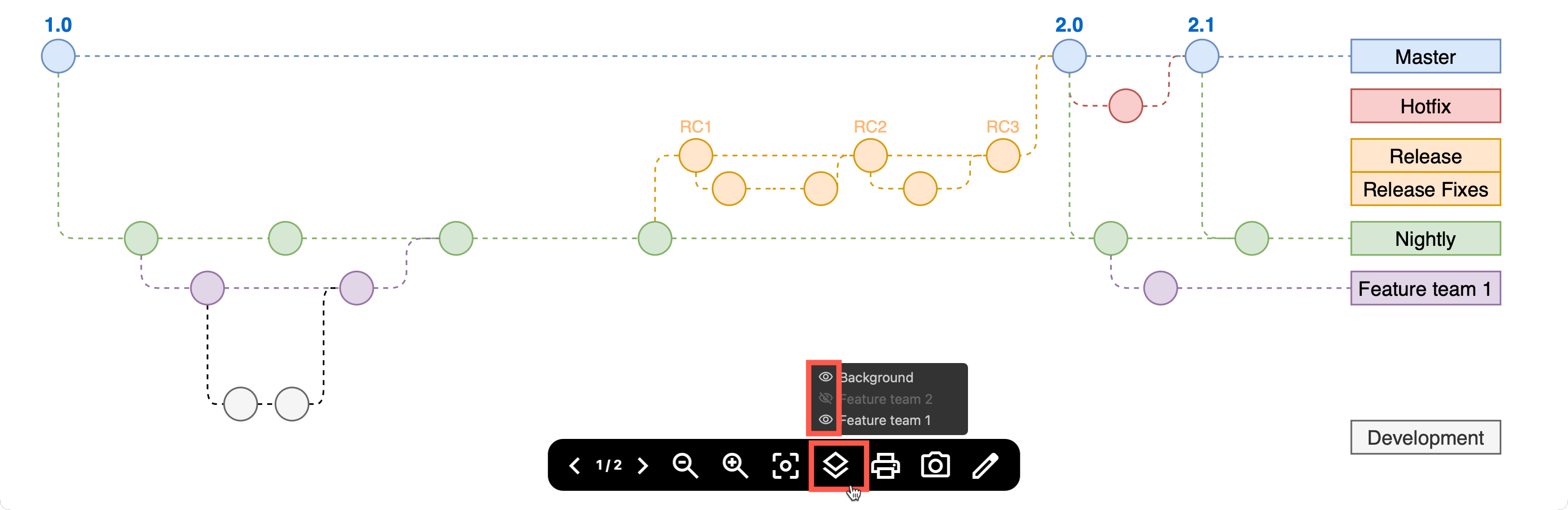
Hide or display layers in the diagram viewer: Click on the Layers tool at the bottom of the diagram viewer, then click on the eye icons next to the layer names to hide or display the layers. This tool is not available if the diagram only has one layer.
Tip: Use custom links to make your diagram interactive and toggle layers on and off when you click on a shape within the diagram.