Add and duplicate layers
By default, a new diagram has a single Background layer, to which all shapes, connectors and text are added.
- Click on Add Layer (
+) at the bottom of the Layers dialog.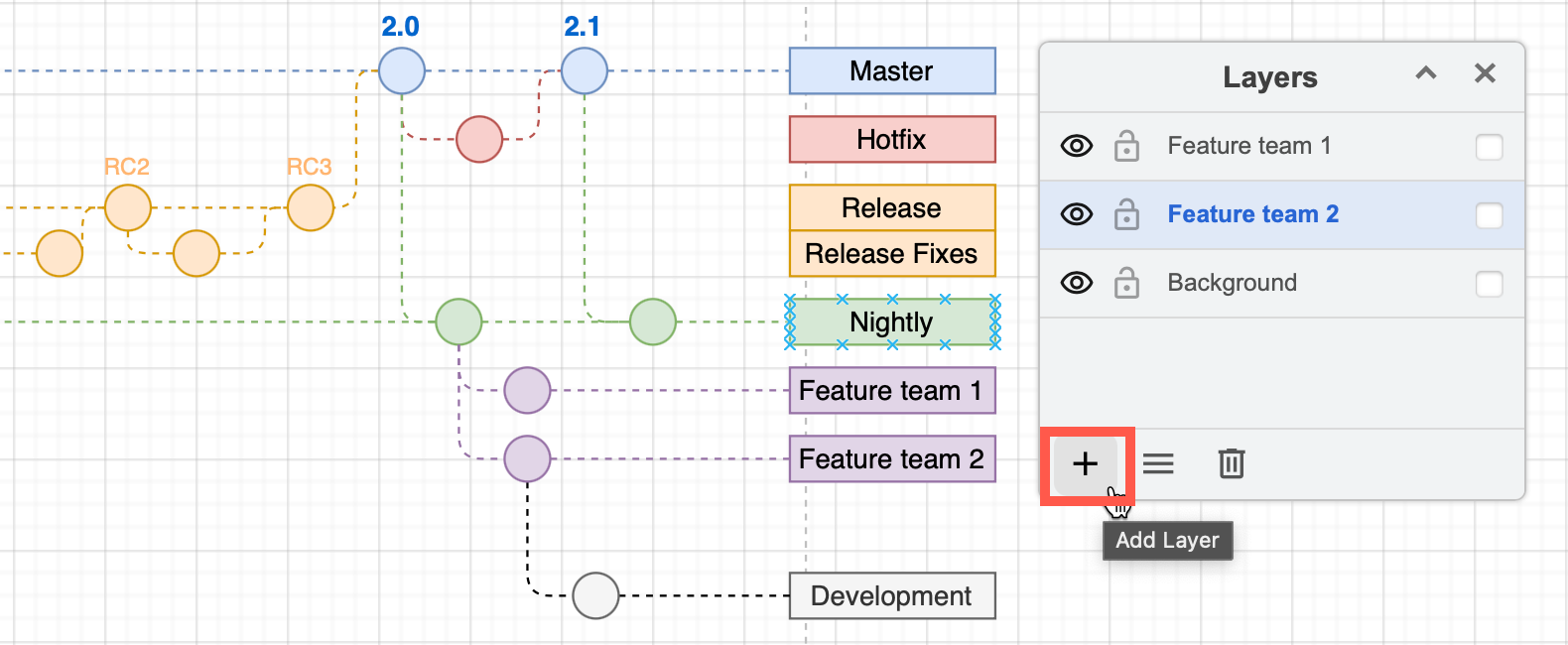
- Rename the layer so it makes sense in your diagram.
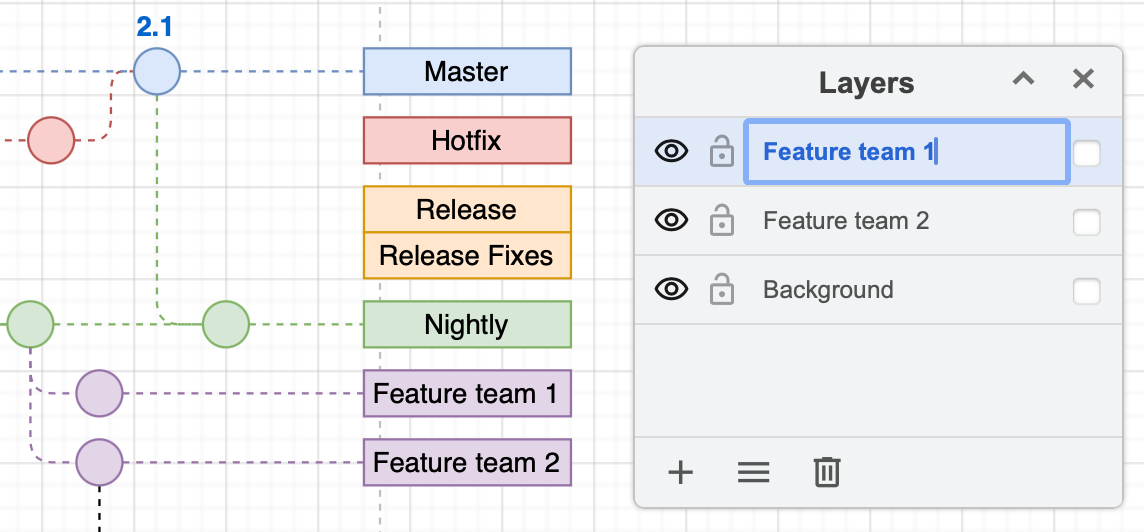
To add shapes to your layer, make sure you have selected it in the Layers dialog. You can also move existing shapes and connectors to your new layer.
Duplicate a layer
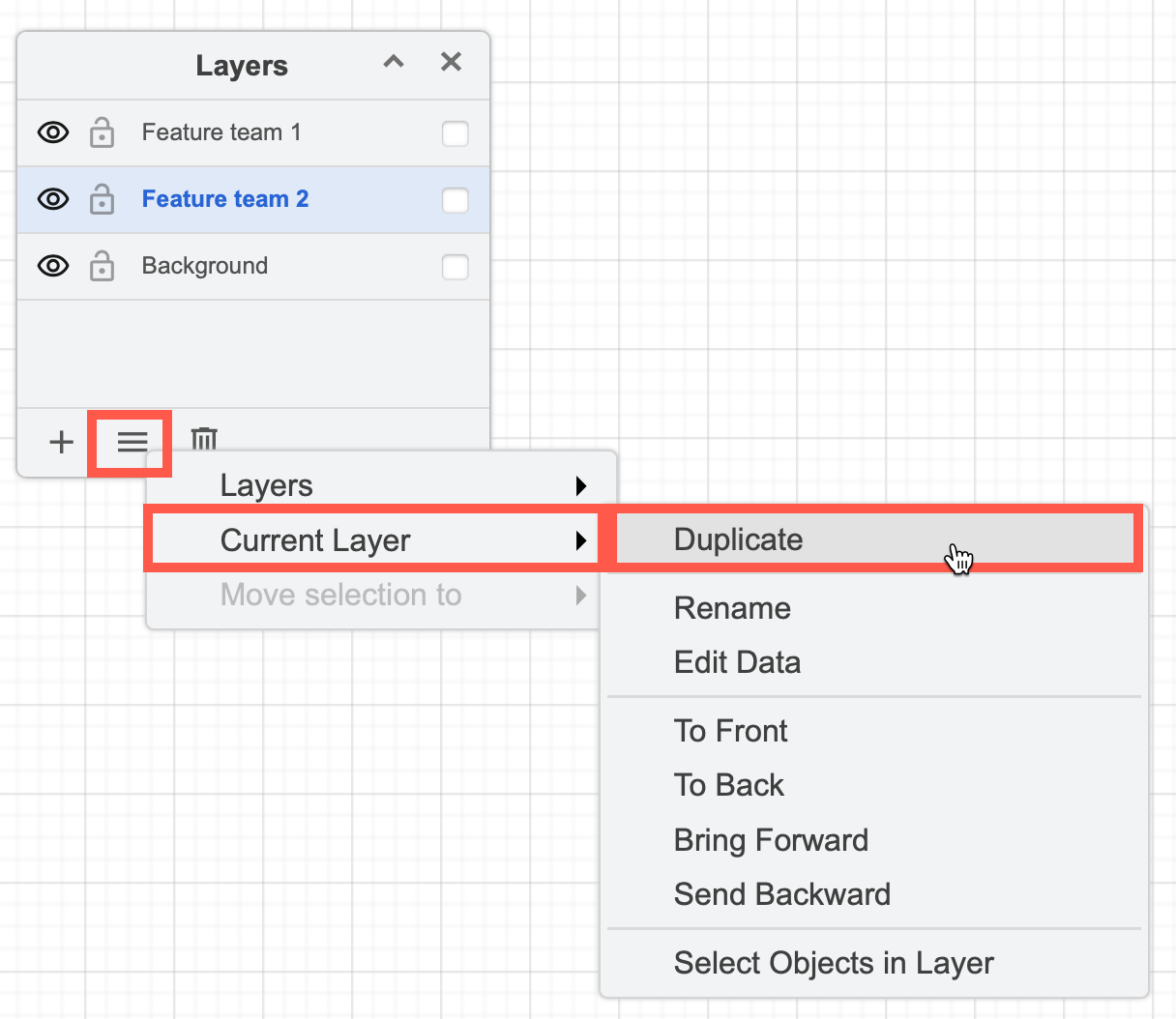
Select the layer you want to duplicate, then click on the Layers menu (three horizontal lines) and select Current Layer > Duplicate.