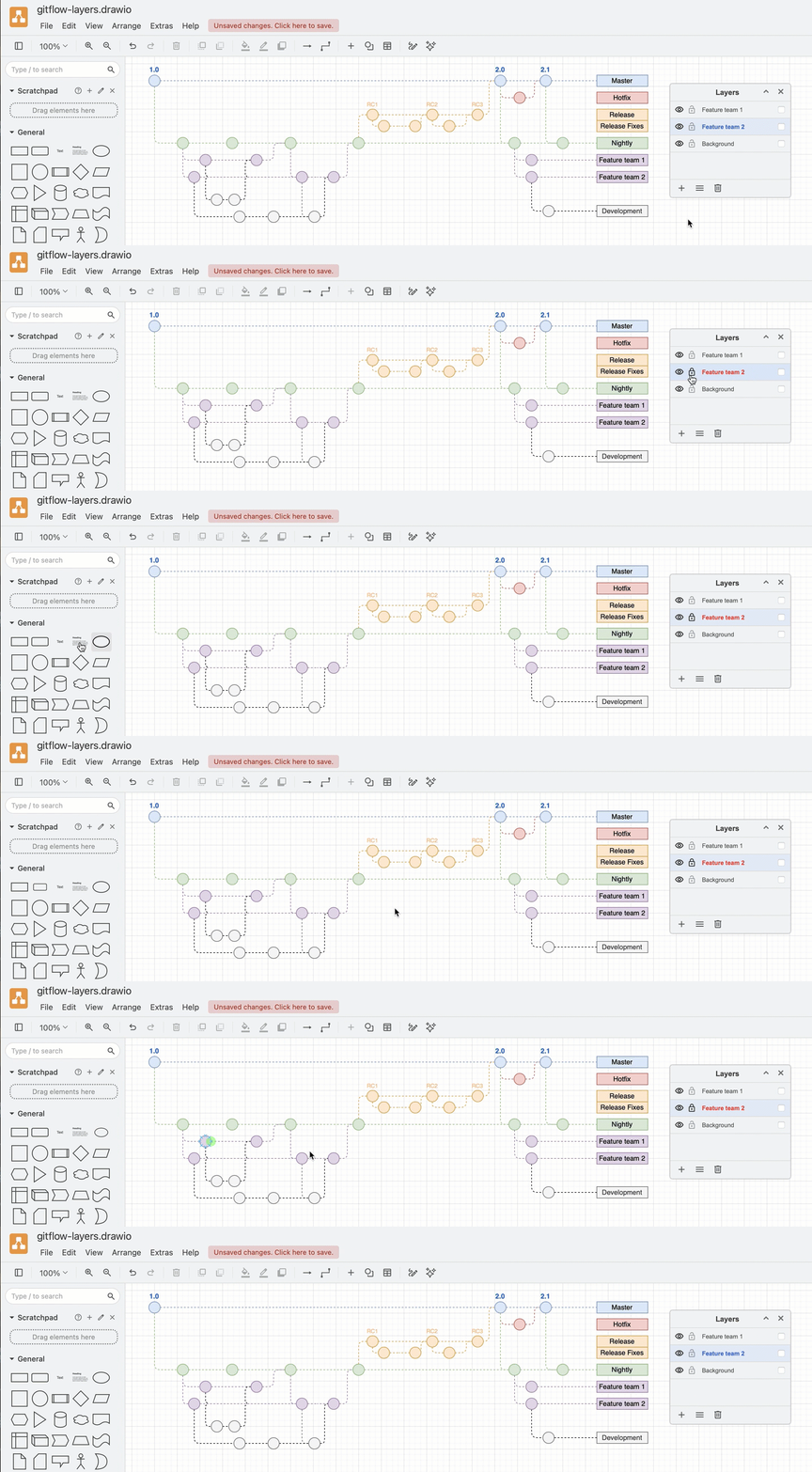
Lock and unlock layers
Locking a layer means you cannot make any changes to it - you can't add, move, edit, style or delete the shapes and connectors placed on that layer.
In the Layers dialog, click on the padlock icon to the left of the layer's name that you want to lock.