Delete layers
Make sure you have moved the shapes and connectors you want to keep in your diagram to another layer before you delete it. Deleting a layer also deletes all of its contents.
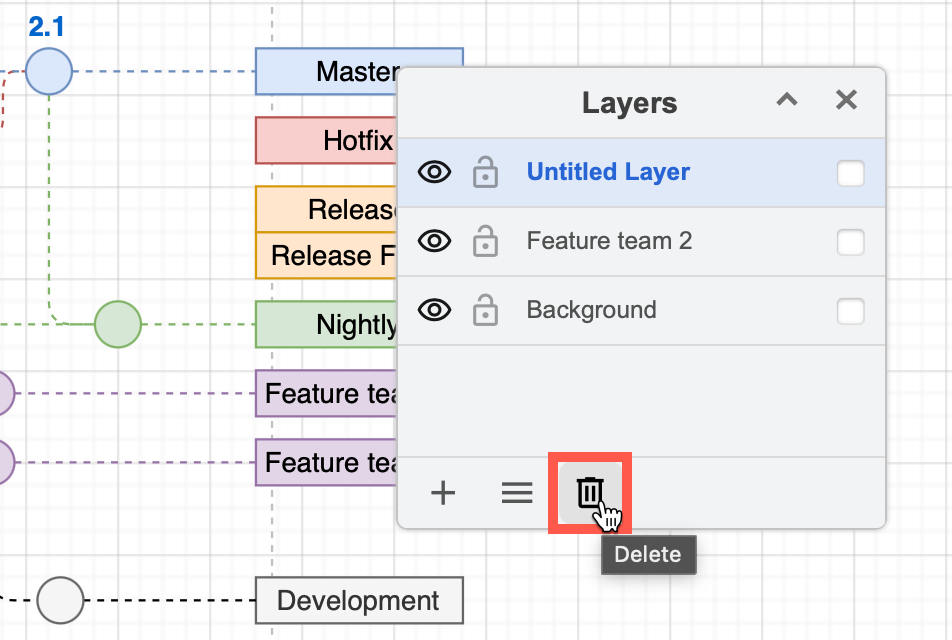
- In the Layers dialog, click on the layer you want to delete so that it is highlighted.
- Click on Delete (rubbish bin) at the bottom of the Layers dialog.
Note: Your diagram must have at least one layer for shapes and connectors to be placed. If there is only one layer in your diagram, you can not delete it.