Introduction
Explore the user manual using the navigatio on the left to learn draw.io's features and see how to draw technical diagrams.
Here are the main topics to get you started diagramming quickly.
Basics
- Create a new diagram or open an existing diagram.
- Choose a location to save your diagram file.
- Add shapes to the drawing canvas and move, resize and rotate them.
- Connect shapes with fixed and floating connectors and change the path of connectors.
- Connect two connectors together with the waypoint shape.
- Open different shape libraries and search for shapes.
- Add labels to shapes and connectors.
- Style shapes, connectors and text.
- Work with tables and cross-functional swimlane shapes.
- Apply layouts to automatically arrange your diagram into various common diagram types - flows, trees, and organic or circular layouts.
- Export your diagram to PNG, SVG, PDF, HTML, or a URL.
- Import and add a diagram to your current diagram or convert a diagram from other diagramming app formats.
- Share a diagram or collaboratively edit a diagram with your team and see their cursors in real time.
Do more with draw.io
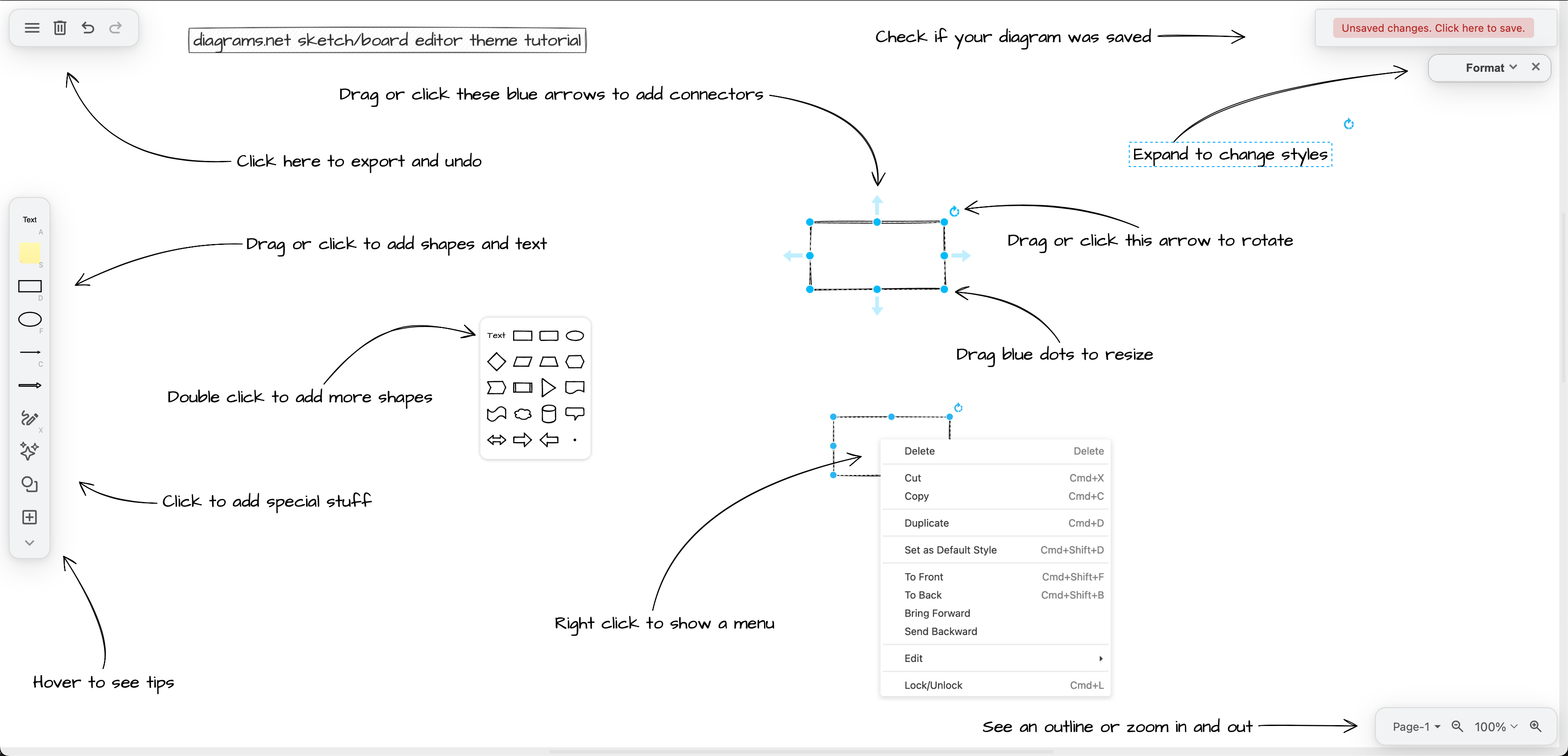
- Choose your favourite editor theme or work in dark mode.
- Add multiple pages to your diagram.
- Add links, tooltips and tags to shapes and connectors.
- Add animations and interactivity with custom links on shapes and page animations.
- Generate a diagram with AI from a text description.
- Generate a diagram from Mermaid code, SQL, or a spreadsheet.
- Work with layers and make an interactive diagram.
- Draw freehand shapes and use the scratchpad.
- Create your own custom shape libraries or open public shape libraries.
- Generate a diagram with AI.
- Explore the official and third party draw.io apps and integrations.
Advanced
- Set up draw.io in Confluence, migrate instances and mass import Gliffy diagrams.
- Customise draw.io - configure custom colours, styles, fonts, shape libraries and more.
- Customise shapes - change connection points and draw custom shapes.
- Make your own custom template library.
- Draw faster with keyboard shortcuts.
- Embed draw.io in your own webpage.
Related
- Learn about data security and privacy in draw.io or deploy draw.io on your own server.
- Install various add-ons and integrate draw.io into your content editors.
- Diagram offline with draw.io Desktop.
- Learn more about the many different types of technical diagrams.
- Read best practices for drawing and generating technical diagrams.

