Make a diagram read-only
There are two ways to protect a diagram file from accidental changes: read-only disables editing functions in your current browser window, whereas locking a diagram file also disables editing by anyone else who has the file open.
In a read-only or locked diagram, you can't select, move, edit, add or delete shapes and connectors or text.
You can still pan, zoom, or navigate to other diagram pages. You can also hide or display tags, hide or display layers, and click on links attached to shapes in the diagram, including custom links that play animations or change which layers and tags are displayed.
Note: Undo/Redo will be disabled in both read-only mode and when the diagram file is locked.
Read-only mode
Select View > Read-only from the menu to make the diagram read-only in the current browser tab.
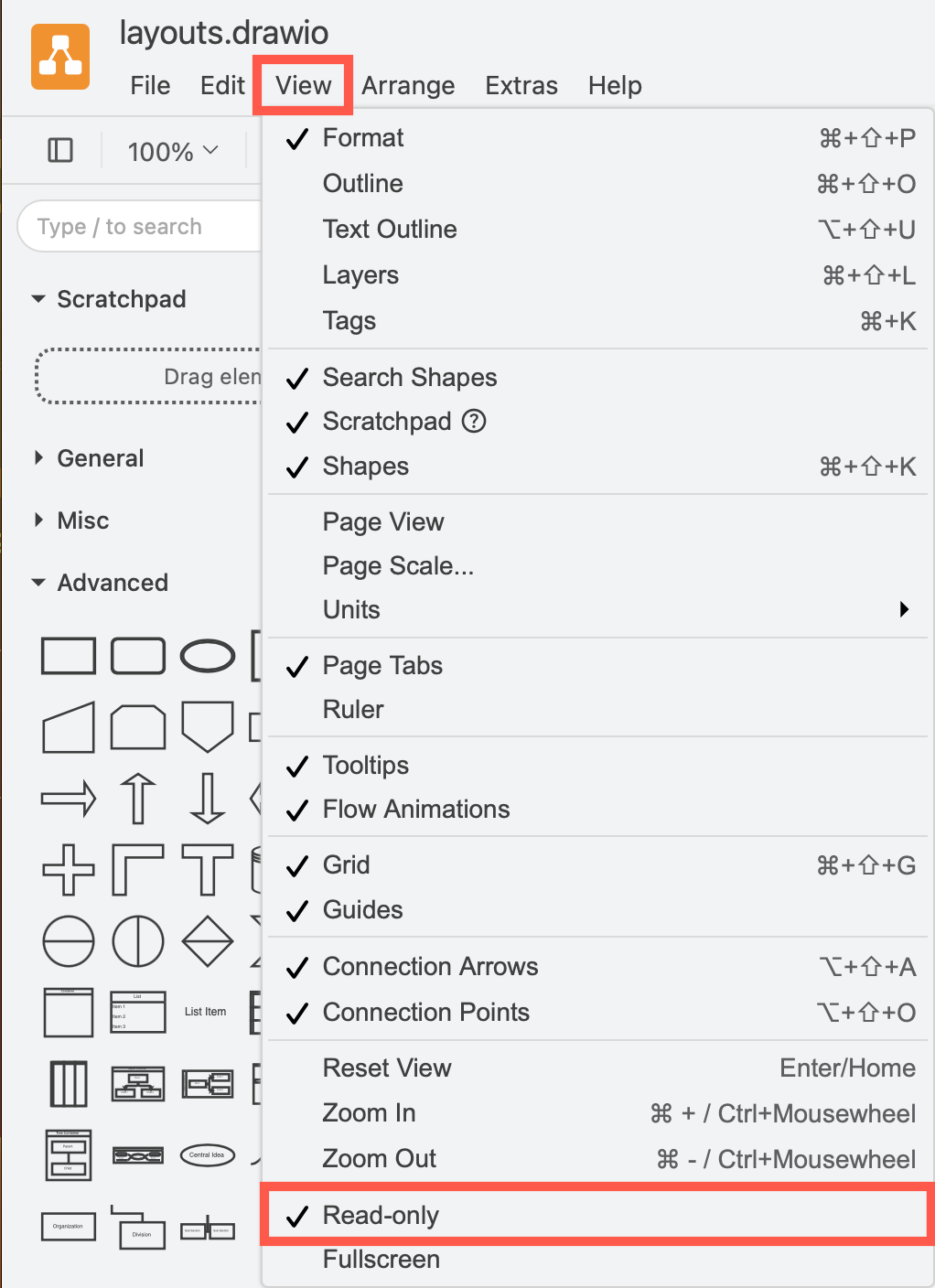
The diagram data doesn't change when you enable read-only mode, only the editing functions in the current browser tab are disabled. Others can continue to collaboratively edit the diagram file and your read-only view will update as they make changes to the diagram.
Locked diagram file
- Select File > Properties.
- Enable the Locked checkbox and click Apply
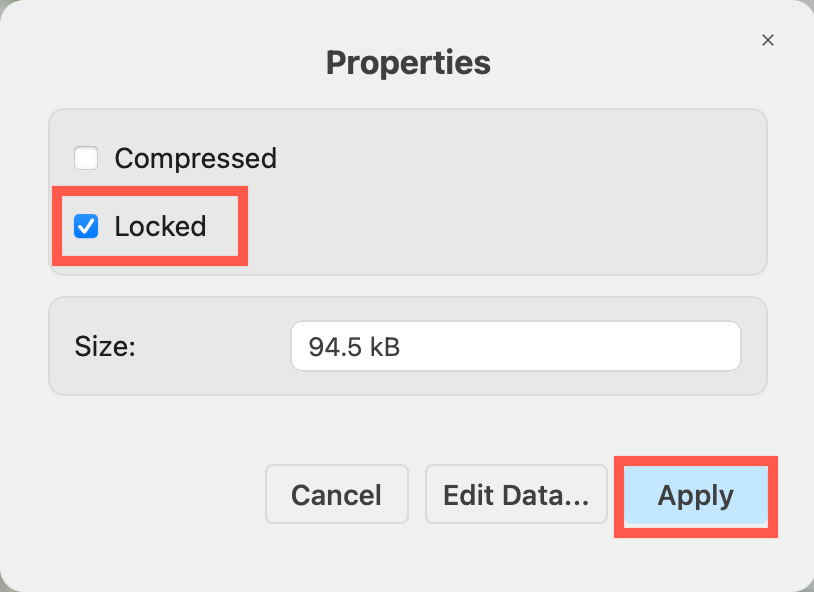
This will lock the diagram file and prevent everyone from making edits. This change is saved in the diagram data, and anyone who opens the file will not be able to make changes until they unlock the file via File > Properties.
Turn off read-only mode or unlock a diagram
When a diagram is locked or when you are viewing the diagram in read-only mode, a lock icon will appear near the saved status at the top of the window.
Click on the lock icon to turn off read-only mode or to open the File > Properties dialog so you can disable the Locked checkbox.

Related
- Lock or unlock individual elements in a diagram.
- See how to pan and scroll to move the view around the drawing canvas.
- See how to zoom in and out.