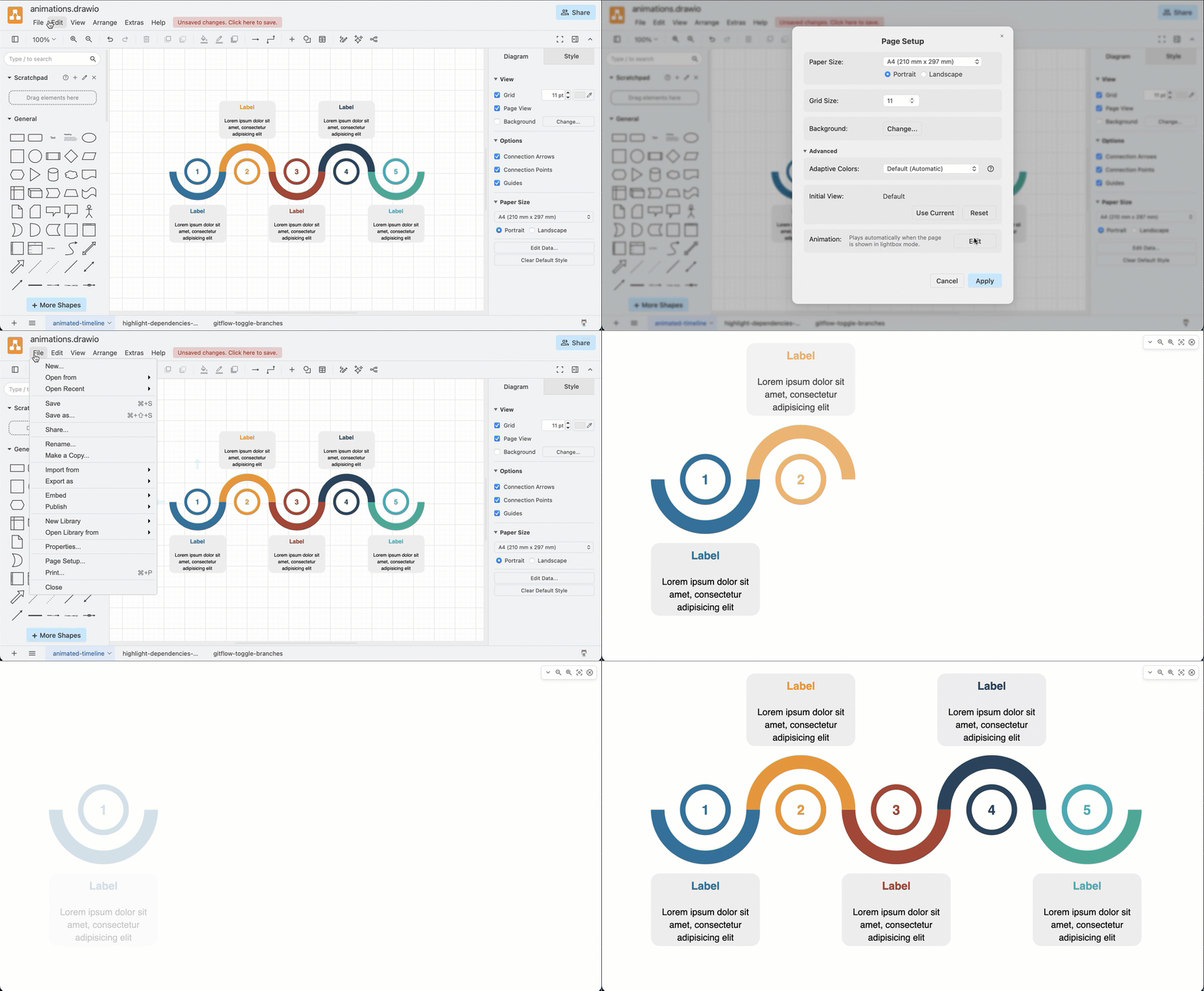
Publish a diagram to presentation mode
Select File > Publish > Presentation Mode to open your diagram page in a simplified viewer. This does not have the large viewer toolbar, and so is less cluttered when presenting your diagram in meetings.
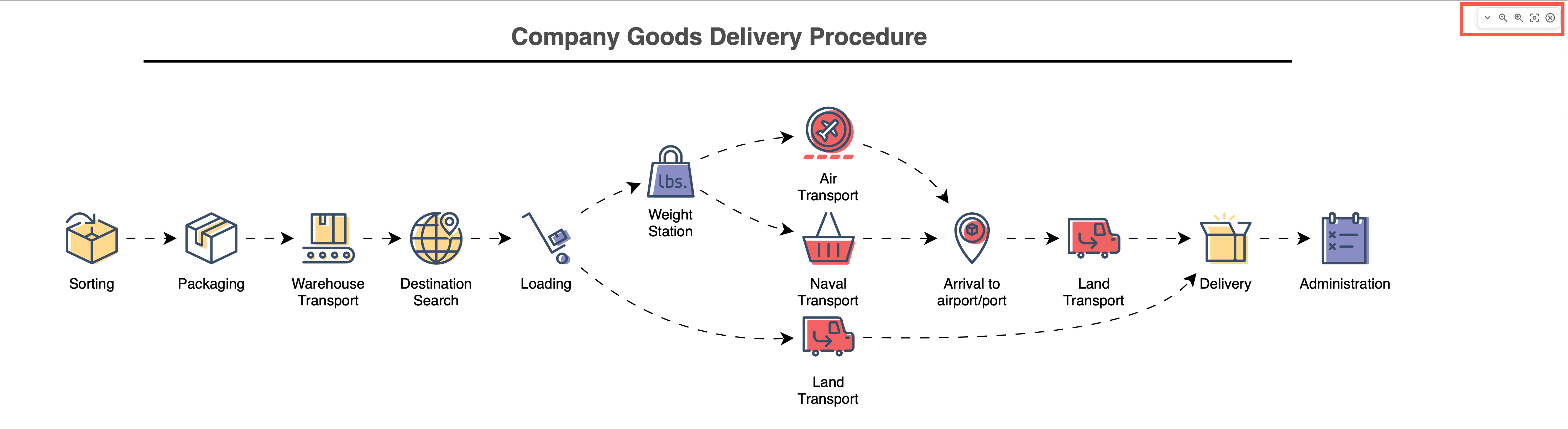
You can click on links in the diagram and hover over shapes to see tooltips, tags and shape metadata, if defined. Change the zoom level and open another diagram page using the small toolbar in the top right.
Animations in presentation mode
Presentation mode will automatically play any page animation actions you have defined via the File > Page Setup menu.