Crop the PDF export to the diagram size
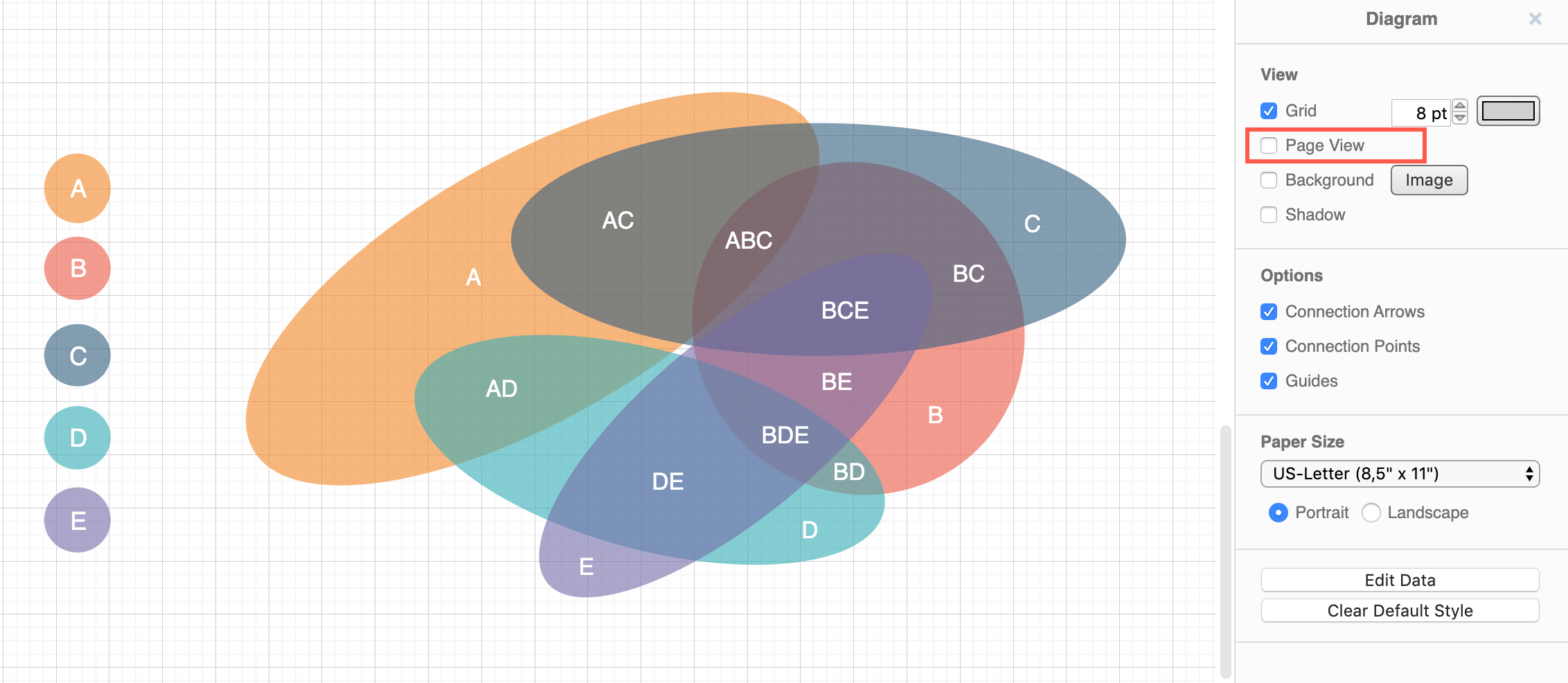
To export a PDF file that matches the size of the diagram instead of the page size, disable the page view.
- Make sure nothing in your diagram is selected
- In the Diagram tab of the format panel on the right, deselect the Page view checkbox.
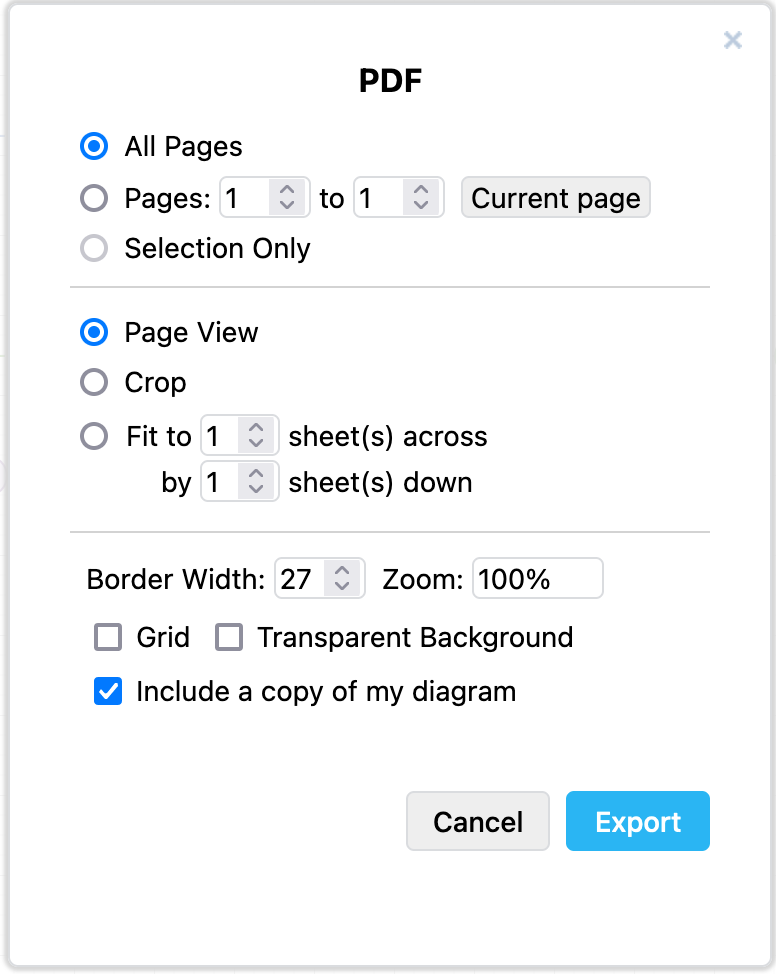
Alternatively, you can change the scale of the diagram and add a border around it by using the advanced export settings.
- Click File > Export As > PDF.
- Change the Border Width to add whitespace around your diagram and Zoom percentage, then click Export.