Export a diagram to a JPEG image
- Click File > Export As > JPEG.
- Change the export settings to suit your requirements.
- Choose the Zoom factor.
- Choose what to include in your image - enable Selection Only to only include the selected shapes and connectors, change the Size to fit the bounding box around your diagram.
Advanced
- Edit the default values to set a different Width and Height for your image.
- Set a Border Width to add whitespace around your diagram.
- If you want to force your diagram to appear in dark mode on a dark background, select the Dark Appearance.
- Enable the checkboxes to add a Shadow on your shapes, or to include the Grid of the drawing canvas.
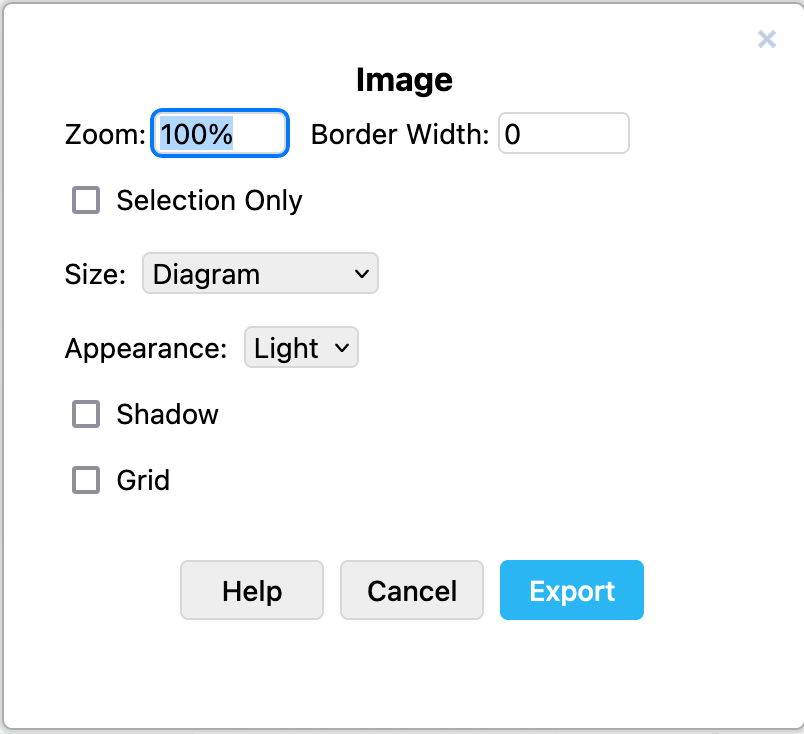
- Click Export and select the location to save your SVG file.
See all diagram export formats