Add and delete table rows and columns
The table tools in the Arrange tab of the format panel allow you to add and delete rows and columns.
Add columns and rows
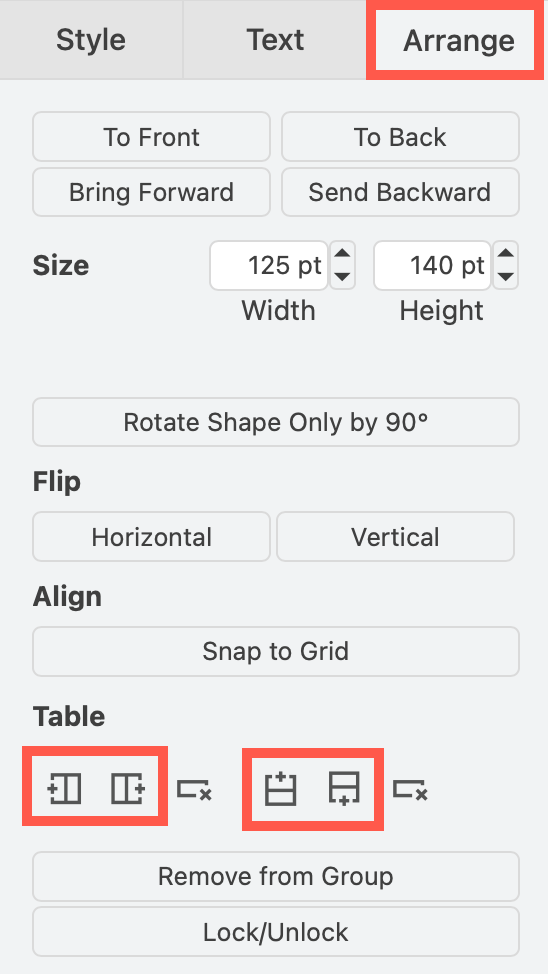
- Select a cell inside of a table.
- Select the Arrange tab in the format panel on the right.
- Use the table tools to add a column or row before or after your selected cell or row. If you have selected the entire table, this will add a row or column at before the beginning or at the end of the table.
Shortcut - duplicate: Select a row or column, and hold down Ctrl or Cmd as you drag a copy to another position in the table.
Delete rows or columns
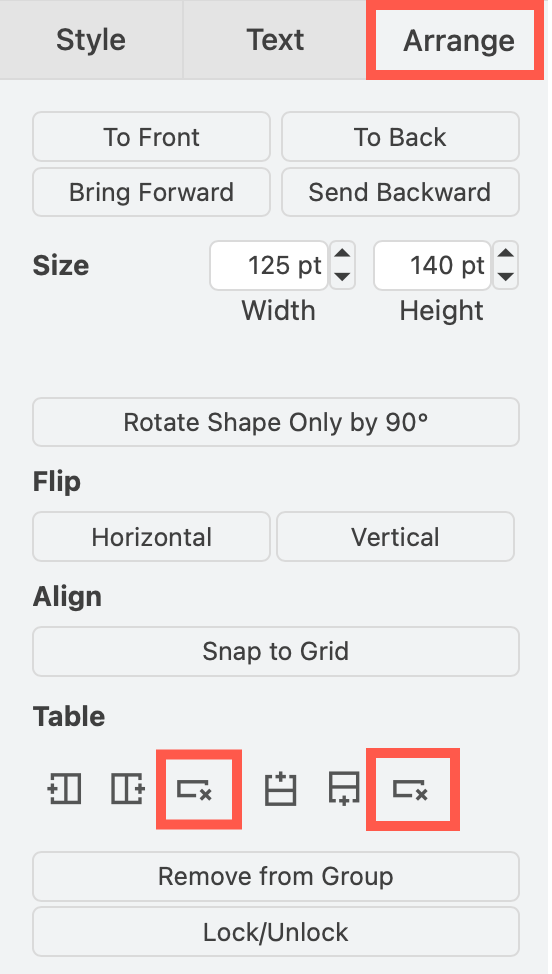
- Select a cell inside of a table.
- Select the Arrange tab in the format panel on the right.
- Use the table tools to delete the selected column or row.
Shortcut - Delete: Select a row or column and press Delete on the keyboard to delete it.
Related
- Move table rows by dragging them to a new position.
- See more table shortcuts.
- Learn more about the different types of table shapes.