Merge and unmerge table cells
Adjacent table cells can be merged and unmerged in both basic table shapes and container tables.
These options only appear in the Arrange tab of the format panel when you have selected multiple table cells or selected a previously merged table cell.
Merge two or more table cells
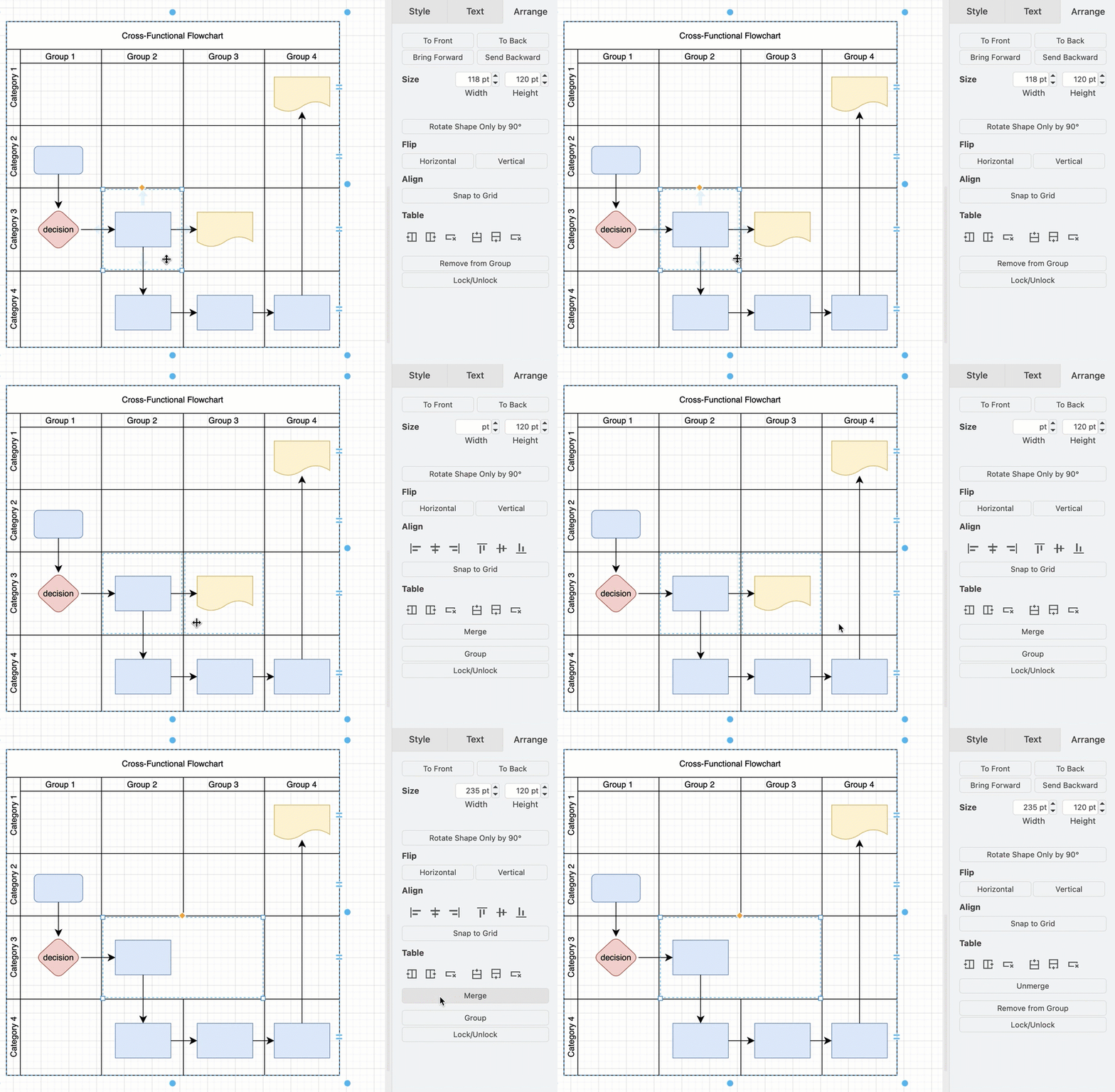
- To select two or more table cells, hold down
Shiftand click on multiple adjacent cells in the table. - In the Arrange tab of the format panel, click on Merge.
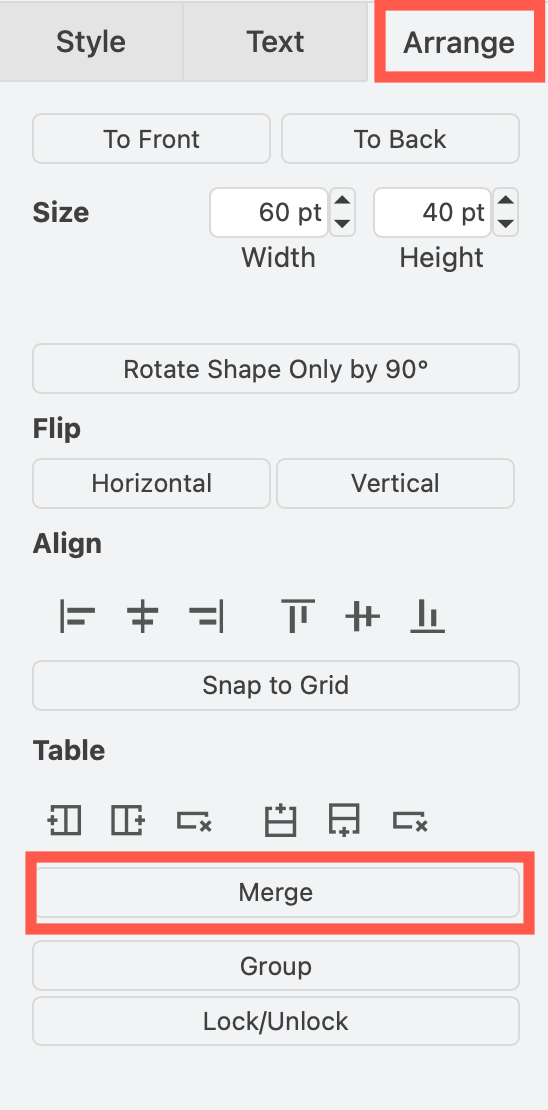
Note: This will use the contents of the first selected table cell, deleting any content in the other merged cells, including shapes and connectors in container tables.
Unmerge merged table cells
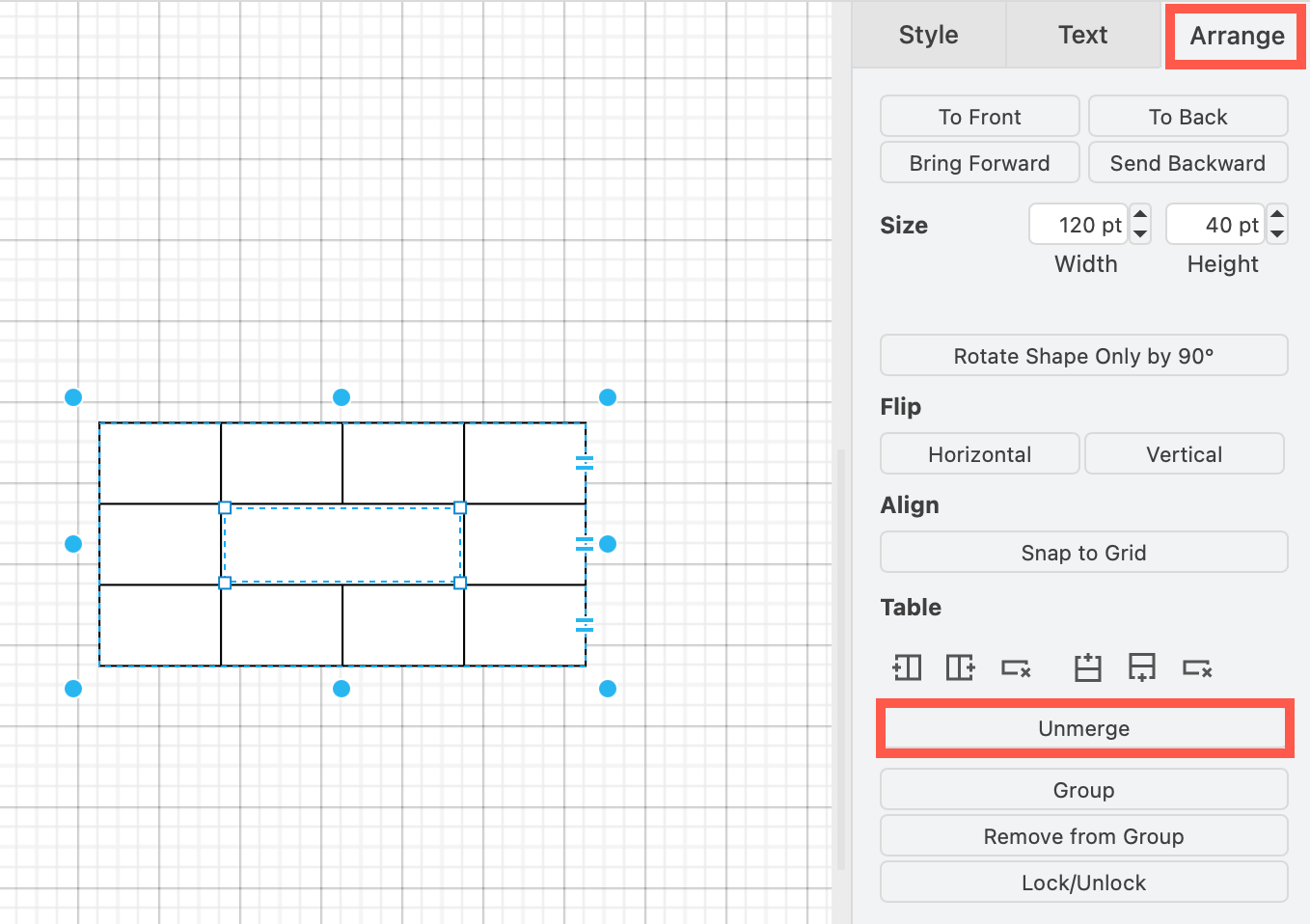
- Select the merged cells in the table.
- In the Arrange tab of the format panel, click on Unmerge.
If you are using the Sketch whiteboard-like editor theme, click + > Format to see the format panel and use the table tools in the Arrange tab.