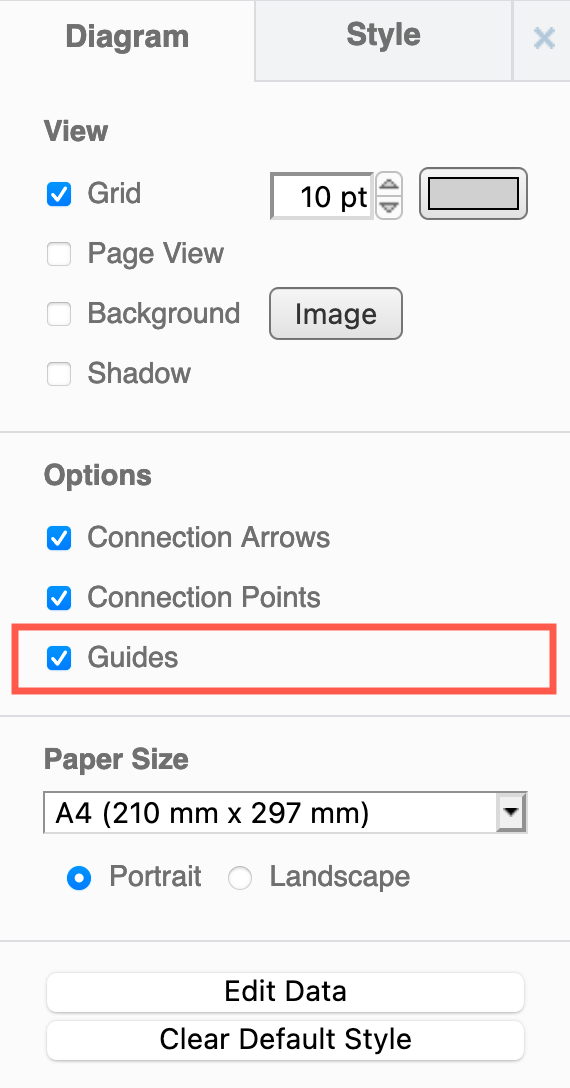
Hide or display guidelines when moving shapes
Guides are blue lines that appear when you are moving a shape or group of shapes. Use them to help you line up a shape with other shapes that are on the drawing canvas. They are enabled by default.
When you are arranging several shapes horizontally or vertically, additional guidelines will appear to help you space them evenly.
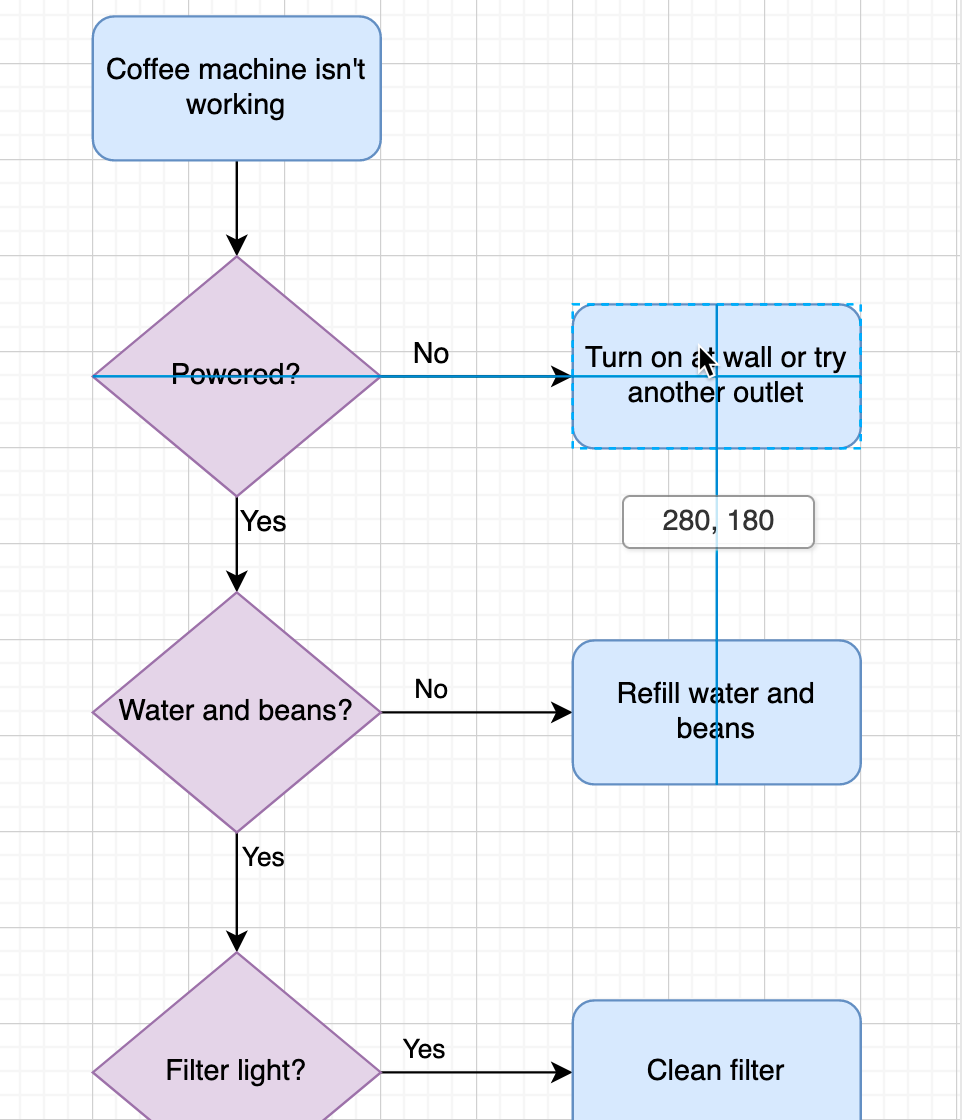
From version 32.3.1 onwards, a guide also appears when you drag a waypoint, an unattached end of a connector, or a new connector, and a segment will snap to a 45 degree angle. Learn more about 45 degree connector segments.
- Make sure nothing is selected in your diagram so you can see the Diagram tab in the format panel.
- Click on the Guides checkbox to enable or disable these guidelines.